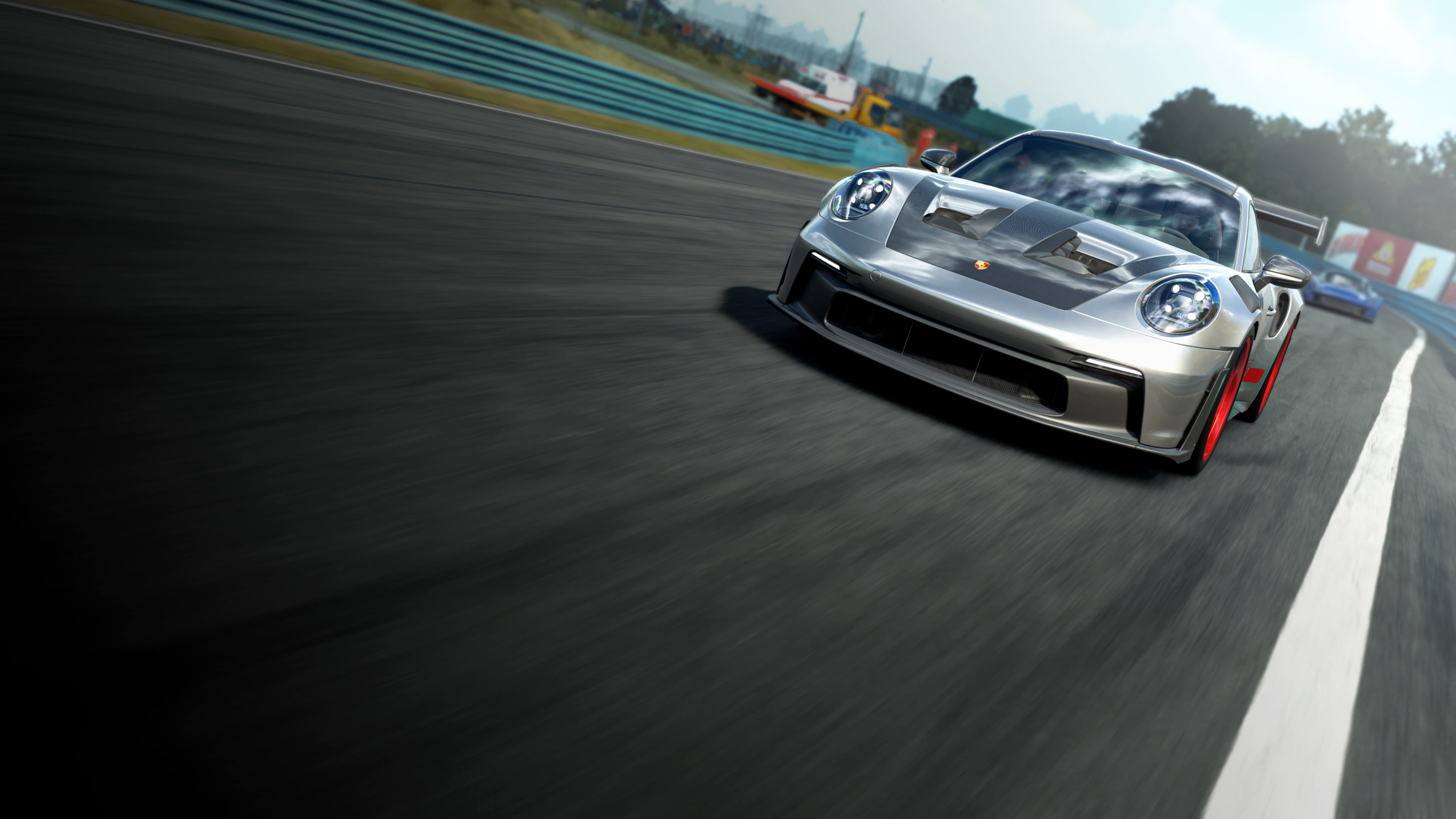

A much awaited photo mode for a genuinely good looking sim, but one that arrives with real range held back by frustrating, mouse-only controls and a few notable gaps.
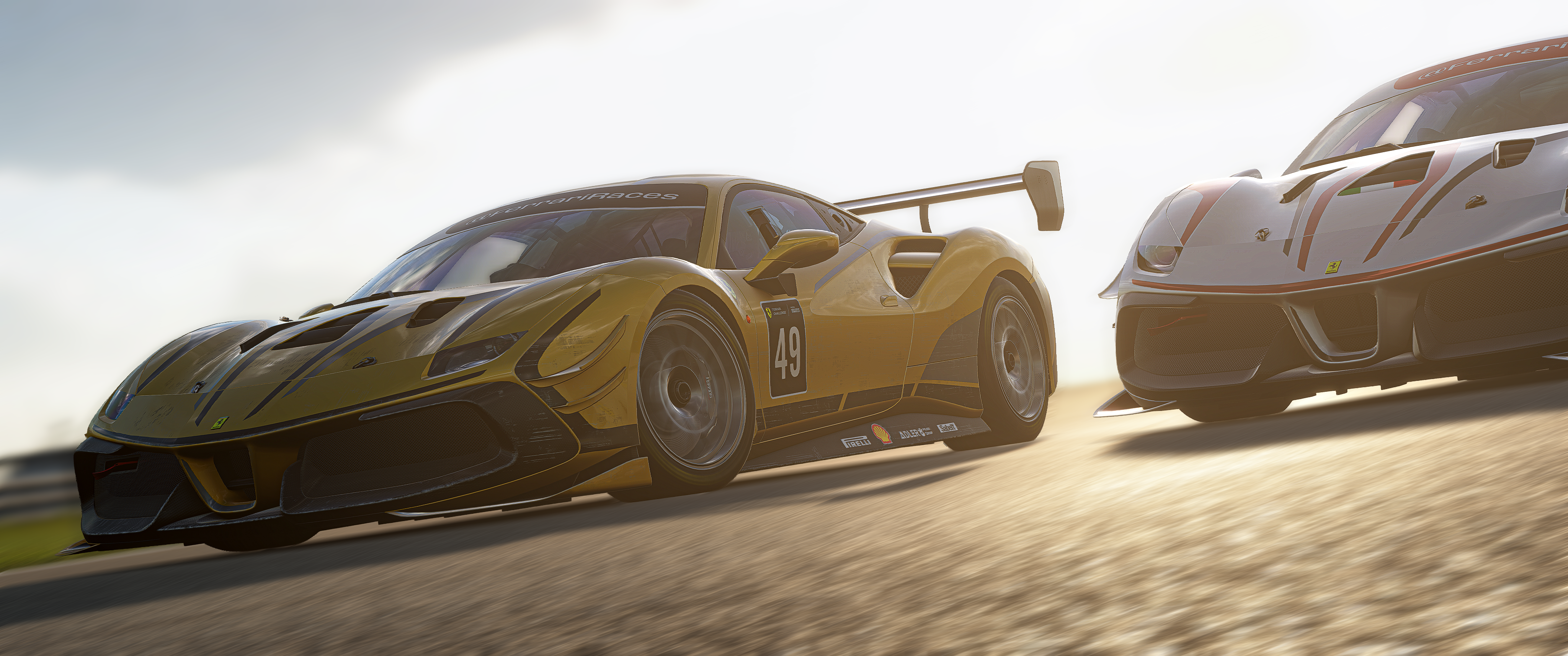
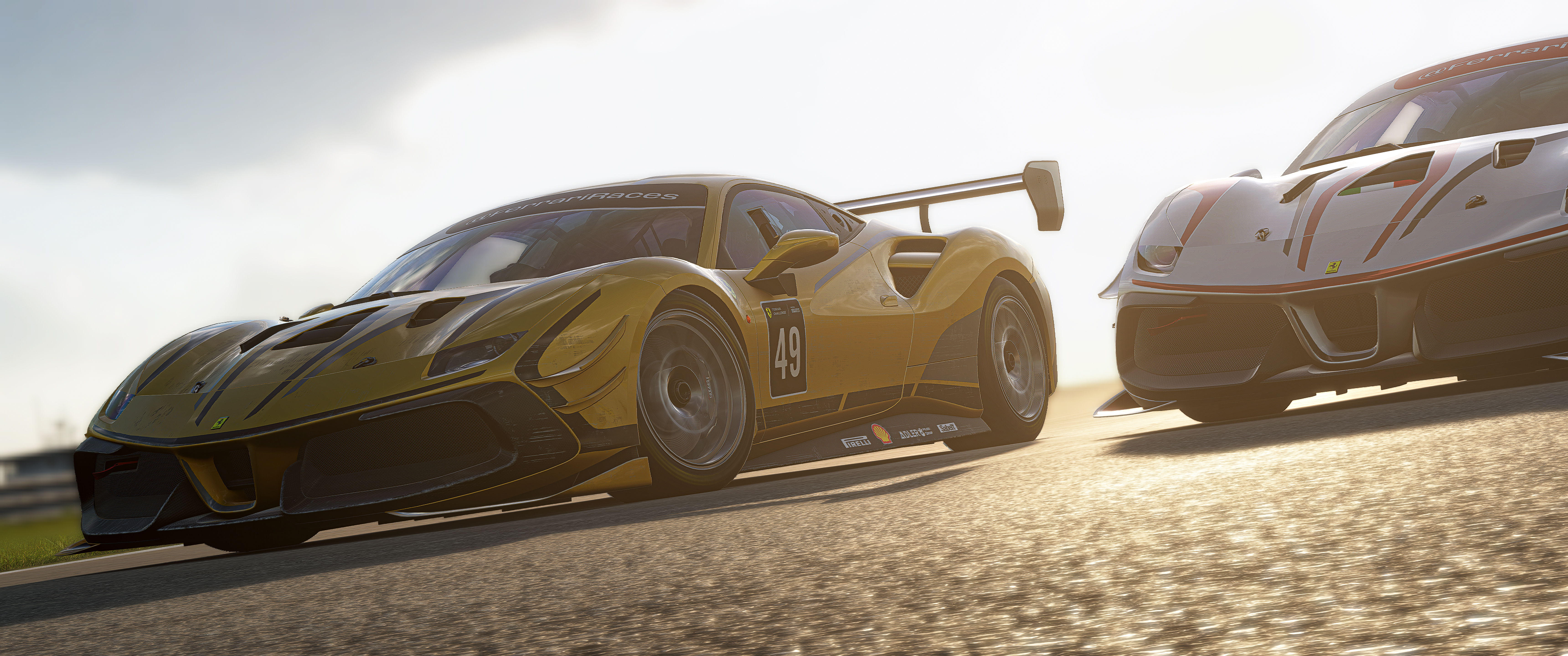
Assetto Corsa EVO is a genuinely beautiful racing sim, built around what Kunos Simulazioni describes as an all-new graphics engine, laser-scanned tracks, and dynamic weather, all aimed at an immersive, true-to-life driving experience. It holds its own against the best-looking racing games out there and is striking enough that you will want to stop and capture it. The Free Camera toolset, however, is overall very basic, and it does not quite match the quality of the world it is photographing.
Getting In
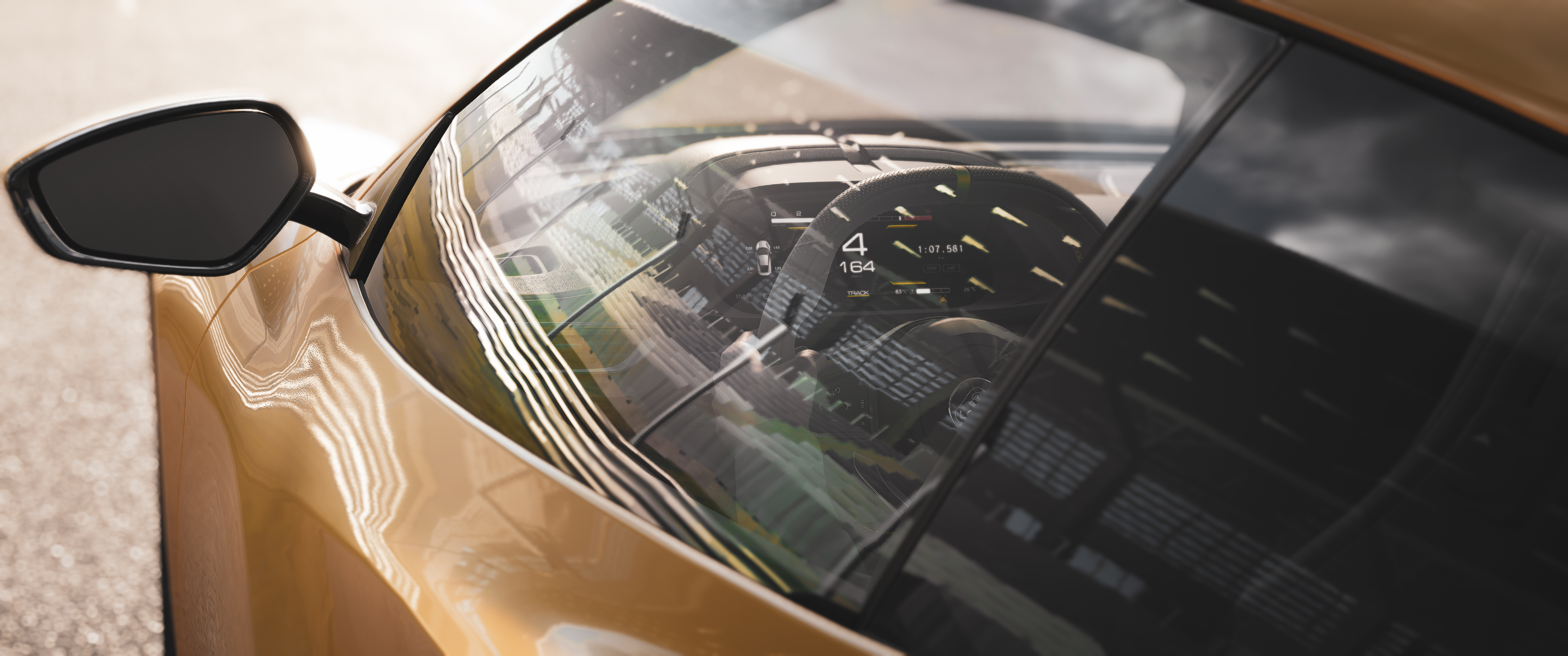
There is no dedicated photo mode menu while driving. To access the Free Camera, you need to enter a replay first and press F7. From there, the Free Camera Settings panel opens with the full toolset.
One tip before you start: hide the on-screen menu while you are actively moving the camera around. Leaving it open while you nudge sliders and reposition the shot can cause the replay to skip frames, which makes fine positioning harder than it needs to be.
What Each Setting Actually Does
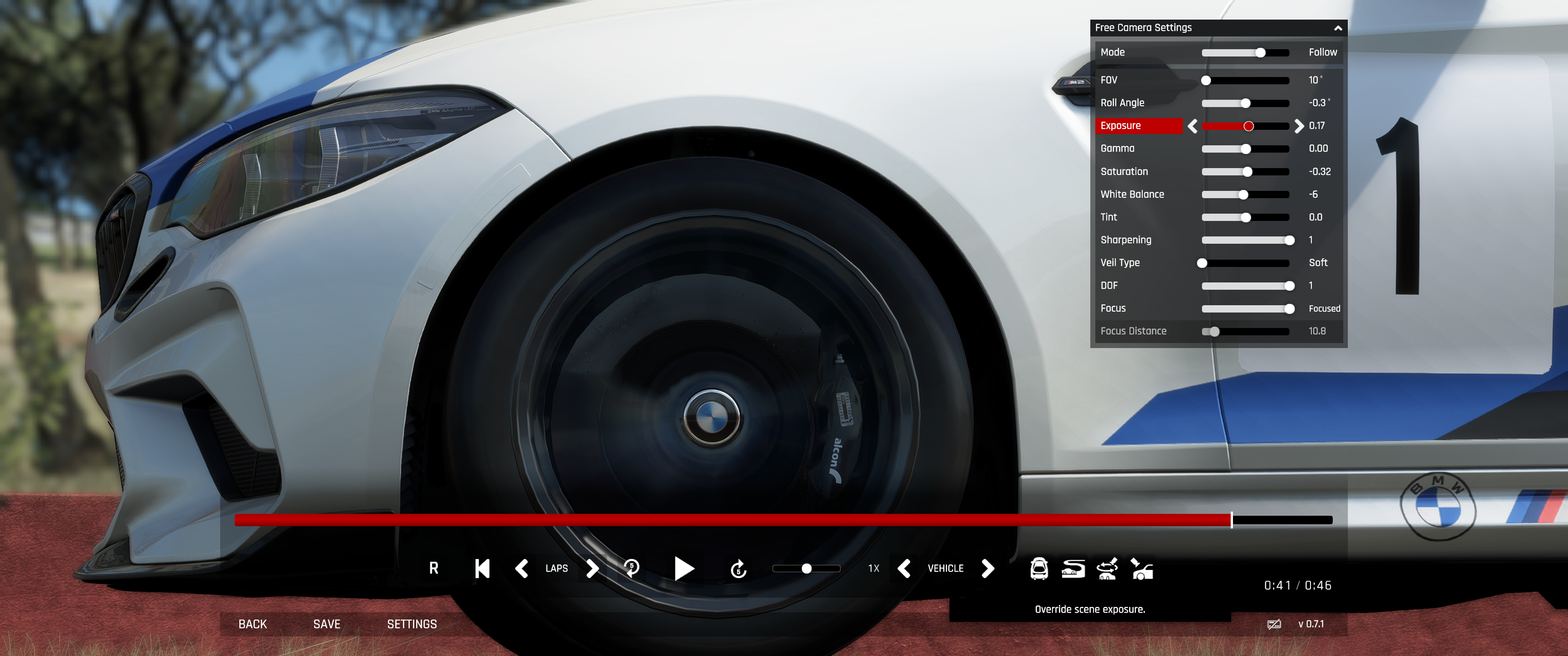
The Free Camera panel packs in a fair amount, so here is a quick breakdown of what each control does:
Mode
Switches the camera between behaviours like Follow, which tracks your car automatically, and other car-relative options for how the camera tracks the scene.
FOV
Field of view. Lower values give a tighter, more telephoto look; higher values widen the shot, closer to a fish-eye lens.
Roll Angle
Tilts the camera on its axis for a Dutch angle effect. Useful in theory, though it can feel imprecise in practice, more on that below.
Exposure
Brightens or darkens the overall scene, independent of the in-game lighting conditions.
Gamma
Adjusts the midtone brightness curve of the image, affecting contrast without blowing out highlights or crushing shadows.
Saturation
Controls how vivid or muted the colours in the shot appear.
White Balance
Shifts the colour temperature of the scene warmer or cooler.
Tint
Fine-tunes the colour balance along the green-magenta axis, working alongside White Balance.
Sharpening
Increases edge definition and perceived detail in the final image.
Veil Type
A lens veil or haze effect, with options like Soft, adding atmosphere around bright light sources.
DOF
Depth of field strength, controlling how much the background blurs relative to your focus point.
Focus
Sets the focus behaviour, such as Focused, determining how the camera locks onto a subject.
Focus Distance
The actual distance at which the camera is focused, used together with DOF to control where the blur begins.
Controls Are the Biggest Problem
This is where things fall apart, and it is worth being explicit about it: there is no controller support for the Free Camera. You are forced onto mouse and keyboard. Even if you try to push through with a controller, every slider only moves one increment at a time, painfully slow, so quickly dialling in a setting is not realistic without switching to mouse input.
The Roll Angle slider in particular feels unreliable. Trying to nail a clean vertical 90 degree angle is more guesswork than precision, and you will find yourself fighting the slider rather than composing the shot you actually want.
Depth of Field and Motion Blur
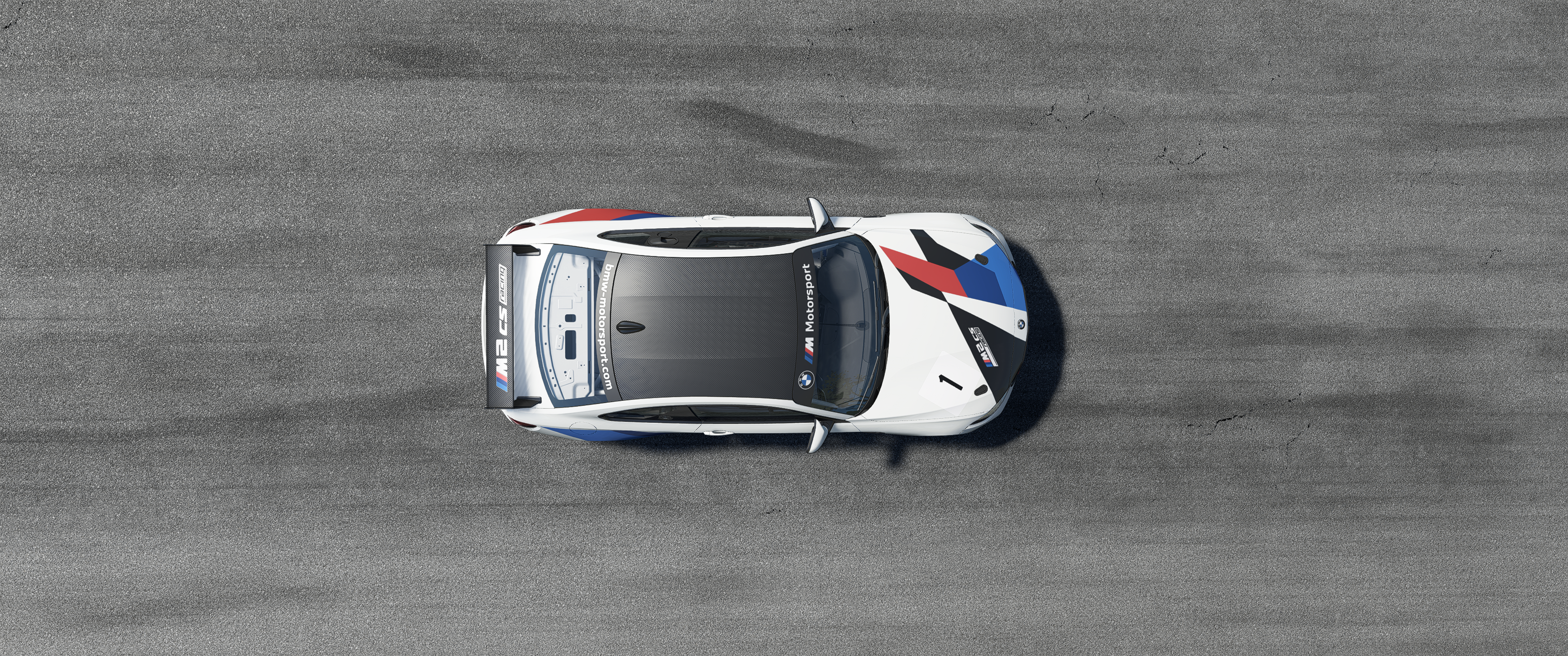
The DOF effect is present but does not look great, and the lack of precision compared to other sim racers is a real letdown. Assetto Corsa Competizione, the previous title in the series, sits in a similar place, its Depth of Field menu offers separate controls for transition and focus area alongside an aperture setting, but the resulting effect is comparably soft. EVO has not really moved the needle here yet, it is more of a sideways step than a generational leap.
Motion blur is more interesting than it first appears, though it comes with a significant caveat. There is no shutter speed slider in the Free Camera panel, so the conventional controlled approach is not available. However, if you max out the game's motion blur settings in the video options and then shoot with a camera speed of around 1/125 in replay, you can capture real, genuine motion blur in your shot. The result can look convincing and adds a real sense of speed to a composition.
The catch is that this is fundamentally different from what Forza Horizon or GT7 offer with proper shutter speed control. In those games, you can freeze the car in the composition and apply blur as a deliberate creative choice. In EVO, the car is actually moving when you capture the shot. You are not composing a frozen moment with blur applied to it, you are capturing motion itself. That distinction matters for photographers who want precise control over the final image, and it is worth knowing before you invest time chasing the technique.
Watch your car. There's no way to remove damage once it's been applied in replay or Free Camera, so a single off-track moment can ruin your shot for the rest of the session.
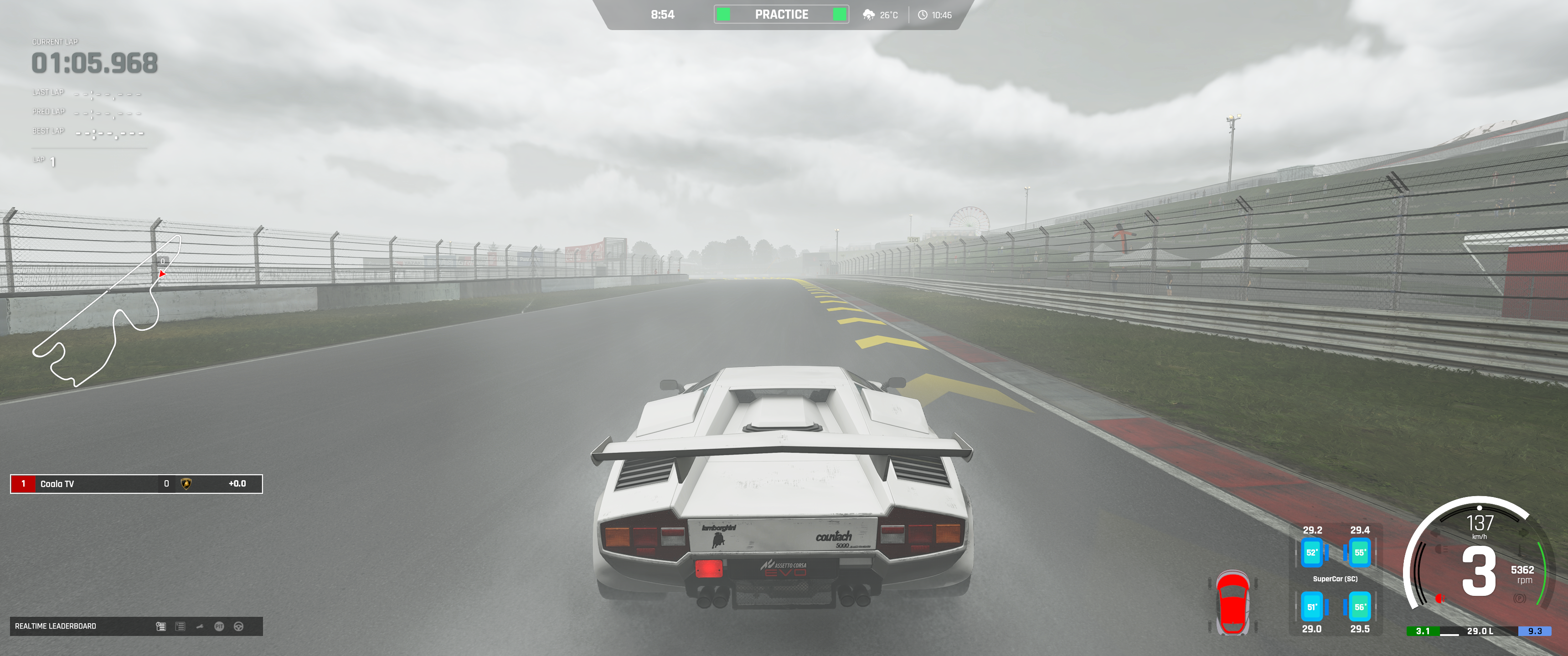
No Control Over Time of Day or Weather
Assetto Corsa EVO offers a genuinely good variety of conditions at the start of a session, different times of day and a range of weather effects that can make for some striking screenshots. The catch is that none of it is adjustable from inside photo mode. Whatever time of day and weather you started the session with is what you are locked into for the entire replay. If you wanted golden hour and you raced at midday, you are out of luck until your next session.
Where It Surprises You
Despite the frustration of working without controller support, the actual range of the Free Camera is genuinely impressive. You can switch between multiple camera modes, including Follow, change which car you are tracking entirely, use a Look At mode to keep a fixed point in frame, and an Orbit mode for circling a subject.
Orbit is the one exception worth flagging. When switching into it, rotation did not seem to respond at all during testing, it is unclear whether this is a bug or a control quirk specific to that mode, but it is worth knowing going in so you are not left wondering what you are doing wrong.
An Early Access Toolset
To be fair, Assetto Corsa EVO is still in Early Access, and the photo mode reflects that. Overall it is an okay experience to start capturing photos, but the frustrating controls keep it from being genuinely enjoyable to use for any length of time.
It will be interesting to see how Kunos Simulazioni evolves this photo mode as development continues. The range of camera modes already on offer shows there is a solid foundation here, it just needs the control scheme and precision tools to catch up.
Verdict
A wide-ranging toolset, undermined by frustrating controls.
Assetto Corsa EVO's Free Camera covers more ground than it first appears, FOV, roll, exposure, DOF, focus, and a genuinely impressive set of camera modes are all there. But the execution holds it back. Forcing mouse and keyboard for any precise adjustment, an unreliable roll slider, a soft DOF effect on par with its own predecessor rather than a step forward, no control over time of day or weather once you are in replay, and an Orbit mode that did not seem to function all add up to a toolset that needs more polish.
As the game moves toward its 1.0 release, hopefully the photo mode gets the same attention — because Assetto Corsa EVO has everything it needs to set the bar as high as any other racing sim out there.
Reviewed on PC. Assetto Corsa EVO is currently in Early Access.
Enjoying our content?
Support the PMAs on Patreon and help us keep going