Reviewed on PC using a pre-release demo. Features may change before final release.
Funselektor's upcoming off-road exploration game brings a surprisingly deep photo mode to its demo — stunning weather control, full car customisation, and a composition system with no limits. Here's our hands-on verdict.
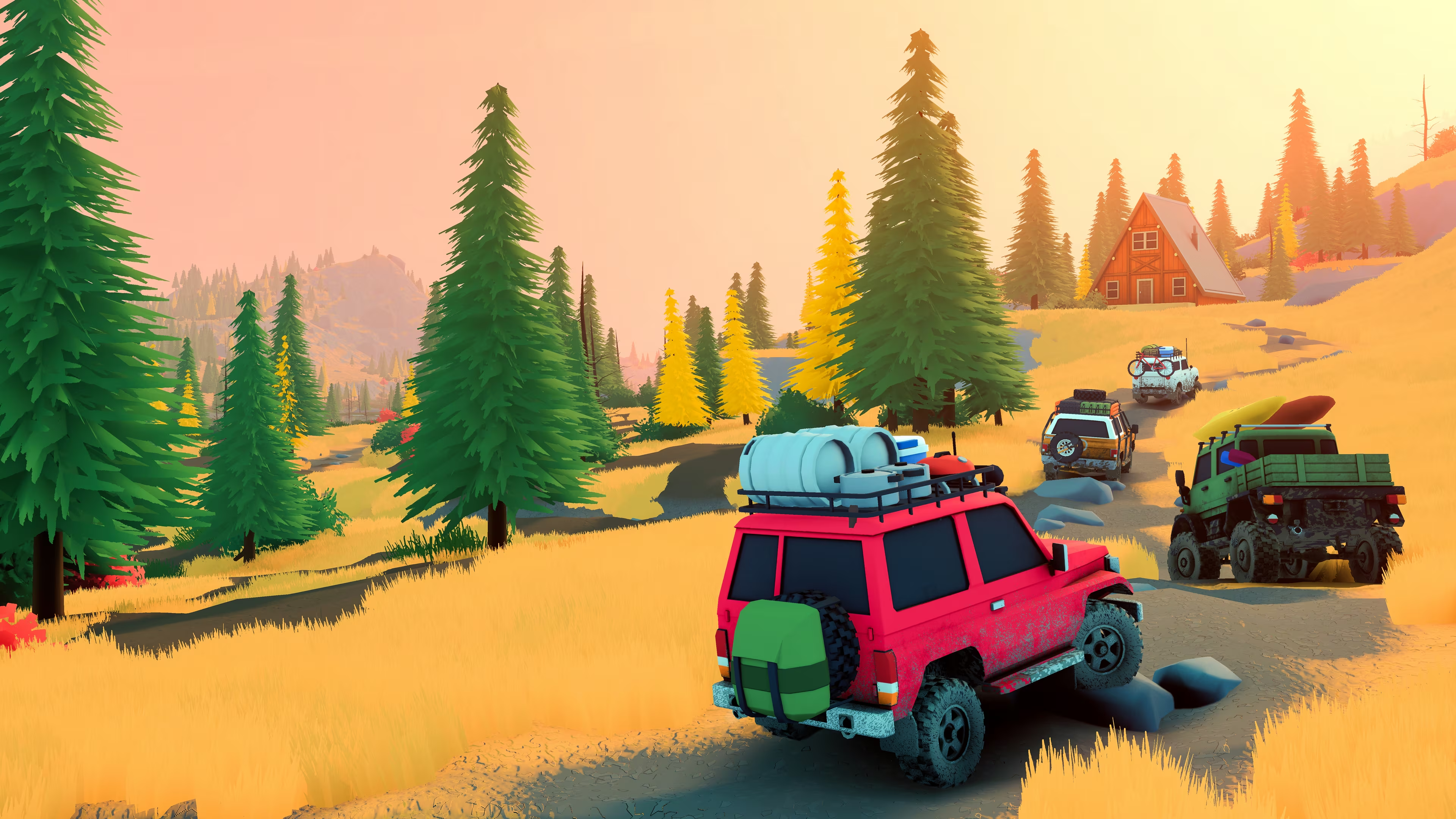
From the studio behind Art of Rally and Absolute Drift, Funselektor Labs is taking things off the beaten track — quite literally. Over the Hill is a free-roaming, open-world off-road exploration game coming to PC, PlayStation 5 and Xbox Series X|S, developed alongside Strelka Games. Rather than chasing lap times or podiums, you're invited to lose yourself in vast wilderness areas inspired by real-world locations, driving iconic vehicles from the 1960s through to the 1980s at your own pace. Ramble through valleys, crawl up steep mountain passes, navigate biomes that shift with dynamic weather and day-night cycles, and stumble across hidden portals to new areas. As Funselektor founder Dune Casu describes it: "There's something special about being in the wilderness in the middle of nowhere, from the peace, the sounds of nature and less distraction from the civilised world." Over the Hill is that feeling, turned into a game.
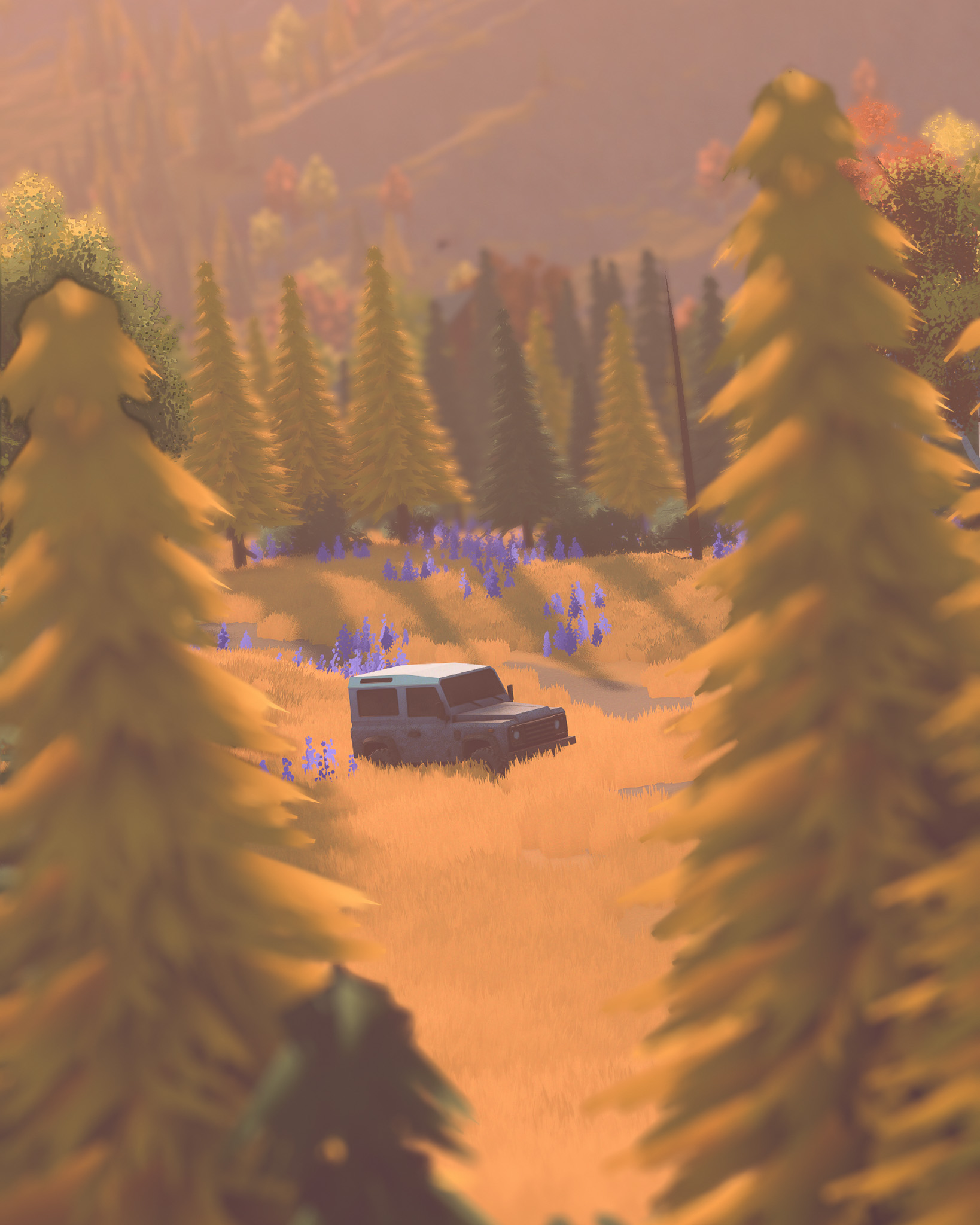
I played the demo solo — and it was an absolute blast. The minimalist art style, the dynamic lighting, and the unhurried rhythm of the whole thing just clicked. It's the kind of game that makes you slow down and actually look at the world around you. Which makes the inclusion of a photo mode feel less like a feature checkbox and more like a natural extension of the experience itself.
The photo mode is split across two tabs: Camera and Effects. It's a smart separation. Camera handles everything to do with optics and post-processing adjustments; Effects handles the world around you.
The photo mode is accessed via the pause menu — worth noting that the car can drift slightly when pausing, so timing your entry carefully gives you more control over your final position.
Starting with the Camera tab: the composition system is close to perfection. There are no movement limits — you can freely reposition the camera in any direction to build the exact shot you want. Full tilt is supported, full FOV control is there too. It's a genuinely unrestricted setup, which not every developer gets right. My one suggestion to Funselektor: add a degree readout on the tilt slider. As it stands, you can tilt the camera but you have no indication of when you've reached 90 degrees — a small addition that would meaningfully improve precision.
On the post-processing side of the Camera tab, the toolkit is strong. Depth of field is a highlight — it's not just a blur toggle. You get Autofocus, Focus Distance, and Aperture controls, giving you genuine control over where the lens is drawing the eye. Exposure, Contrast, Saturation, Temperature, Tint, Vignette, Bloom, and Lens Dirt round out the panel. A Preset system is also present with Camera Presets selectable at the top — a nice touch for quickly cycling between saved looks.
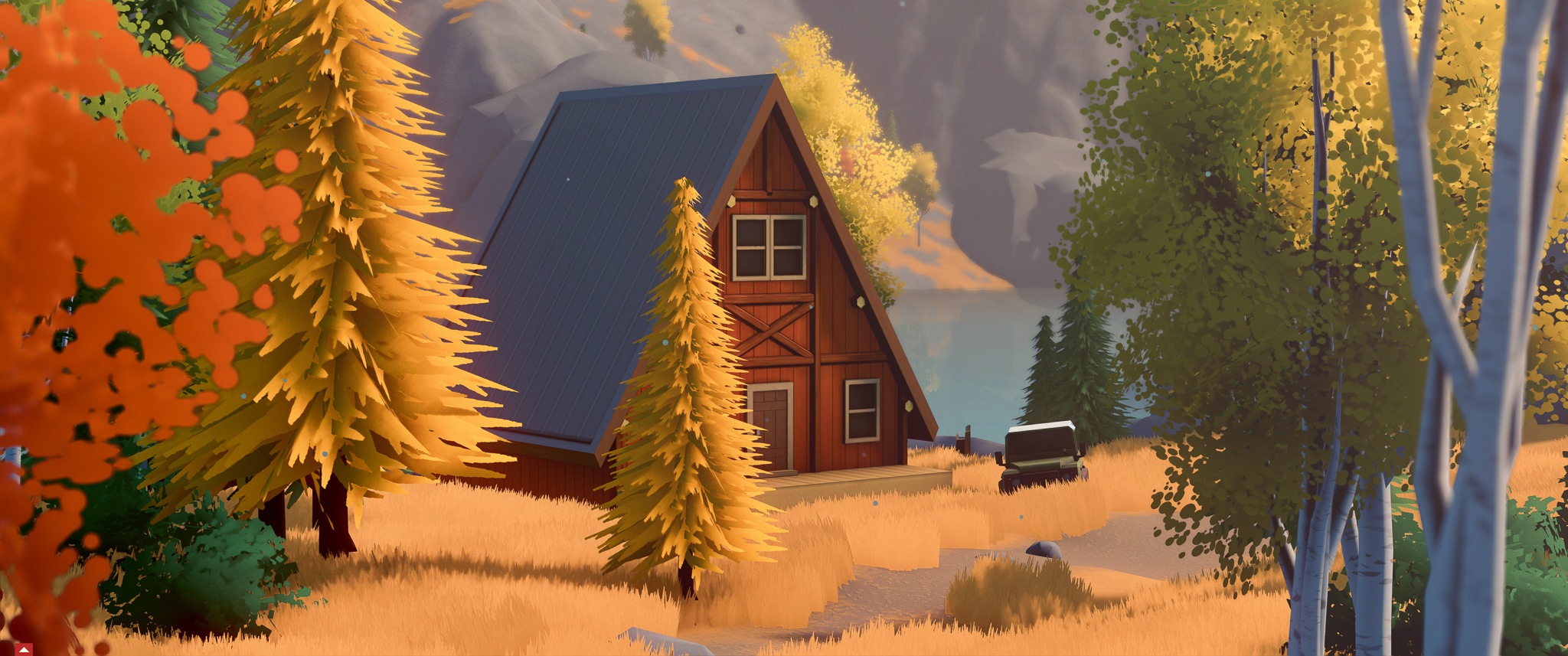
Parked up outside the cabins — the kind of unhurried moment Over the Hill is built around.
"This is where my mind blew away."
— CoalaTV on the Effects tab
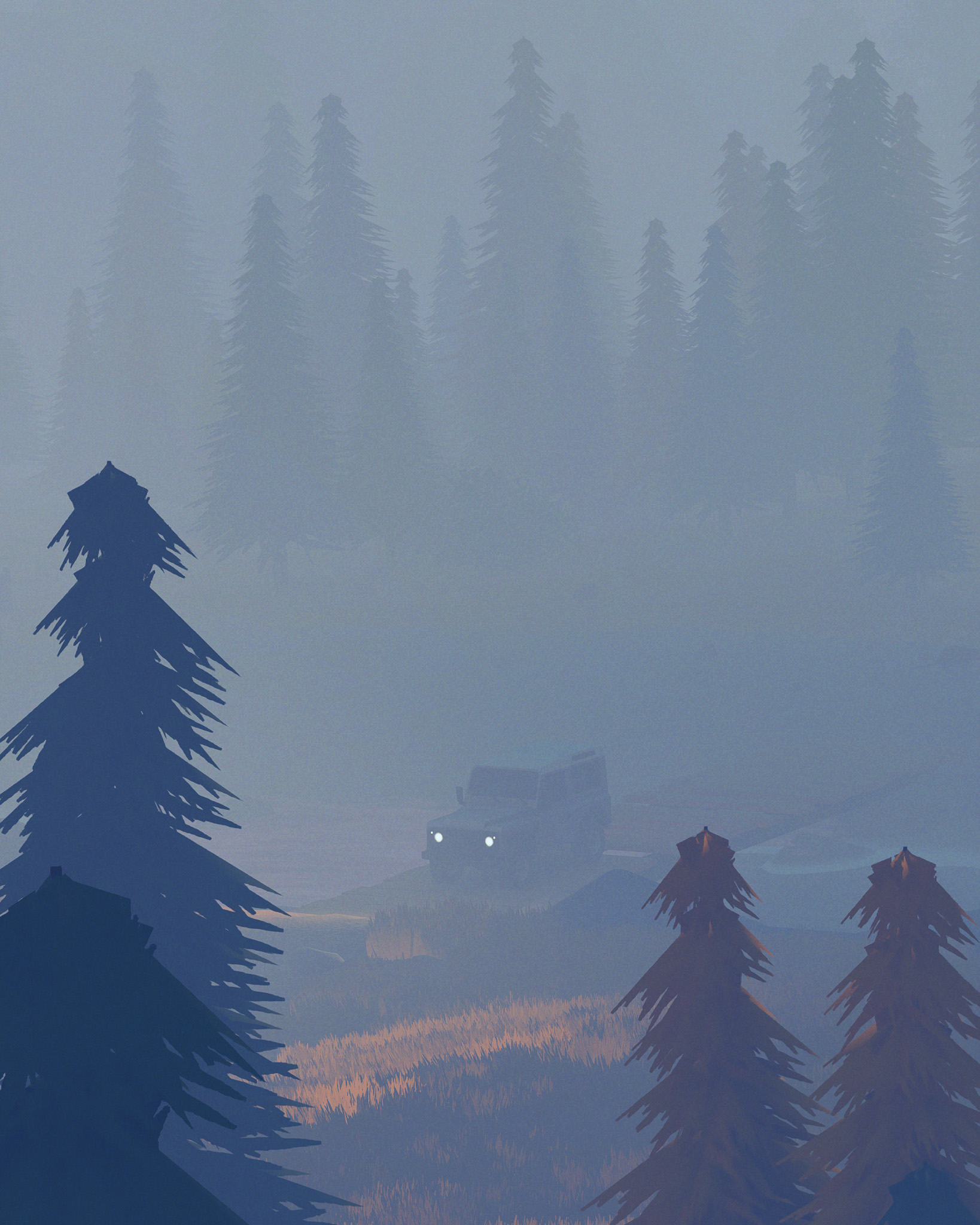
The Effects tab is where Over the Hill's photo mode earns its real credibility. The first thing you notice is Weather — not a simple clear/rain/storm toggle, but a full selector including Sand Storm and presumably other presets yet to be revealed. Critically, the weather doesn't pause when you enter photo mode. It keeps running. Time of Day is similarly impressive: a precise slider down to the minute (07:02, for example), giving you total control over the light quality, from the deep purples of pre-dawn to the warm golds of late afternoon.
Then there's the vehicle and environment customisation — and this is genuinely one of the most thoughtful features I've seen in a driving game photo mode. You can adjust Car Muddiness, Car Dustiness, Car Snowiness, Car Wetness, Car Raininess, and Car Sandiness independently, mixing multiple effects simultaneously. The same suite of controls applies to the Environment: Dust, Snow, Rain, and Sand can each be dialled in at any intensity. Want a light drizzle on a perfectly clean car at golden hour with dust swirling in the environment? You can build that exactly. Finally, a Headlights toggle and a Frame selector (with a Watermark and Grid system too) complete the panel. Each of these tools has been thought about, not just dropped in as an afterthought.
My Top 5 Wishlist for Over the Hill
Before we get to the verdict, here are five things I'd love to see added or refined before launch:
#1 — Degree Readout on Tilt and FOV
The composition system is as free as it gets, but the tilt slider has no readout — you have no indication of when you've hit 90 degrees. Same goes for FOV. Adding a simple degree value alongside each slider would meaningfully improve precision for anyone trying to replicate a specific angle or achieve a perfectly level horizon.
#2 — Per-Parameter Reset
Time of Day is one of the standout features of this photo mode, but because the slider is so precise, testing a different time and then returning to where you were is genuinely time consuming. A small Reset button next to each individual slider — not just a global Reset to Default — would solve this immediately. Essential for any parameter you're dialling in carefully.
#3 — Headlight Intensity and Bloom Control
The headlights toggle is a welcome addition, but on or off isn't always enough. Sometimes you want the look of headlights on the car without flooding the entire scene with light. Headlight intensity control, plus the ability to dial back the bloom from the lights themselves, would turn this feature from a toggle into a proper creative tool.
#4 — A Dedicated Photo Mode Shortcut
The current flow — pause the game, navigate to photo mode — means the car drifts slightly as you pause. For a game this focused on moment-to-moment atmosphere and discovery, a direct shortcut to photo mode would be a genuine quality-of-life upgrade. The game already has a camera used to capture wildlife and landscape moments. Building on that system for photo mode access would feel completely natural.
#5 — Motion Blur for the Wheels
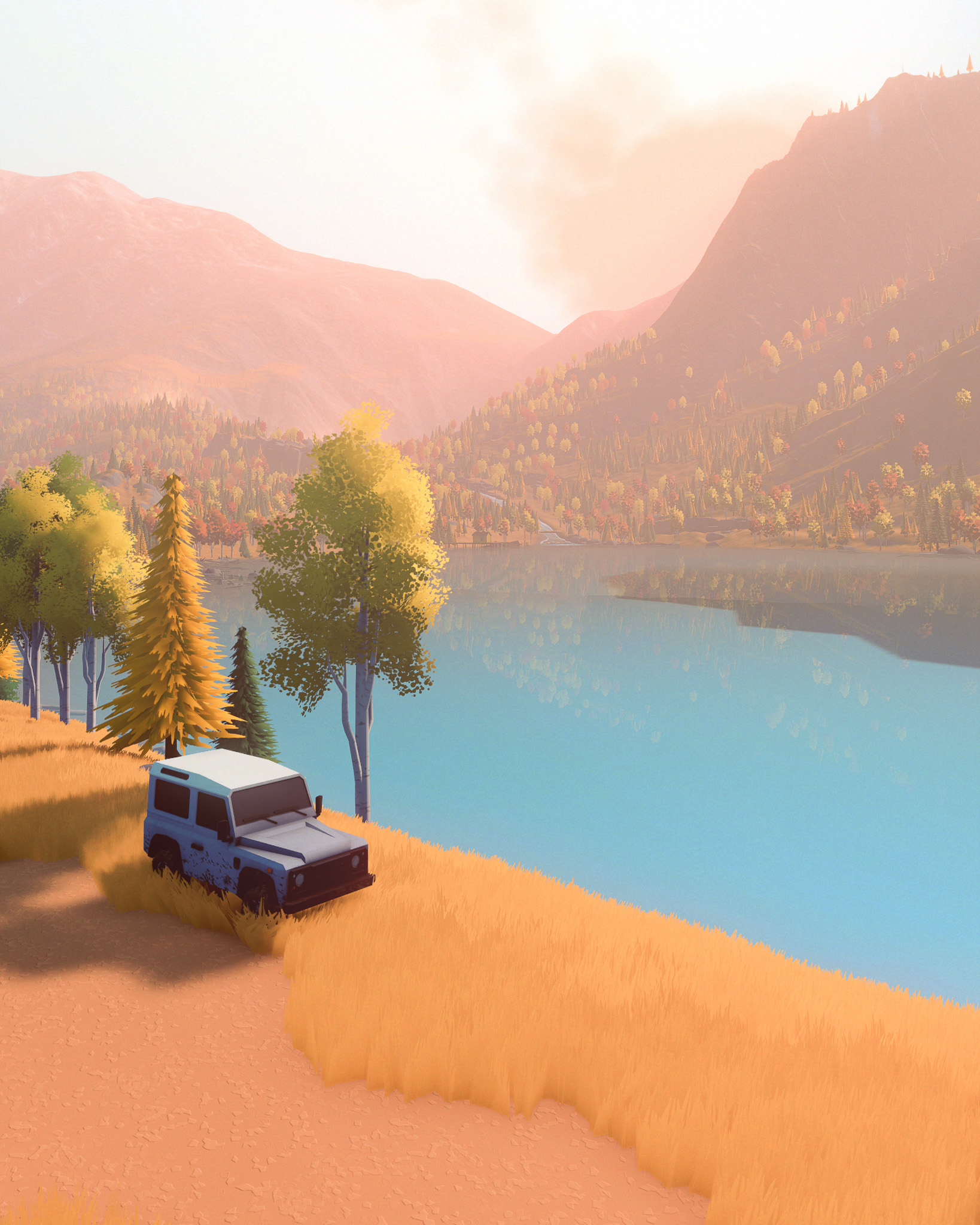
This is the one that breaks the illusion. No matter what you're doing — parked at golden hour, sitting by a lake, nestled in front of a cabin — the wheels look like they've been welded to the ground. A subtle rotation blur in photo mode would go a long way toward making every shot feel like a genuine moment in motion rather than a placed prop.
EXCELLENT
PMA Photo Mode ScoreEXCELLENT
Over the Hill's photo mode is a seriously impressive piece of work for a demo. The compositional freedom is there, the post-processing is deep, and the weather and vehicle customisation system is unlike anything I've seen in a game at this stage of development. It clearly wasn't an afterthought — it feels like Funselektor built the photo mode with the same care and attention they gave the game itself. We've added Over the Hill to our PMAs 2026 shortlist, and with a few tweaks before launch, this could be one of the finest photo modes in the indie space. The game is expected to release in 2026. Keep an eye on this one.
Enjoying our content?
Support the PMAs on Patreon and help us keep going