
Reviewed on PC. Review copy provided by Ubisoft.
Ubisoft Singapore rebuilt Black Flag into one of its best remakes in years, then handed it a photo mode that plays it painfully safe.
In this review
Assassin's Creed Black Flag Resynced is one of Ubisoft's best remakes in years. Its photo mode is where the ambition runs out.
CoalaTV
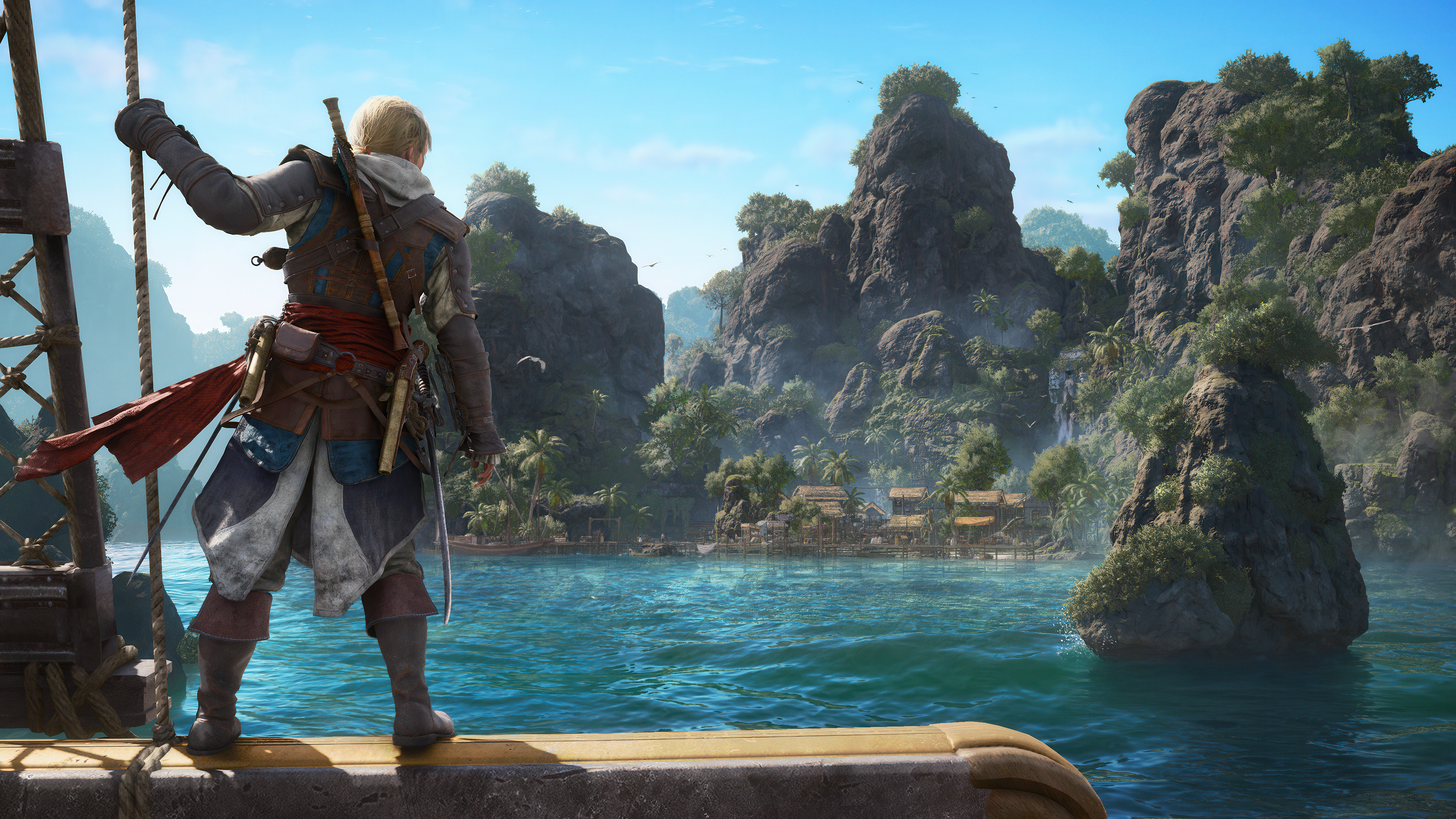
Black Flag has always held a particular place in this series. It was the game that made piracy feel like its own genre inside Assassin's Creed, and thirteen years later, Resynced makes a real case for why that adventure deserved the full remake treatment. Rebuilt from the ground up on the same generation of Anvil that powered Assassin's Creed Shadows, the Caribbean looks genuinely stunning here: ray-traced lighting, dense jungle, cities that no longer need a loading screen to enter. Ubisoft Singapore has not just polished this game. They've rebuilt it, and it shows in almost every frame.
Which is exactly why the photo mode feels like a missed opportunity.
The Expectation Shadows Set
Firstly, I'm genuinely thankful Ubisoft added a photo mode to Black Flag at all — the original never had these tools, at least not officially, without relying on PC mods. Photo modes should ship with a game from day one if a photo mode is planned at all; launch is when a game has the most eyes on it, and that's exactly when this kind of feature earns its keep. So credit where it's due: we have one to play with.
Assassin's Creed Shadows gave the series its first meaningful photo mode overhaul in years: better UX on core controls, a system that finally felt like it was designed rather than inherited. Walking into Resynced, the reasonable expectation was that its photo mode would carry that work forward, especially into a setting built for it. Open ocean, golden hour light on the water, dense colonial architecture. Historical realism has always been the foundation of this franchise, and the Caribbean is as strong an argument for that as any Assassin's Creed setting has produced.
Access remains excellent: L3 and R3 is still one of the best shortcuts in the genre, quick enough to catch action mid-combat or mid-sail without breaking flow. A new manual fullscreen toggle finally acknowledges widescreen and ultrawide monitors, even if it stops short of detecting the display automatically. Beyond that, the feature set largely carries the mode forward as-is, and in two specific areas, time of day control and character posing, both present in Shadows, it doesn't carry forward at all.
Composition: Familiar Limits, One Real Win
The composition tab is functionally the same tool it's been across the last several Assassin's Creed titles. Crane height is capped exactly where it always has been. Tilt tops out at the standard 90 degrees. Camera range is unchanged from prior entries, and that becomes noticeable the moment you try to photograph the Jackdaw. Backing off far enough to frame the full ship is inconsistent: sometimes the range allows it, sometimes it doesn't, without a clear pattern to it. For a remake this proud of its naval systems, more room here would go a long way, particularly given Shadows itself never solved this either.
The one clear improvement carries over directly from community feedback on Shadows: hold the tilt dial longer and it accelerates, a small UX change that makes fine composition noticeably less tedious. It's a good sign that Ubisoft is listening, and the kind of small, player-led touch worth seeing more of across the rest of the mode.
If you're trying to fit the whole Jackdaw in frame, keep her at full sail. The camera's range only seems to extend far enough to capture the full ship when Edward is moving at full speed. It's important to highlight that full speed isn't something you can hold in a storm, so a proper wide shot of the Jackdaw is effectively a calm-seas-only shot. Plan around the weather as much as the framing.
Depth of Field, and the Bugs Shadows Never Had
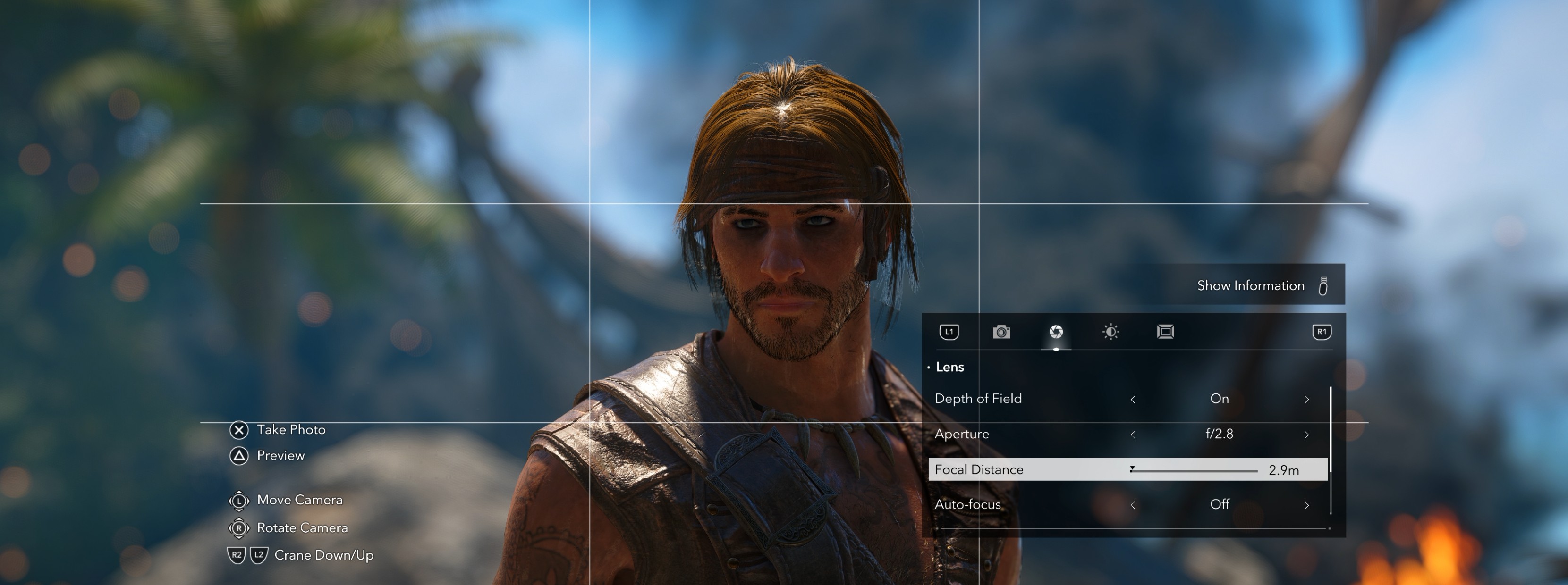
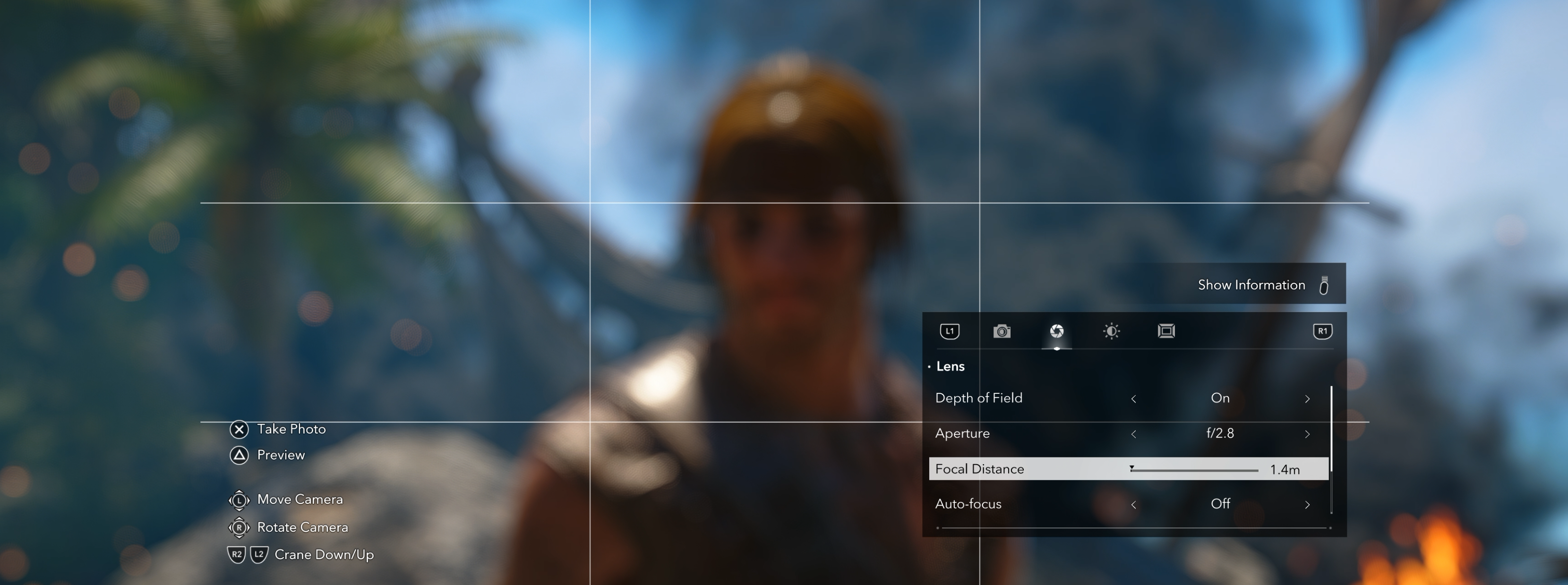
The depth-of-field effect itself is consistent with Shadows: same rendering approach, same general quality once it's actually working. That's worth saying plainly, because the more interesting problem isn't the blur. It's a pair of issues that Shadows simply doesn't have, both of which surface specifically when you open photo mode.
Floating Swords at Sync Points
Enter photo mode while Edward is sitting at a synchronisation point and his swords float, detached from his back, hovering in place rather than resting against his body. It's an obvious physics break the moment you see it, and it isn't limited to sync points: the same issue affects parkour sequences, since there's no way to holster the swords out of frame during a traversal shot. For a mode built around catching Edward mid-movement, that's a real problem for exactly the kind of shot the free camera is supposed to make possible.
Manual Control Still Holds Up
Manual DOF control is still present and appreciated: full f-stop and focus distance sliders, along with a working autofocus for anyone who doesn't want to hand-tune every shot. Focal distance can still overcorrect without warning in close-up framing, but that's a minor, familiar quirk rather than anything new to this entry.
Set an f-stop and a focus point and the near depth-of-field, the blur close to the focal plane, applies correctly. The far blur, everything behind the subject, sometimes doesn't apply at all, leaving a background that should be soft rendering fully sharp. It's a real bug, and there isn't a reliable fix for it. The only thing that seemed to help was continuing on with the mission; the issue would occasionally clear up on its own, and just as often come back later. That inconsistency, more than the bug itself, is what makes it frustrating to work around.
Filters: Present, Forgettable
The filters are there, they're just not worth spending much time on. Standard presets sit alongside the usual brightness, exposure, saturation, and contrast sliders in the aperture tab, and none of it stands out one way or the other. It does the job without doing anything memorable with it.
The frame tab is the more interesting of the two: standard borders and aspect ratios, plus a logo overlay tool with full rotation and scale control. Between the two, it's the one section of the mode that feels like someone tried to add something beyond the baseline.
None of this stops Resynced from being a genuinely striking game to photograph. The environments do plenty of the heavy lifting, and even a photo mode with real gaps produces excellent results in a world built this well.
Ubisoft, Be Bold
The photo mode landscape has moved on. Several developers are already well past what Ubisoft is currently offering, and a franchise built entirely around stopping to look at something beautiful deserves tools that match that idea. Here's what could make an Assassin's Creed photo mode genuinely unforgettable.
1. Unlimited Camera Range
The single biggest ask on this list. A photo mode built for a naval, rooftop-traversal game needs a camera that can pull back as far as the shot demands, full stop, not a soft cap that sometimes lets you frame the Jackdaw and sometimes doesn't. This should be the baseline Ubisoft builds every future photo mode around, not a stretch goal.
2. Time of Day and Weather Control
Taking full advantage of the game's dynamic weather system rather than locking a shot to whatever conditions happened to be active when photo mode opened. The tech already exists in the world simulation. Photo mode should be allowed to use it.
3. Character Position and Pose Control
The ability to adjust where the character stands and how they're posed. Shadows already proved Ubisoft can build this. Losing it here is the clearest sign the studio is coasting rather than pushing forward.
4. Environmental Interaction Controls
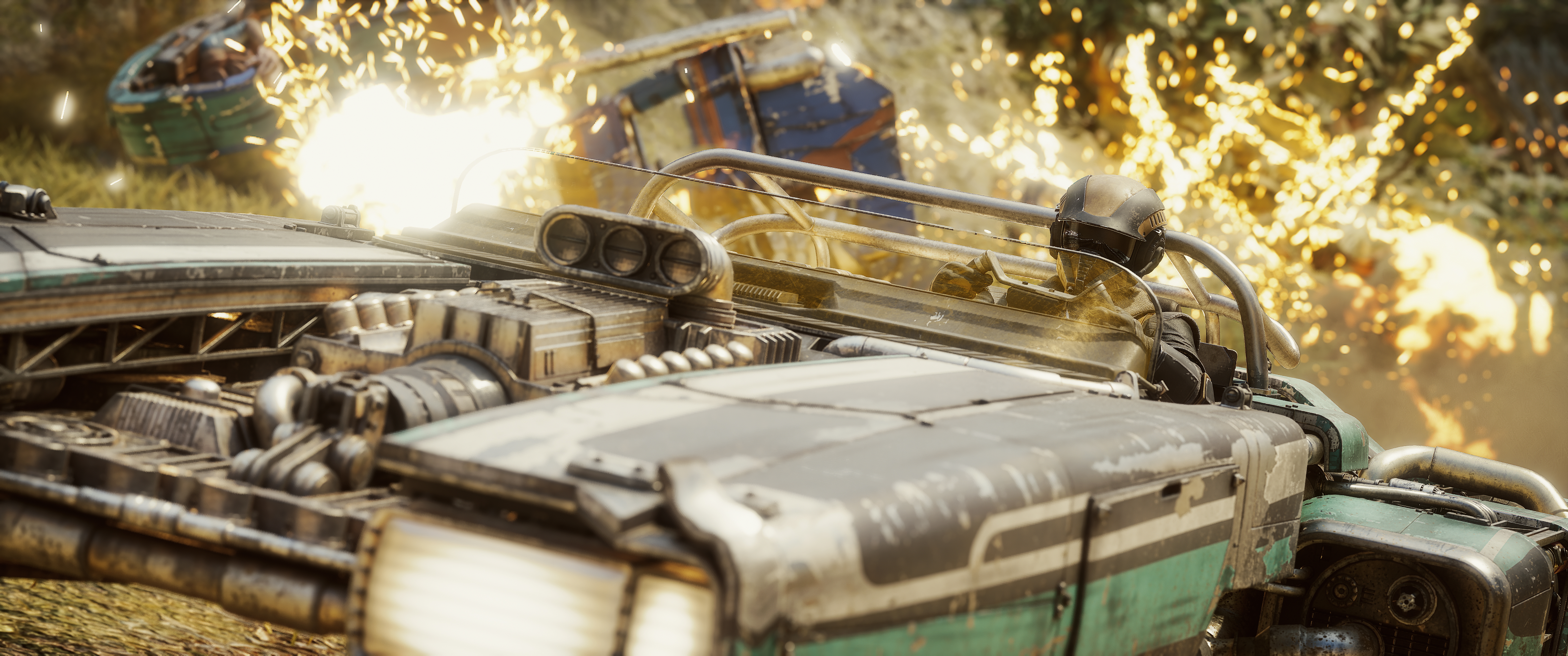
Far Cry 6 gestured at this. Ubisoft should build it properly and put it here: the ability to control the world itself even with the game frozen. Light every torch. Add fire in the background. Add fog or smoke. Add smoke from chimneys. Release birds from rooftops. This is how a static frame becomes a scene someone actually composed, not just a paused moment.
5. Population Density and NPC Type Controls
The ability to increase how many NPCs populate a scene, and control what kind. A bustling dockside market reads completely differently with three people in it versus thirty, and right now that choice isn't the photographer's to make.
6. Hood and Cloak Physics Control
Fine control over how Edward's hood and cloak fall in a given shot, rather than leaving it entirely to whatever the simulation settles on. A cinematic-looking cloak shouldn't be a matter of luck.
7. Upscaled Facial Animation and Lighting in Photo Mode
Photo mode completely changes what you notice. Instead of focusing on the gameplay, your attention shifts to the character in front of the camera. You start looking at facial details, skin, eyes, hair, expressions and animations, and that's where the difference between a good character model and a great one really stands out. It's also why photo mode deserves more than simply reusing the same presentation seen during gameplay.
Horizon Forbidden West is a great example of how much cinematic lighting can elevate a character. Aloy's face has a natural, film-like quality thanks to the combination of high-quality textures, realistic skin shading and carefully crafted lighting. Even during gameplay, the character looks like she's stepped straight out of a cinematic.
You can see a similar approach in Star Wars Outlaws. Ubisoft Massive paid close attention to facial materials and lighting, giving characters a much more cinematic appearance that really shines when composing close-up portraits. The result is a presentation that feels intentionally designed for photography, not just gameplay.
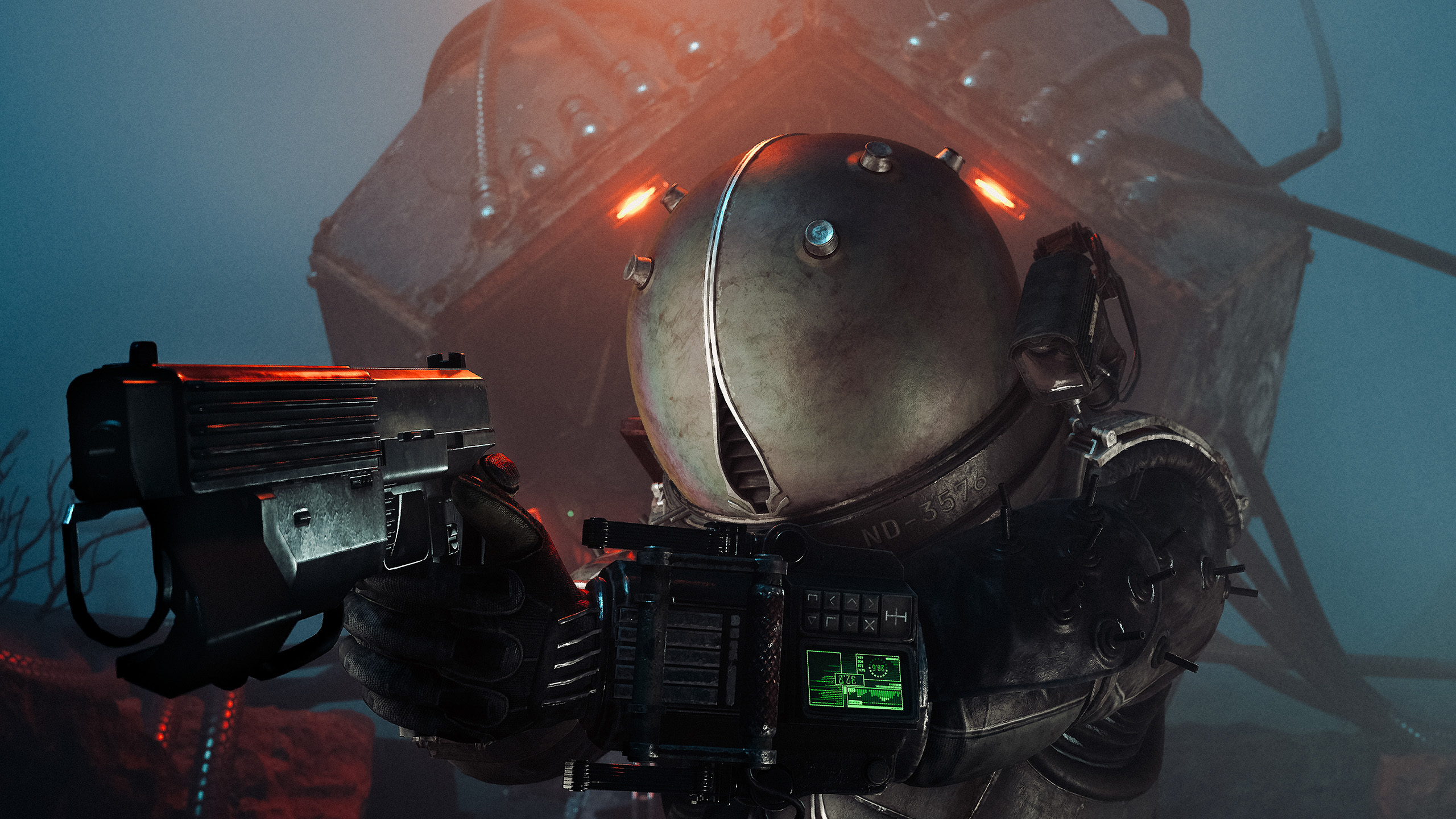
Capcom has arguably pushed things even further with Resident Evil Requiem. Every character model looks incredible in photo mode, with outstanding facial textures, lifelike skin, expressive animations and an incredible amount of detail. The closer you zoom in, the more impressive the models become, making portraits feel remarkably close to a pre-rendered cinematic.
This is an area where more studios could raise the standard. When players enter photo mode, characters should look their absolute best, with enhanced facial rendering, refined animations and lighting that complements portrait photography. Those are the details that make the difference between taking a screenshot and creating an image that genuinely feels cinematic.
Verdict
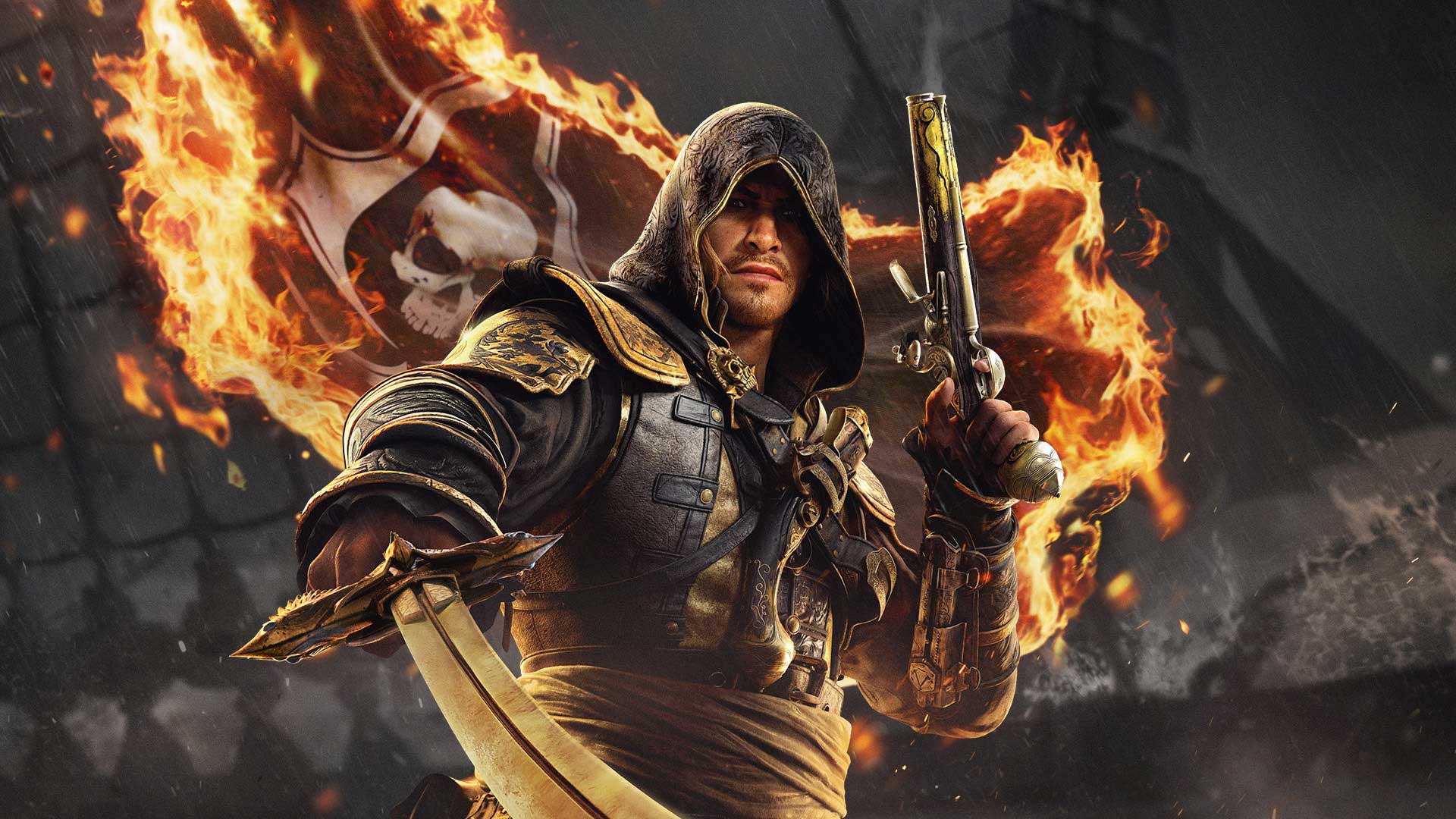
One of the best remakes Ubisoft has put out in years, wearing a photo mode that undersells it.
Start with what deserves the credit: Ubisoft Singapore has done tremendous work bringing Black Flag back. The Caribbean has never looked like this, the fidelity is a real generational leap, and coming back to this world thirteen years later feels like exactly the kind of remake the series needed. None of what follows takes anything away from that achievement.
Despite everything covered above, one thing hasn't changed: the Caribbean Ubisoft Singapore rebuilt is still one of the most striking worlds this series has ever handed a camera to. That's exactly why the photo mode's shortcomings sting a little more than they might elsewhere — the world deserves better tools than it's currently got.
At least it has one. That's not nothing, and it's a better starting point than several entries in this franchise have had. Shadows earned its post-launch photo mode updates, and there's every reason to hope Resynced follows the same path, because the Caribbean Ubisoft has built here is too good not to be captured properly.
Reviewed on PC. Review copy provided by Ubisoft.