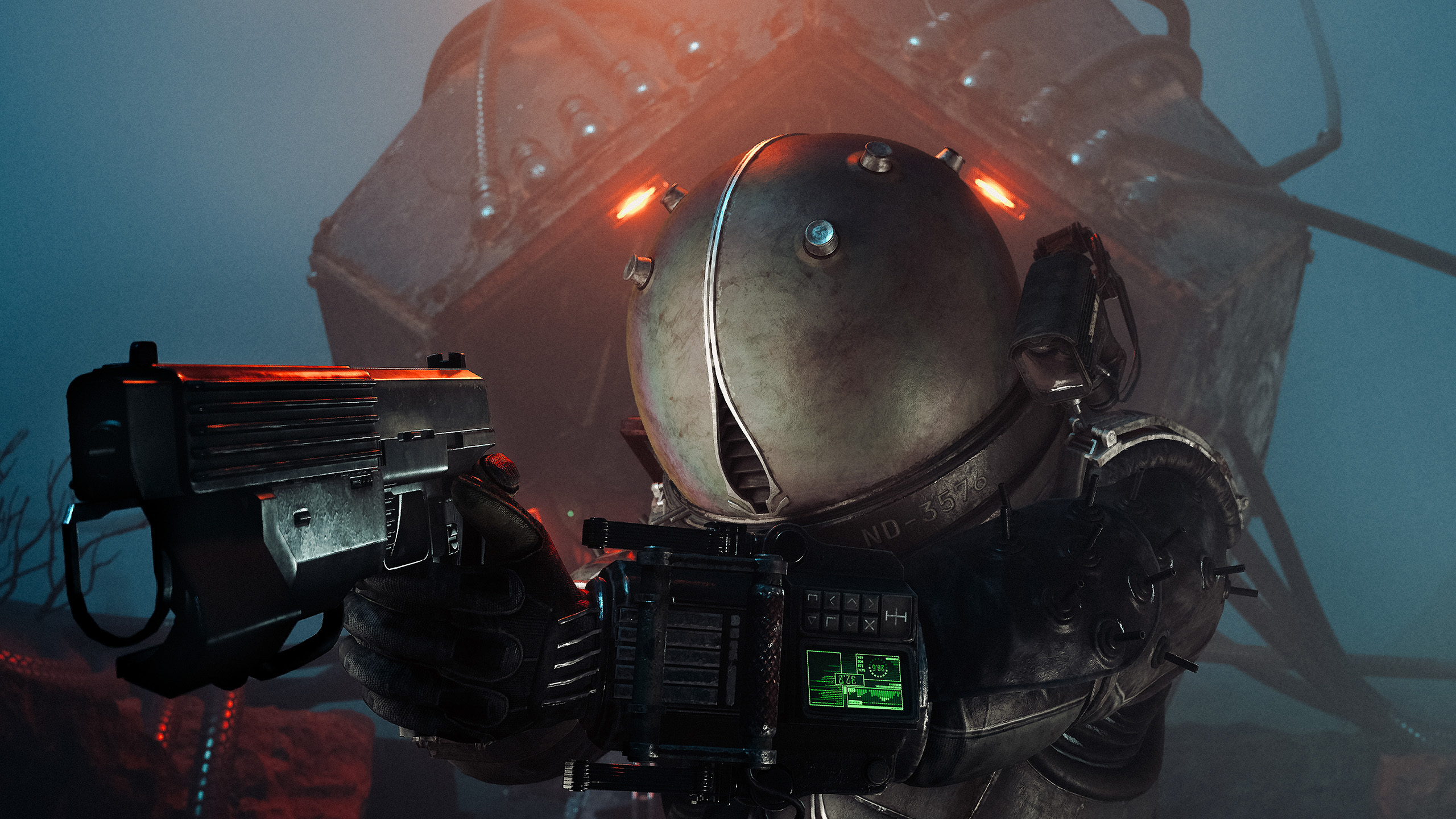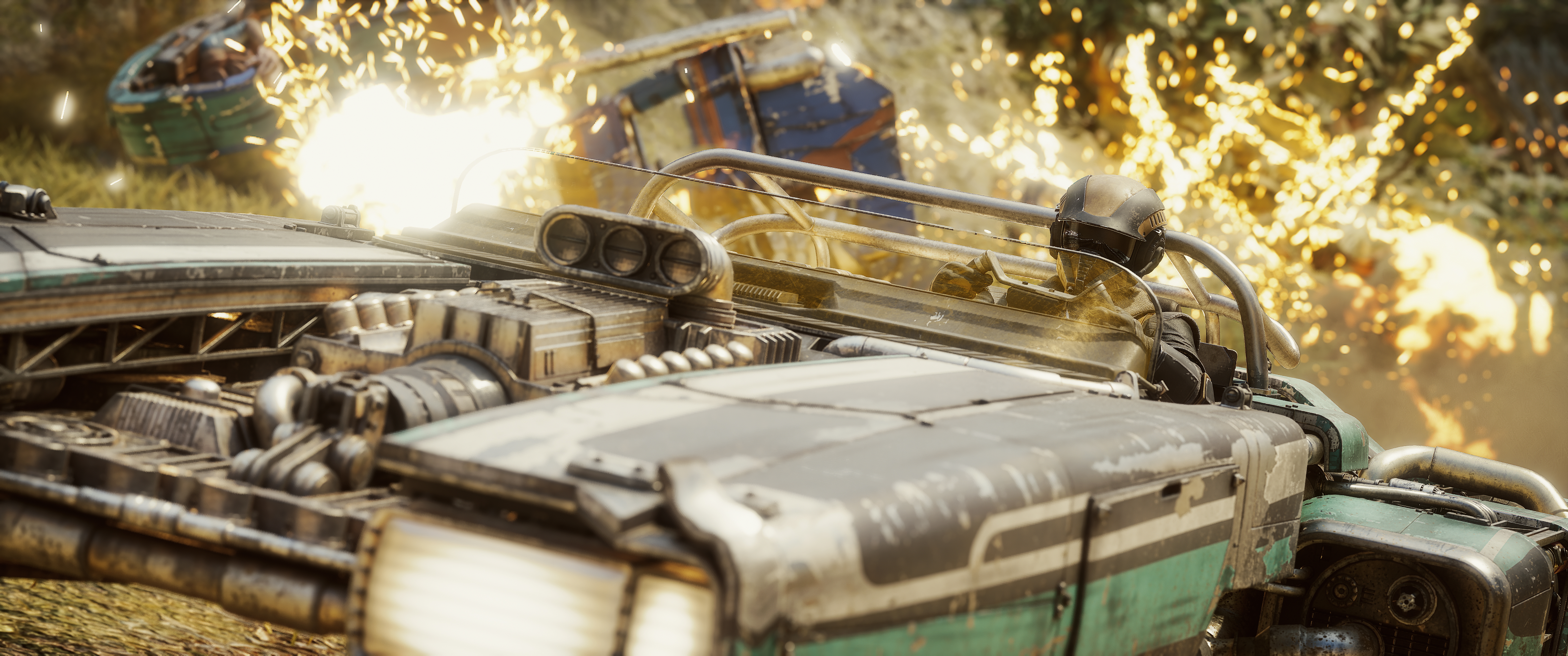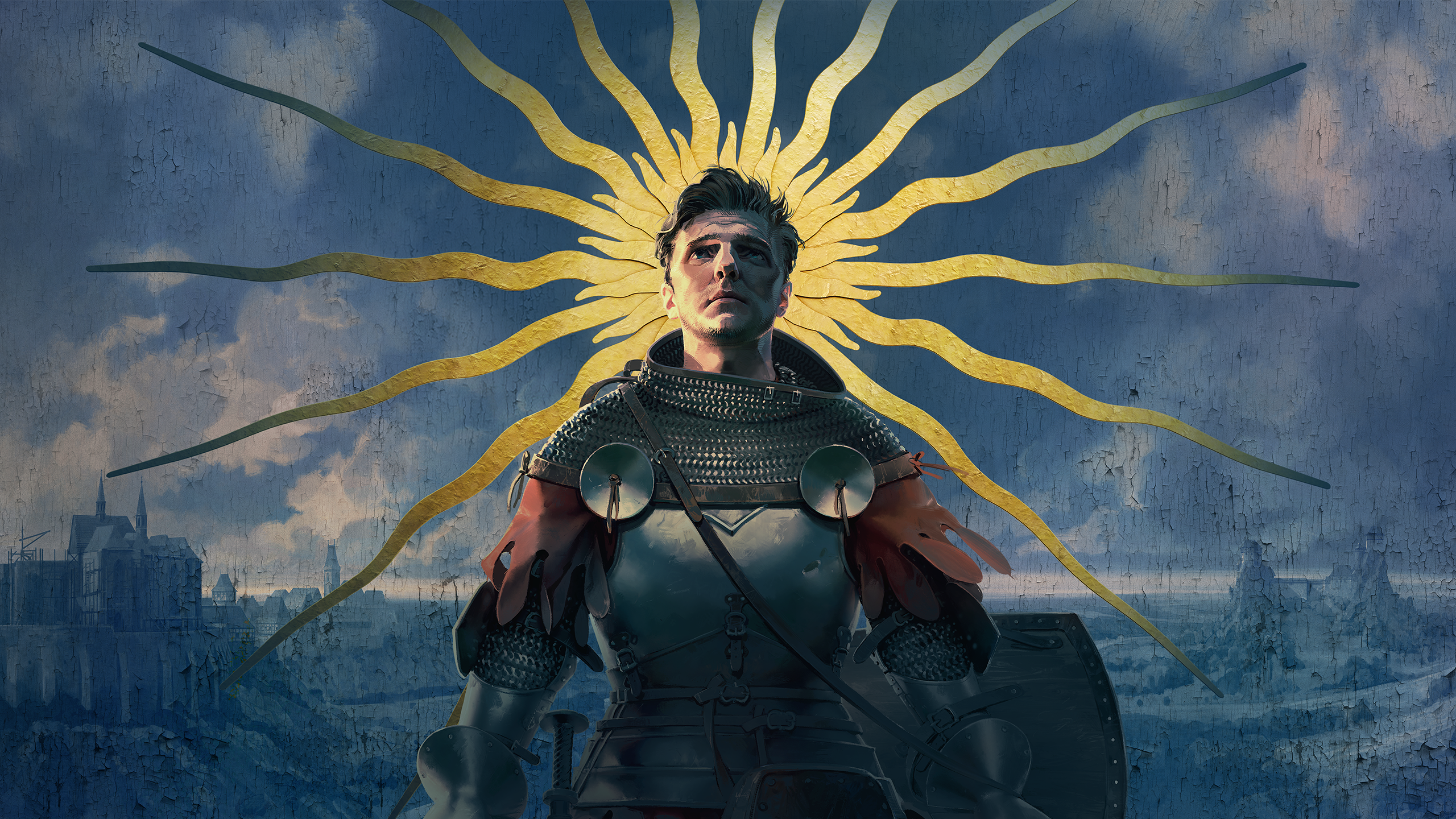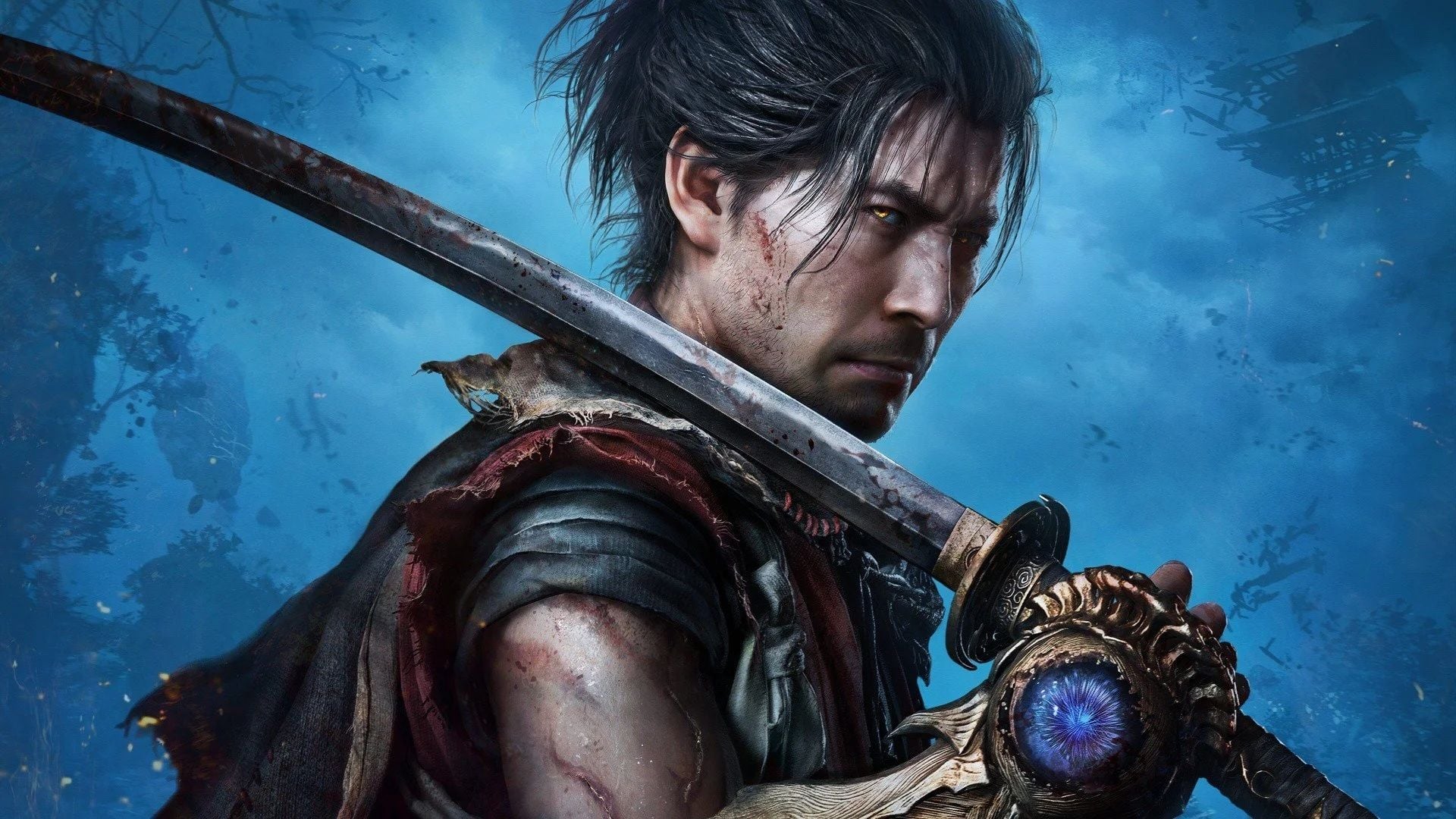
Capcom's long-awaited return delivers a world begging to be photographed. Does the photo mode do it justice?
In this review
In a game with such sweeping environmental storytelling, a range of only a few metres feels like a genuine missed opportunity.
KeenEyeVP
A World Built to Be Photographed
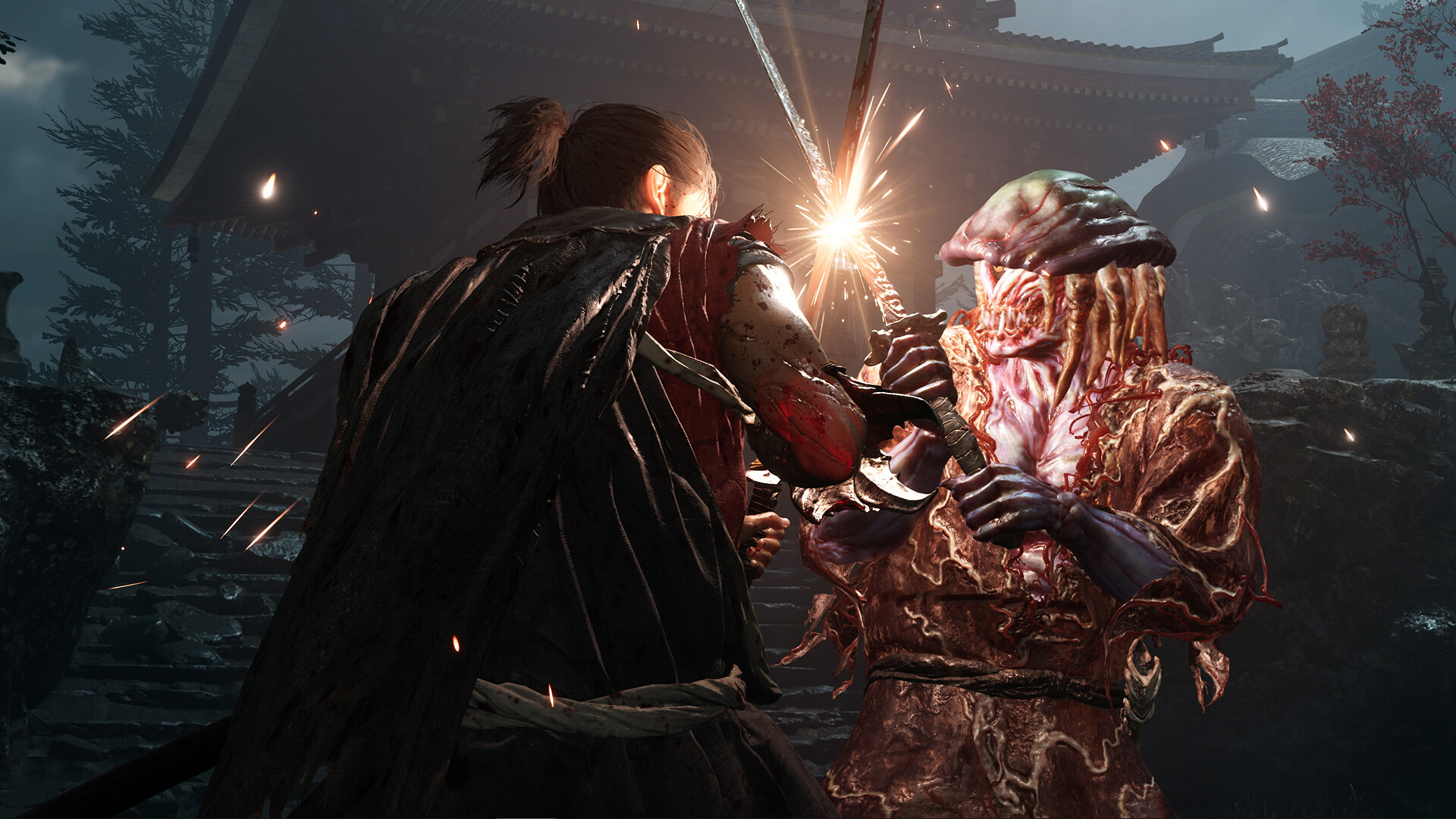
There's a particular kind of patience that Onimusha: Way of the Sword demands — the kind that belongs not to a warrior mid-combat, but to an artist mid-composition. Capcom's long-awaited return to the series delivers a world drenched in atmosphere: ink-washed skies, rain-slicked cobblestones, and the kind of torch-lit architecture that practically begs to be photographed. So when the pause menu surfaces a dedicated photo mode, it's reasonable to arrive with high expectations. The reality is a toolkit that gets plenty right and leaves a few obvious openings on the table.
Accessed cleanly through the pause menu — no deep-dive into settings required — the mode wastes no time getting you into a scene. And in a game this visually rich, that immediacy matters.
Camera Control
The headline feature is full 360-degree camera rotation, which proves genuinely useful in a game built around tightly choreographed architectural spaces and dramatic lighting. Whether you want to circle a fallen enemy and find the most flattering angle, or swing around to catch the moonlight hitting a temple roof from behind, the freedom is there and it works smoothly.
Composition aids come in the form of a standard 3x3 grid overlay and a centre-point marker — reliable classics that serve both newcomers and experienced photographers well. What's less forgiving is the camera's operational range: it extends only a few metres from the subject in any direction. In a game with such sweeping environmental storytelling, this feels like a genuine missed opportunity. Grand establishing shots — the kind that frame a lone samurai against a burning cityscape — simply aren't achievable within these constraints. You're working with intimate angles whether you want to or not.
Tilt control rounds out the movement options, capped at 90 degrees. It's enough for dramatic Dutch angles and adds a useful creative dimension without feeling overengineered.
Subject Visibility
One area where the mode shows real thoughtfulness is subject control. The player character, NPCs, and enemies can each be hidden independently, giving photographers granular control over scene composition. Want to capture the architecture of a burning village without a sword-wielding samurai cluttering the frame? Done. Prefer to remove civilians but keep your protagonist front and centre? Equally straightforward. It's a small but meaningful quality-of-life touch that speaks to an understanding of how players actually use these tools.
Filters and Post-Processing
The post-processing suite is where the mode stretches its legs most confidently. Twelve distinct filters are available, each paired with an individual strength slider — so rather than being locked into a preset aesthetic, you're nudging a watercolour wash or a high-contrast monochrome treatment until it sits exactly where you want it. For a game that already plays with stylised visuals, this layering of control is welcome.
The fundamentals are well covered: brightness, contrast, and saturation sliders give you clean tonal control, and the depth-of-field system is particularly well-implemented. Focal length and focal area can be set independently, while separate blur sliders for foreground and distant planes allow for precise control over bokeh and atmospheric depth. It's the kind of DOF toolkit that will satisfy players who know what they're doing with it.
Chromatic aberration and a vignette with its own strength slider round out the lens effects. Neither is groundbreaking on its own, but having both available and adjustable means you can dial in that filmic edge without it overpowering the image. Five frame options offer clean, bordered alternatives to the standard full-bleed shot — particularly useful for sharing. A logo sticker and copyright marker are available with fixed placement and limited positional adjustment. Functional, if not especially flexible.
Twelve filters, each with an individual strength slider. Rather than locked presets, you nudge a watercolour wash or a high-contrast monochrome treatment until it sits exactly where you want it.
Depth of Field
The depth-of-field system deserves its own mention. Focal length and focus area are set independently, and the separate blur sliders for foreground and distant planes give you precise control over exactly where the softness starts and where it ends. This is above-average implementation for an action game photo mode — most settle for a single blur strength slider and call it done. Capcom went further here, and it shows in the results.
Verdict
Onimusha: Way of the Sword — a photo mode that rewards patience and intimacy.
Onimusha: Way of the Sword's photo mode is, by most measures, a genuinely capable tool. The filter suite is strong, the depth-of-field controls are above average, and the independent subject visibility system shows real consideration for how people compose shots in practice. The 360-degree camera is a pleasure to work with, and the overall presentation of the mode is clean and accessible.
Where it falls short is in ambition. The limited camera range boxes you into close-quarters compositions in a world that deserves wide-angle grandeur. More frame options and greater freedom with branding placement would cost little to implement and would make the mode feel considerably more complete. As it stands, it rewards patience and intimacy — just don't expect to shoot the epic vistas this world so clearly has on offer.
Reviewed on PC. Demo Review key.