Reviewed on PS5.
Housemarque's follow-up to Returnal arrives with a thoughtful photo mode that brings genuine quality-of-life improvements over its predecessor, though its lighting system falls short of what Carcosa's atmosphere deserves.
In this review
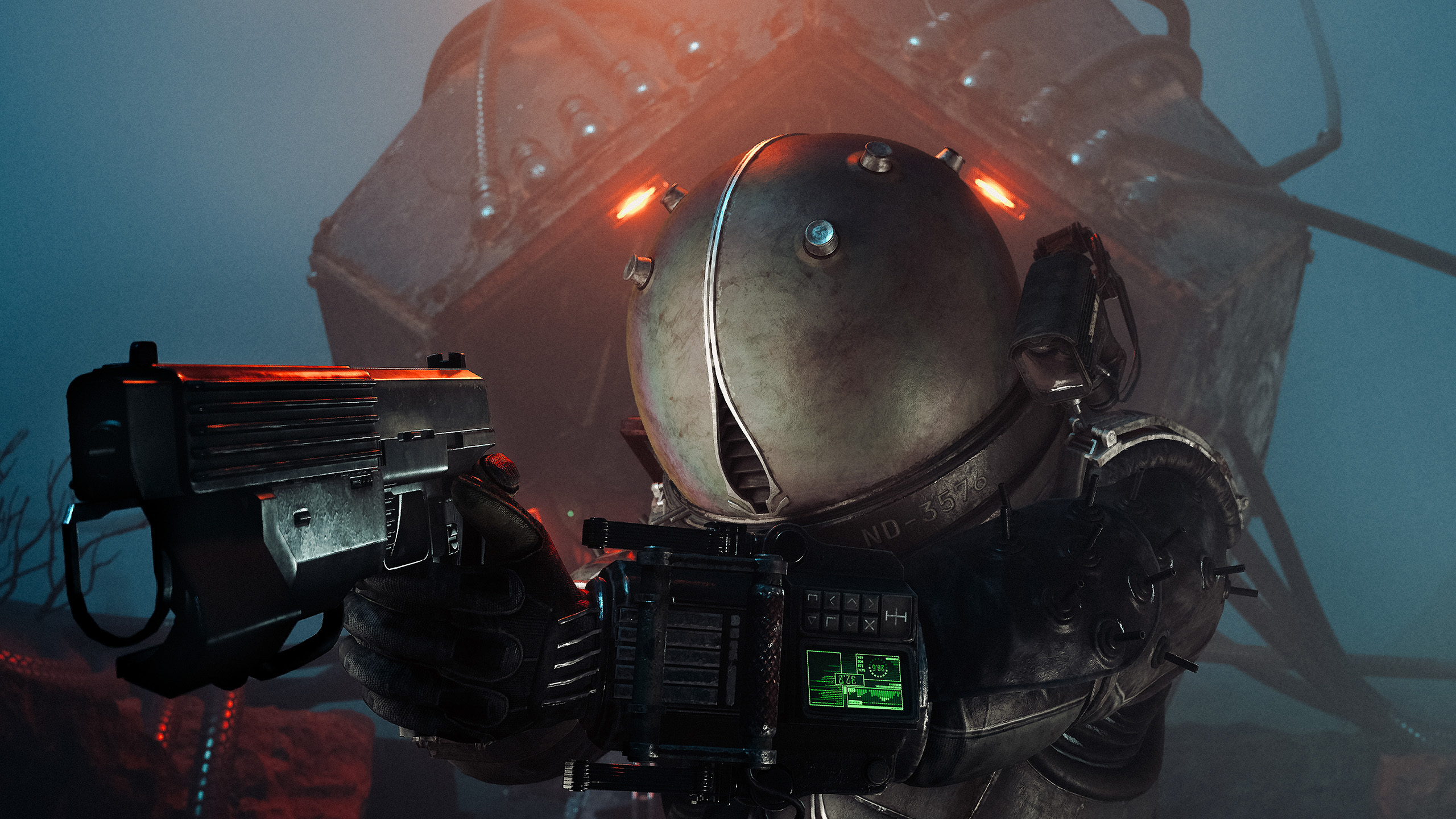
Housemarque has always understood that great worlds deserve great tools. Carcosa is one of the most visually striking environments in recent gaming — so it matters how well the photo mode rises to meet it.
SaroKeye
Saros' Photo Mode has some really nice quality-of-life features, along with a few limitations. Arriving as a post-launch update rather than a day-one inclusion, it shows clear signs of thought in certain areas while leaving obvious gaps in others.
Settings That Remember You
One thing I immediately noticed is that Saros saves all of your previous photo mode settings. When you open photo mode again, everything is exactly where you left it. This is a genuinely useful feature when you're working through a location and taking multiple shots with similar settings, though it can also be a little frustrating when you want a clean slate. Pressing R3 resets everything back to default, which solves it, but it's worth knowing that going in.
Camera Controls and Roll
Movement and positioning feel solid throughout. The camera operates freely across the scene, and the controls are clean enough that you quickly stop thinking about the tool and start thinking about the shot.
One feature I haven't personally seen in many other photo modes is the camera roll option. You can either freely rotate the camera roll up to 90 degrees yourself or instantly snap it to a 90-degree orientation. It's a small addition, but it's a nice touch that gives you more flexibility when composing shots and experimenting with different angles. Not a common offering, and it's good to see it here.
Lighting — A Mixed Picture
The lighting tools are where I found myself a little disappointed. You get three adjustable light sources with control over rotation, height, intensity, colour, and saturation — a solid set of parameters on paper. In practice though, the lights don't seem particularly bright, which makes it difficult to dramatically change the look of a scene or highlight your subject the way some other photo modes allow. You can position and tint them, but the impact on the final image rarely feels significant. For a game that uses light as dramatically as Saros does, that gap is felt.
Bloom and the Post-Processing Suite
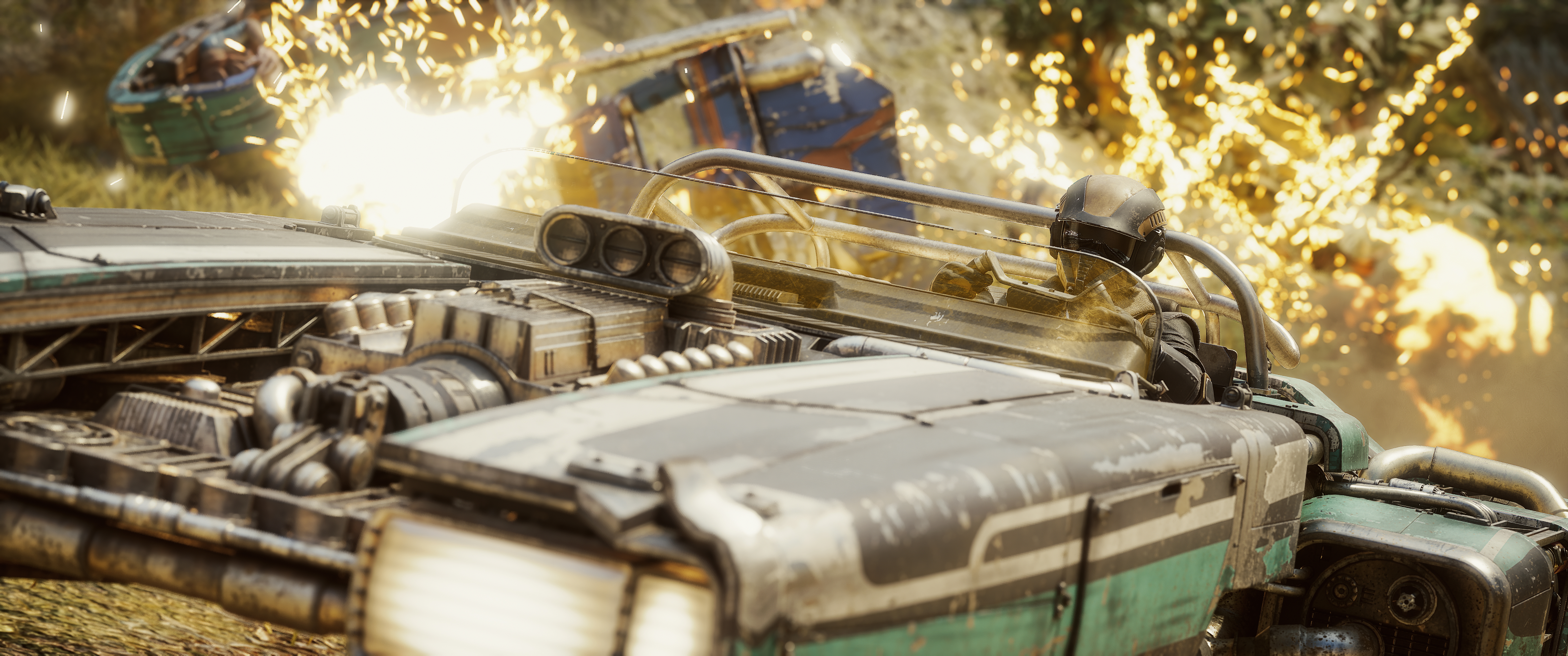
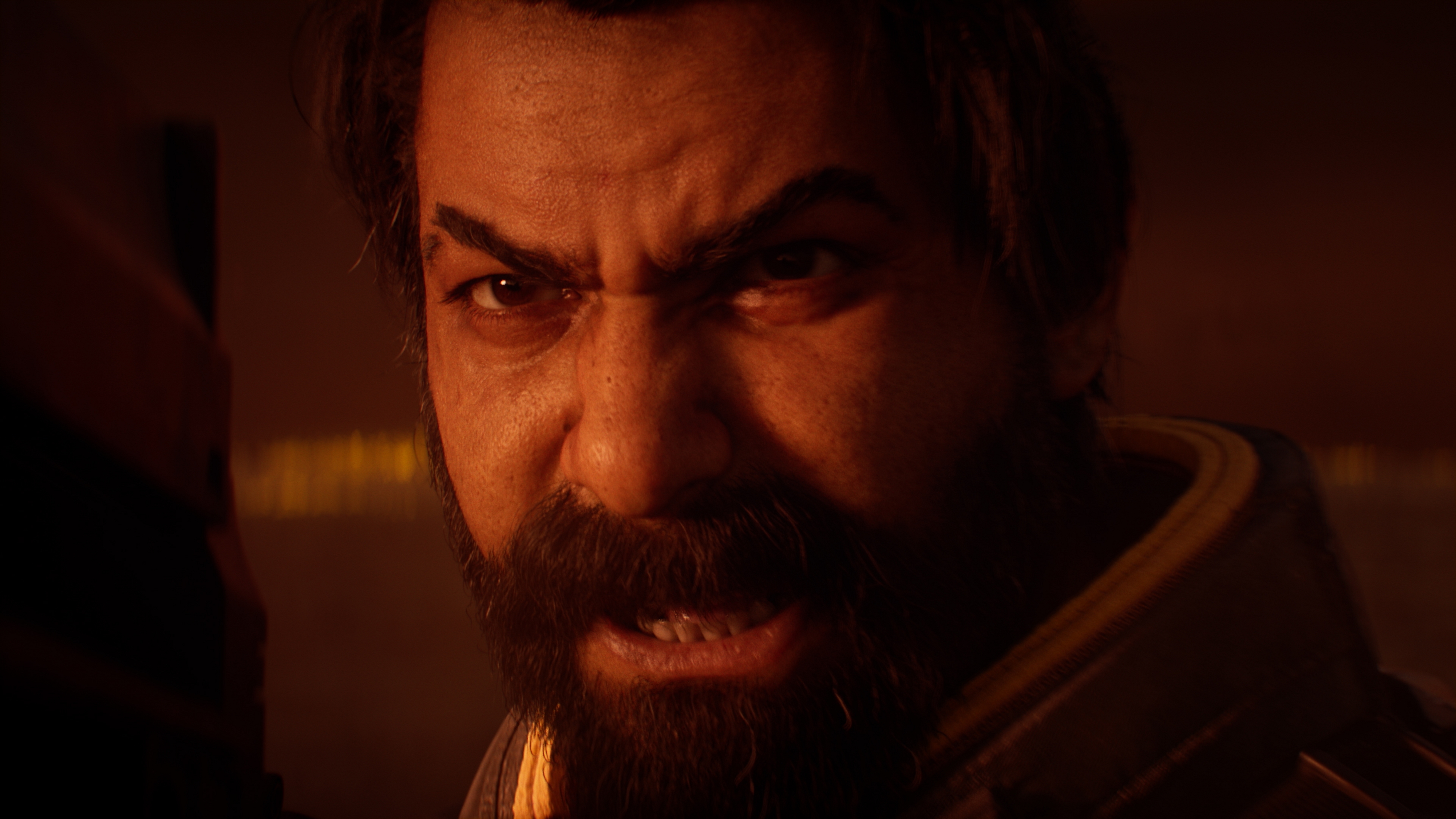
One feature I do enjoy is the bloom adjustment. It adds a nice cinematic glow to highlights and can really enhance certain scenes without feeling overdone. Saros is a game packed with neon energy, particle effects, and intense lighting moments, and bloom gives you a way to lean into that rather than fight it. It's a simple option, but one I found myself using quite often.
Beyond bloom, the post-processing suite covers the basics well. Exposure, contrast, and saturation controls are all present and responsive. Filters, frames, and visual effects give you options for personalisation. Depth-of-field tools are included and work well for isolating subjects within the busy environments of Carcosa.
A Step Forward from Returnal
Compared to Housemarque's previous game, Returnal, Saros feels more refined in some areas. The camera roll options and saved settings in particular represent a clear evolution in how Housemarque approaches the photographer's workflow. These aren't flashy additions, but they demonstrate a real understanding of how people actually use photo modes in practice.
Where I was hoping for a more meaningful step forward is the lighting system. That's one area that doesn't feel like a generational improvement, and given how visually stunning Carcosa is, it's the gap that stands out most.
Verdict
Easy to use, thoughtfully built, and just shy of great.
Saros' Photo Mode is easy to use and has a few genuinely thoughtful additions that make capturing screenshots more enjoyable. The saved settings and camera roll implementation show that Housemarque paid attention to the things that actually slow photographers down. While some tools feel limited — particularly the lighting controls, which never quite deliver the dramatic impact that a world as visually rich as Carcosa invites — there's still enough here to create some great-looking shots once you learn its strengths.