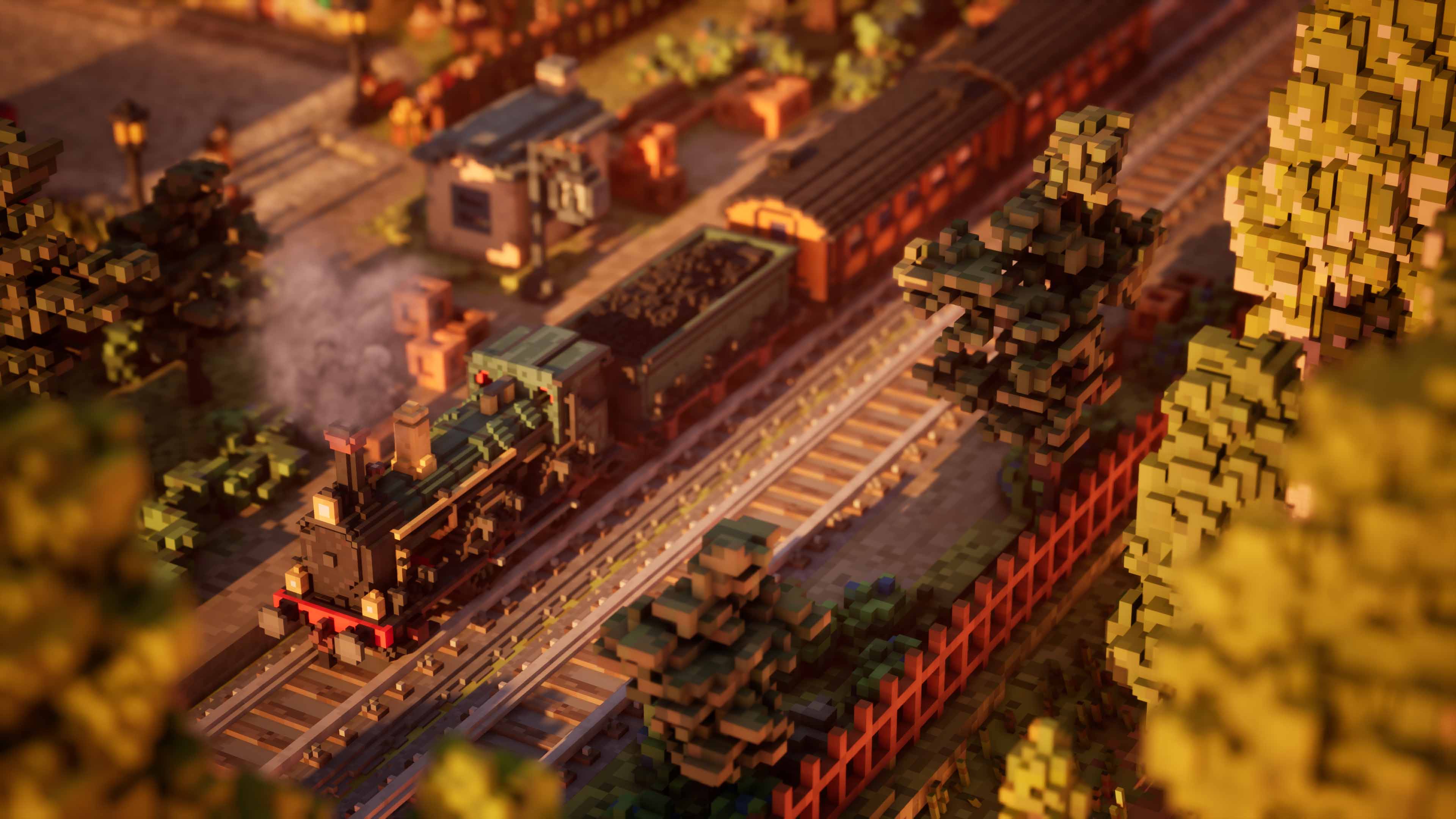

Town to City ships with a genuinely capable Photo Mode — one that understands what makes the game worth photographing in the first place.
In this review
When you've spent hours shaping your perfect town, having the tools to capture it properly makes a huge difference.
CoalaTV
A City Builder That Gets It
There's something incredibly satisfying about watching a small settlement slowly grow into a thriving city. That's exactly the feeling Town to City delivers. At first glance, it feels like a cozy blend of Minecraft's charm and SimCity's city-building management, but it quickly finds its own identity once your little town starts expanding into something much larger.
What surprised me most wasn't just how enjoyable the city-building loop is, but the fact that the game ships with a genuinely capable Photo Mode.
As someone who spends a lot of time capturing virtual worlds, I couldn't help but be reminded of Tiny Glade. Not because the games are the same, but because both understand that players invest time and creativity into building something worth looking at.
Camera Controls That Get The Job Done
The first tab focuses on camera controls, and thankfully it covers everything most players will need.
Depth of field is particularly impressive. It creates a convincing sense of scale, especially when focusing on specific buildings or street scenes while softly blurring the background. Combined with focal length adjustments, it gives you a surprising amount of creative freedom when framing shots.
You can also adjust camera roll through a full 90 degrees in either direction, which opens up some more dynamic compositions if you're looking for something beyond the standard city-builder screenshot.
A few quality-of-life options also deserve a mention. Residents and the placement grid can be hidden entirely, allowing for cleaner captures. Even better, the game lets you pause and unpause the simulation while in Photo Mode, making it easier to wait for the perfect moment or freeze the action exactly where you want it.
Walk Through Your Own Creation
One feature I ended up using more than expected was Walk Mode.
Instead of viewing your city exclusively from above, you can step into the world as the mayor and explore it at street level. It's a simple addition, but it completely changes how you look at your city.
Some of my favourite screenshots came from angles I would never have discovered using the standard camera alone. Walking through busy streets, looking up at buildings, or finding interesting viewpoints between structures adds a more personal perspective to your captures.
Post-Processing & Lighting
The second tab contains a comprehensive set of post-processing controls: bloom, exposure, contrast, grain, distortion, saturation, vignette, and brightness. Enough to push the game's visuals in different directions without feeling overwhelming.
The third tab is where the Photo Mode truly shines. Time-of-day controls are implemented extremely well, with convenient shortcuts for sunrise, noon, afternoon, sunset, and midnight. Rather than hunting for the right light, you jump directly to the mood you're after.
Beyond that, you can rotate the sun itself — full control over the direction of light and shadows. This makes a significant difference when highlighting specific districts or architectural details. The ability to toggle city lights on and off rounds it out nicely, particularly once your city grows into something larger.
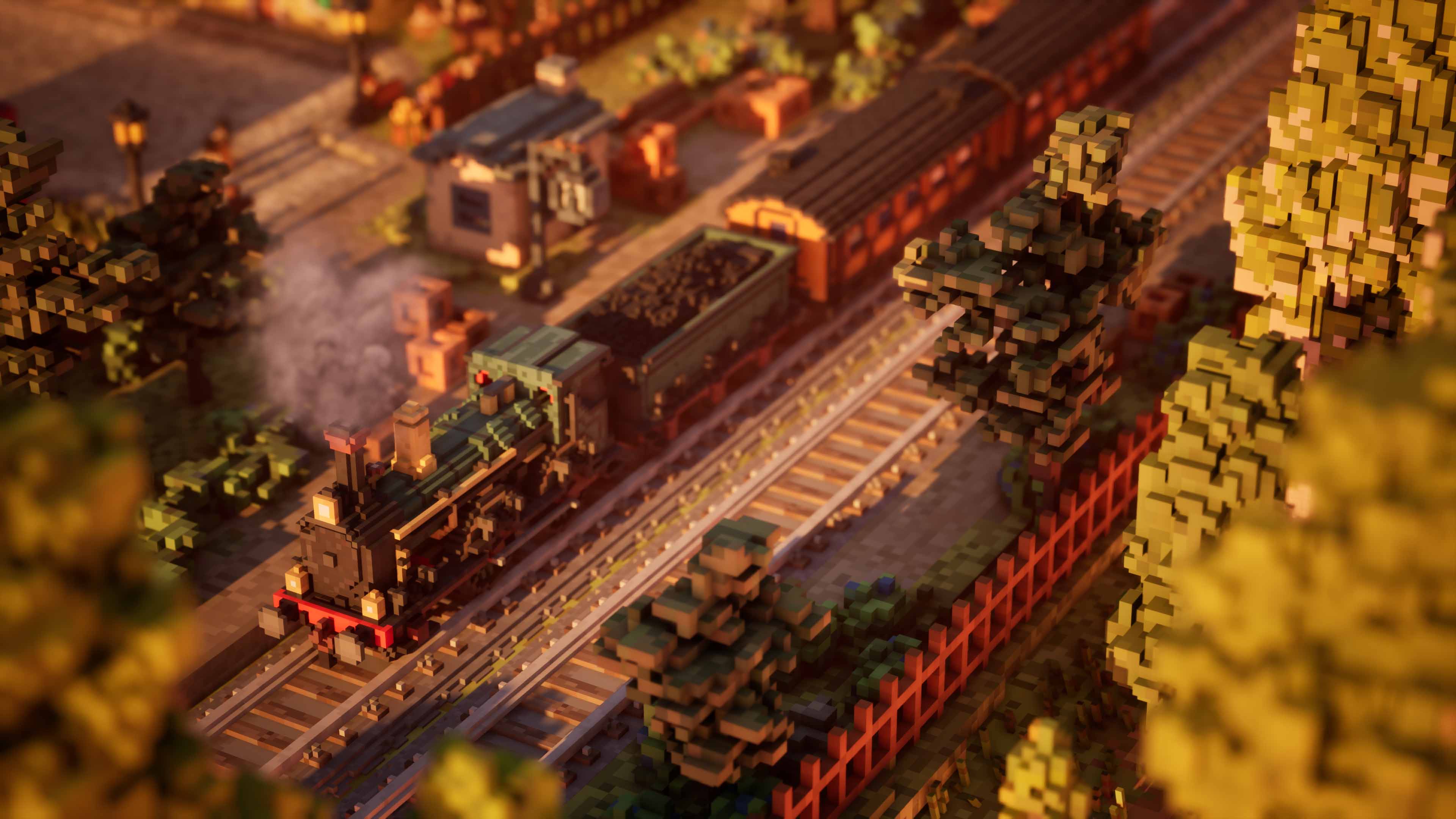
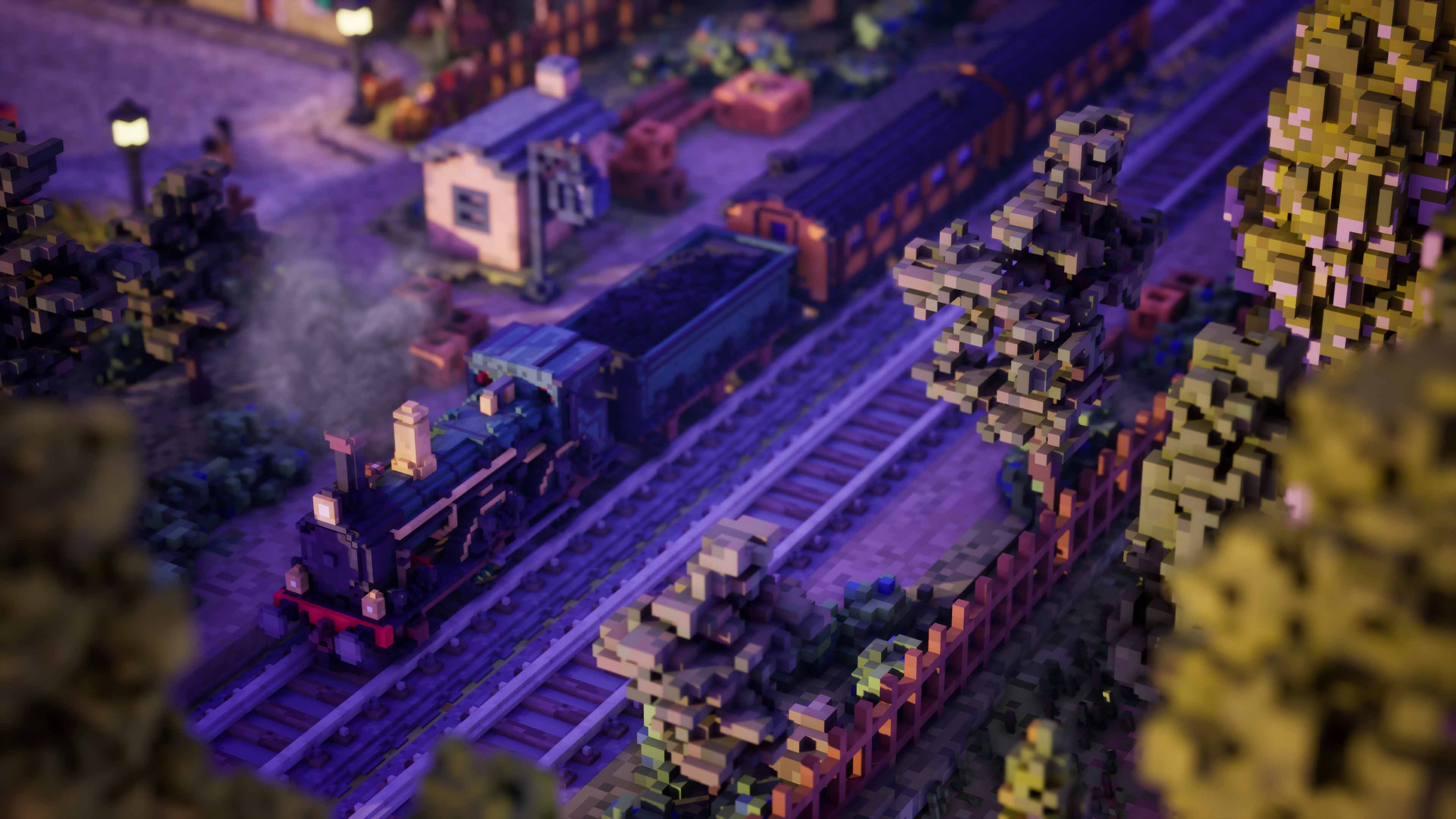
The time-of-day system is one of the best implementations I've seen in an indie city builder. The shortcuts alone save you minutes per session — and the results speak for themselves.
One Thing Missing
If there's one area I'd like to see improved in the future, it's controller support. The game plays well with mouse and keyboard, but a controller option would make relaxing with Town to City even more comfortable — particularly during longer building sessions or while exploring Photo Mode. It's not a dealbreaker, but it's the one thing I found myself wishing for throughout.
Verdict
Town to City — A photo mode that understands the game it's in.
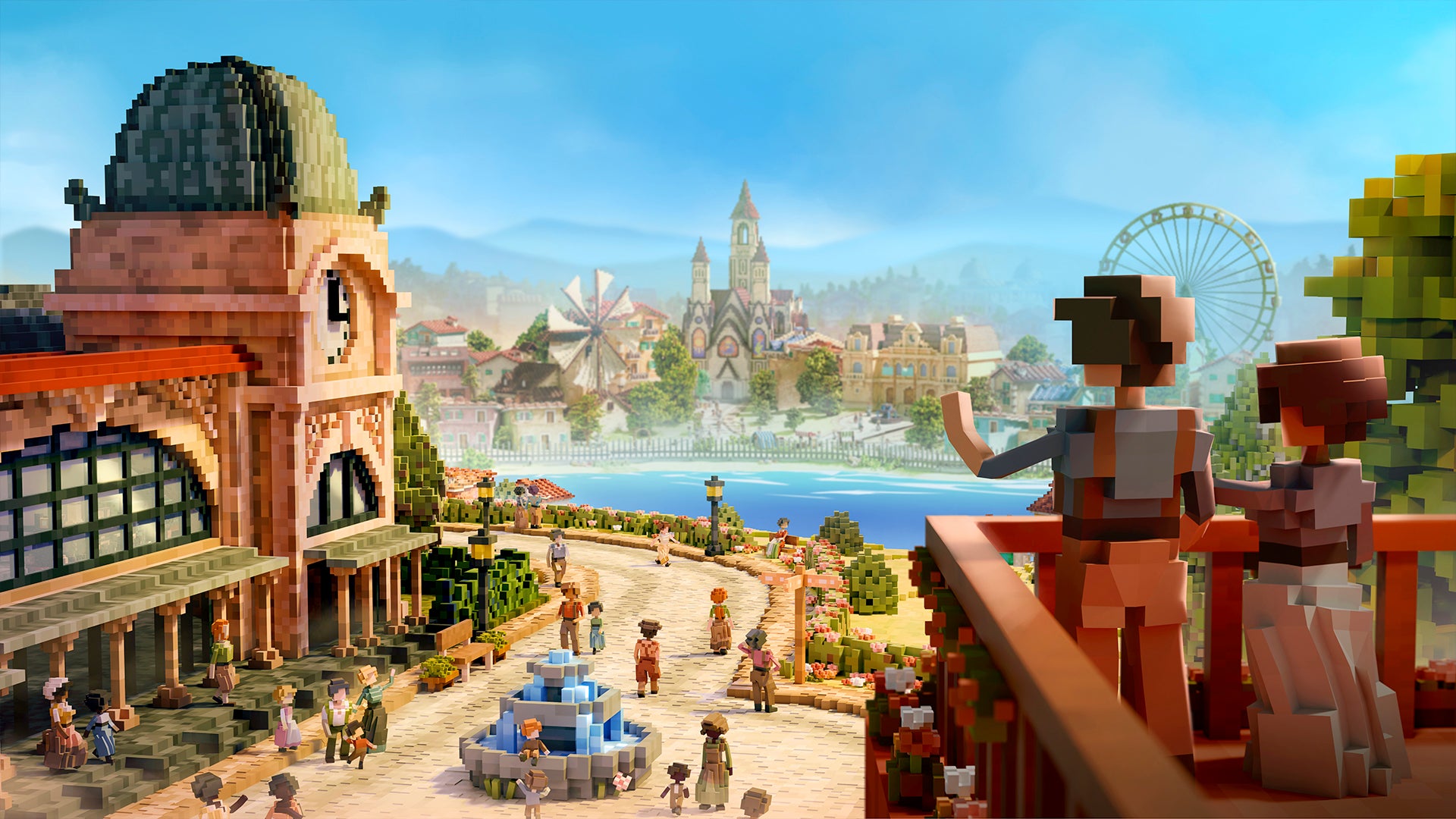
Town to City is exactly the kind of indie city builder that can quietly steal an entire weekend. The building tools are enjoyable, the progression from small town to bustling city feels rewarding, and the Photo Mode adds genuine value to the experience rather than feeling like an afterthought.
Between its strong camera controls, useful post-processing suite, excellent lighting system and street-level Walk Mode — there's plenty here for virtual photographers to enjoy. The screenshot capture removes the UI completely and saves without visible compression. That's the detail that matters.
A huge thank you to Joost van Dongen and the team at Galaxy Grove for providing a review key.
Reviewed on PC.