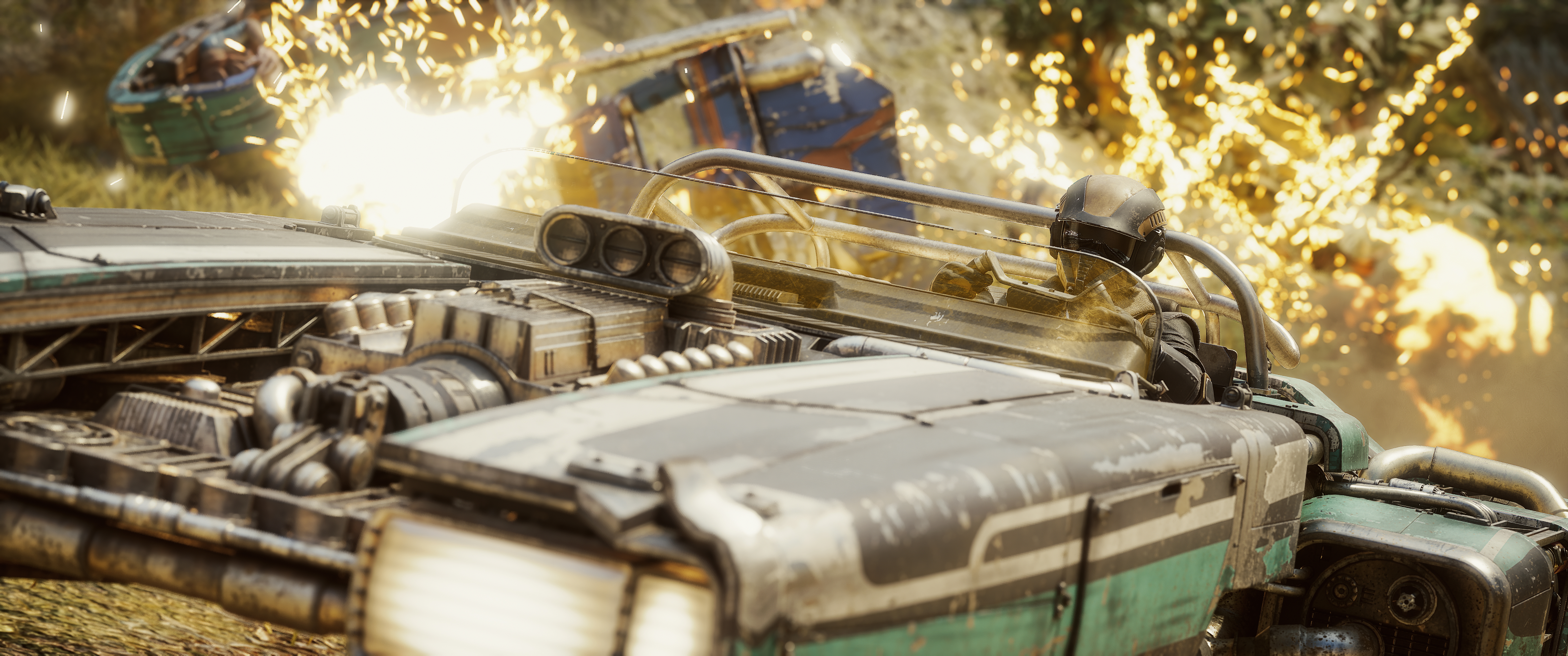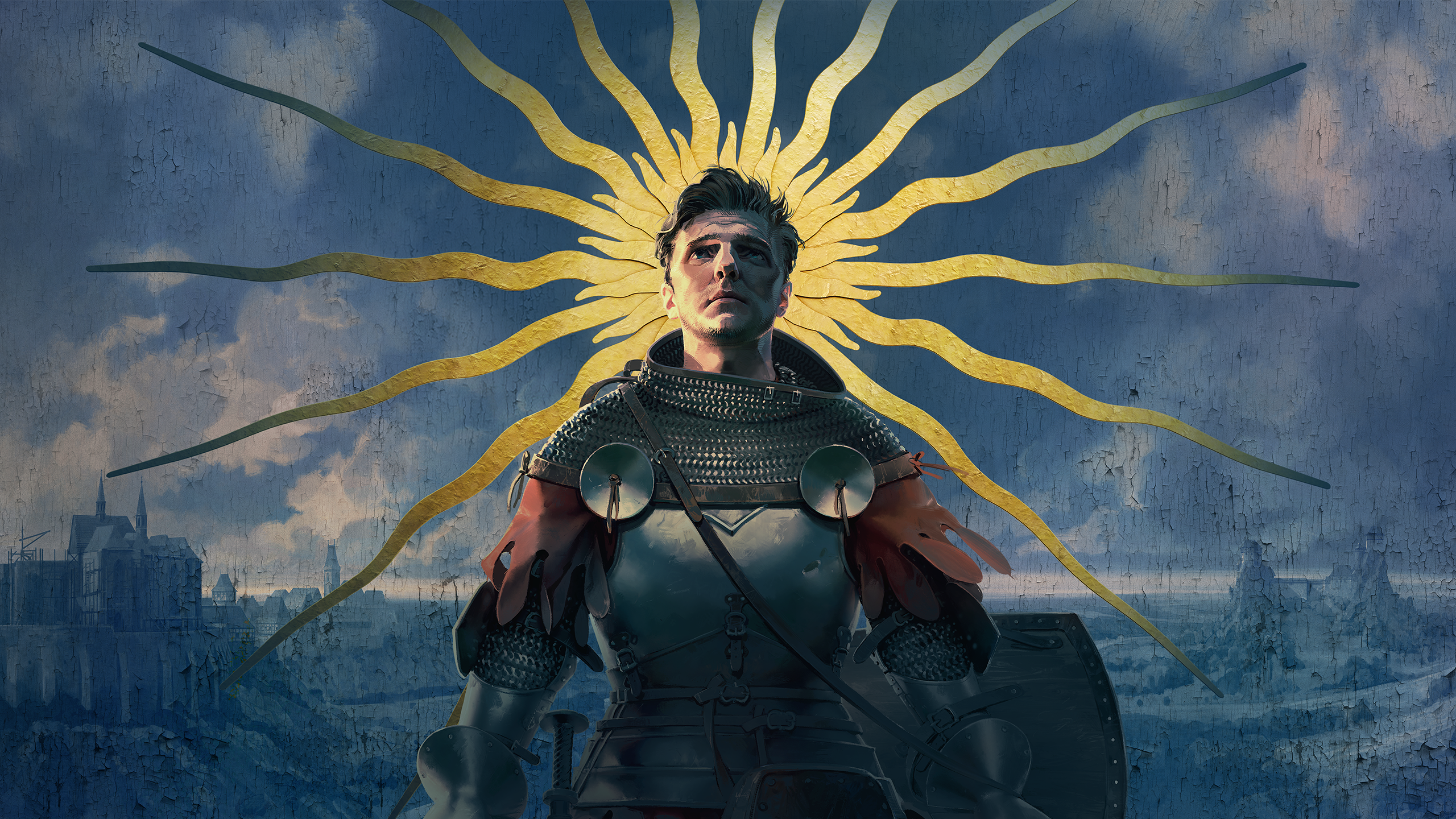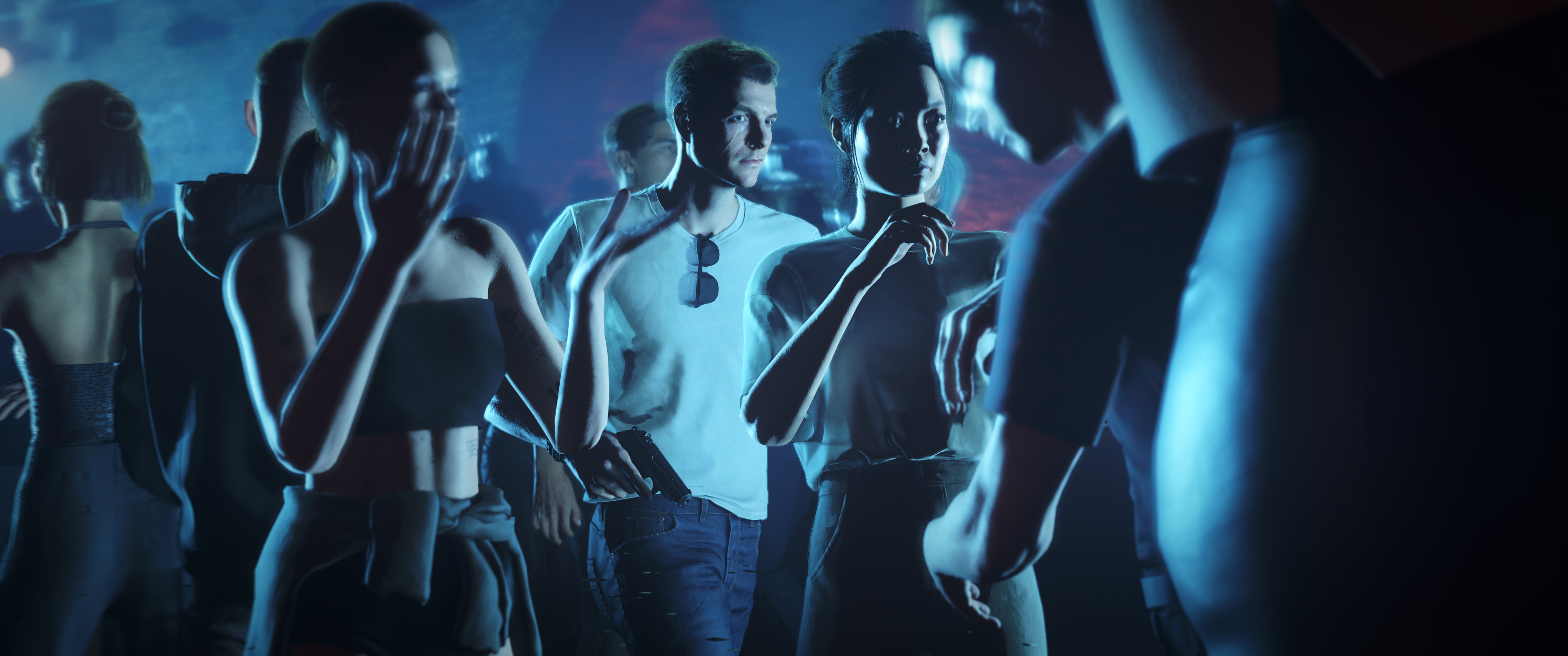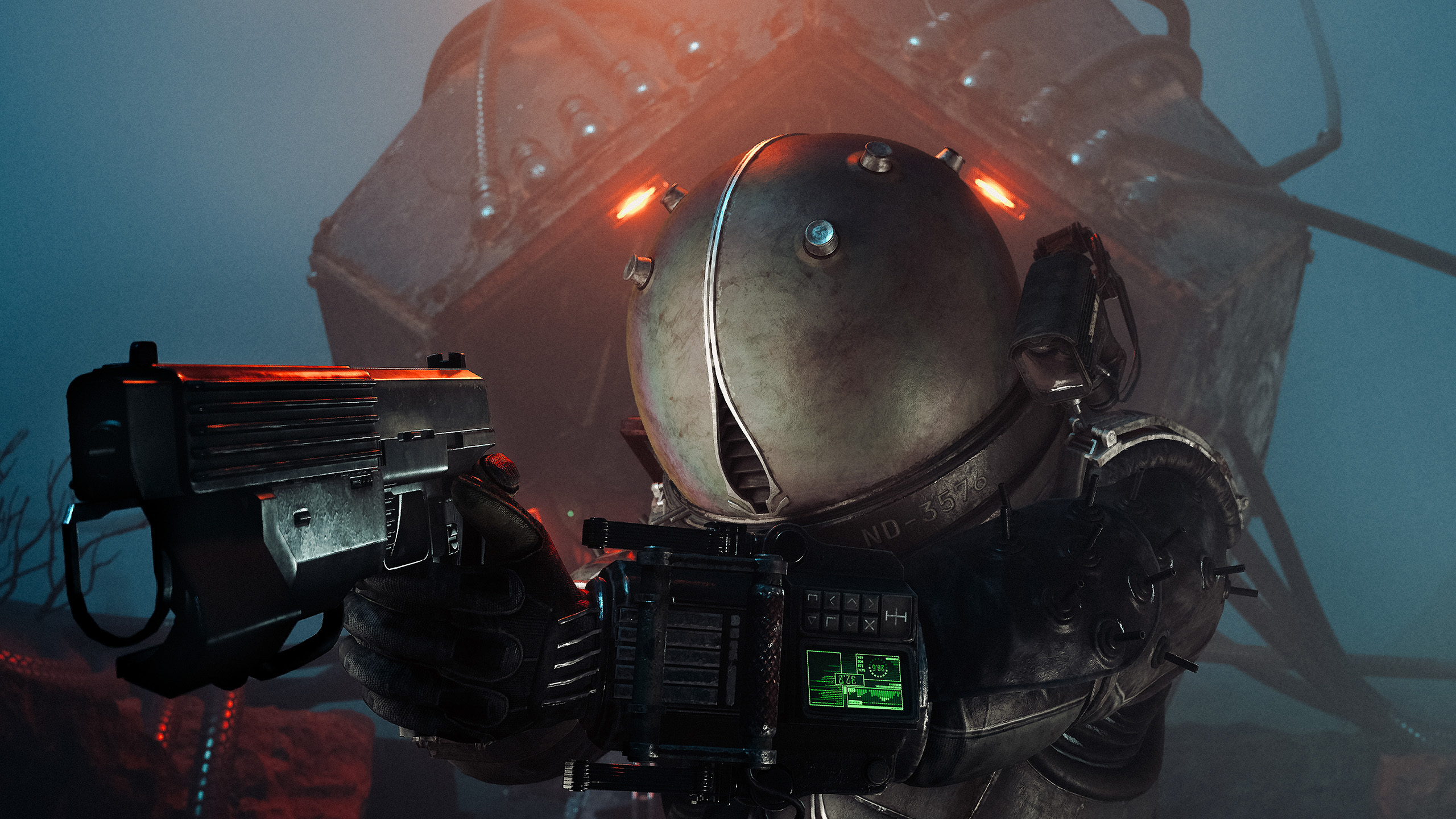

Bloober spent a decade making some of horror's best looking games and never shipped a photo mode. Cronos finally has one. The question is whether it lets you do justice to 1980s Krakow.
In this review
Bloober have been making worlds worth photographing for ten years. This is the first time they have handed us a camera.
CoalaTV
Bloober Team have earned a lot of goodwill around here. Layers of Fear, Observer, Blair Witch, The Medium, and then the Silent Hill 2 remake, which is my personal favourite thing they have made and one of the best horror games of the last decade. For a studio that builds places this carefully, they have been strangely slow to let anyone photograph them.
Cronos: The New Dawn is their best looking game yet. It is 1980s Poland rebuilt in Unreal Engine 5, brutalist Krakow turned retrofuturistic, with the Traveler moving between a dead future and a living past while the Orphans drag themselves after you. It launched in September last year with no photo mode at all.
That did not stop me. I shot it anyway with mods, because a game that looks like this was always going to be photographed with or without official tools.
On 26 October, update 1.011 arrived and Bloober shipped their first photo mode. It is free and it is genuinely good news. It also needs work, and the good news is that most of what it needs is not hard.
One Long Menu, No Tabs
You get in by pausing the game. There is no shortcut, so the moment you wanted is usually over by the time you are in.
The photo mode has three parts: Free Camera, Setup and Advanced. They are not tabs. They are one long menu you scroll through.
In 2026 the tabbed layout is the standard for a reason. It lets you jump straight to the thing you want to change instead of travelling past everything else to reach it. Splitting these three into tabs would be the single easiest improvement on this list, and it would make the whole thing feel considered rather than stacked.
The Free Camera Is Not Free Yet
Here is the first thing that will catch you out. When photo mode opens, you are not moving the camera. You are adjusting field of view and camera settings. To actually move, you press X on an Xbox pad to switch into Free Camera.
That is backwards. In almost every photo mode, the first thing you do is move the camera and find the shot. Framing comes first and settings come second. Opening into a settings panel means your first action is always a detour.
There is no crane. You cannot raise or lower the camera. Everything you shoot sits at the height the camera happens to be, which rules out looking down at a body on the floor or up at the architecture this game is built on.
There is no speed control. You cannot make the camera move faster or slower, and the one speed you get is very slow. Crossing a room takes long enough that you give up on shots you can see from where you are standing. Every photo mode worth using has a fast mode for travel and a fine mode for the last few centimetres. This has neither.
Collision is also still on. If a wall or a piece of machinery sits between you and the shot, you are going around it.
One thing here is properly good. Tilt goes a full 180 degrees, which is more range than most photo modes hand you, and in a game this vertical it earns its place.
Fifty Degrees Is as Tight as It Goes
Field of view bottoms out at 50 degrees. That is the floor, not the ceiling, so there is no long lens anywhere in here.
That costs you more than it sounds. A tighter lens compresses a scene, separates a subject from what is behind it, and lets you shoot a face from across a room without standing in it. Cronos is full of faces worth shooting and corridors worth compressing, and 50 degrees will not do either.
The sliders are slow too. Holding the input moves values at a fixed crawl, so dialling in a number takes longer than it should, every single time.
Setup
The straightforward part, and all of it behaves.
| Exposure | Works as expected |
| Saturation | Works as expected |
| Contrast | Works as expected |
| Bloom | Works as expected, and useful in a game with this much practical light |
| Vignette | Works as expected |
For a first photo mode this is the right set to get started.
The Focus Slider Skips on a Controller
Depth of field has a focus distance and a focus amount, and the range on the distance is generous. It reaches far enough that how far away something sits is never the problem.
Landing on the value you want is the problem. On an Xbox controller the slider jumps between fixed points: 50, 70, 100, 120 and 170. You cannot stop between them. If your subject is sitting at 85, you are choosing between 70 and 100 and accepting whichever one is less wrong.
My guess is that this was built and tested with a mouse, because a mouse gives you exactly the fine control this needs and a stick does not. That makes it an input problem rather than a design one, which is good news. The feature is right. The controller just cannot reach half of it.
The focus amount slider is fine. Lower values give less blur, higher values give more, and it does what it says.
Advanced
Effects
This is the best part of the whole thing, and it is worth saying clearly because the rest of this review is a list of requests.
Nine filters, each with its own intensity slider: Sepia, Noir, VHS, Brutalist, Patterns, Gradient, Time Rift, Limbo and Colour Invert.
These are not generic presets bolted on at the end. Brutalist belongs to a game built on communist-era Krakow concrete. Time Rift and Limbo belong to a story about moving between two versions of the same place. VHS belongs to the 1980s. Somebody thought about which looks this game specifically needed, and the intensity slider means you can use them at a strength that suits the shot rather than taking them at full force.
Film Grain sits alongside them and does the job.
Colour Fringing is the one thing in here I could not get a result from. It is chromatic aberration by another name, and at no setting could I see it doing anything on screen. Either it is very subtle or it is not working.
Stickers
There are 25 stickers, with controls for position and scale.
They work. Somebody clearly spent real time on them. I would rather that time had gone into the camera.
Four Things That Would Lift It
In the order I would want them.
Add a crane so the camera can go up and down, and add a speed control so it can cross a room quickly and creep for the last few centimetres. Right now it has neither, and the one speed it does have is very slow.
Fifty degrees is the floor, so there is no long lens here. No compression, no way to pull a face out of a background from across a room. For a game with this many good faces in it, that is the lens you miss most.
The distance range is already generous. On a pad the slider snaps to 50, 70, 100, 120 and 170 and will not stop in between, so a subject sitting at 85 is out of reach. A mouse has the precision this needs. The controller should too.
Camera, Basic and Advanced are three clear groups already. Making them tabs would cost very little. A button to open photo mode without pausing first would mean catching a moment instead of recreating it.
Verdict
Good filters sitting on top of a camera that still needs building.
The filters are the best thing here. Brutalist, Time Rift and Limbo were made for this game rather than pulled off a shelf, and the intensity sliders let you use them at a strength that suits the shot instead of taking them at full force.
Everything underneath them needs real work. The camera has no crane and no speed control. The field of view will not go tighter than 50 degrees. Focus cannot be placed with a controller. Collision is still on. None of those are polish items. They are the core mechanics of a photo mode, and at the moment not one of them is finished.
What that costs is use. A photographer opens this, finds they cannot raise the camera, cannot reach a longer lens and cannot choose what is sharp, and goes back to mods. The foundation has to come first.
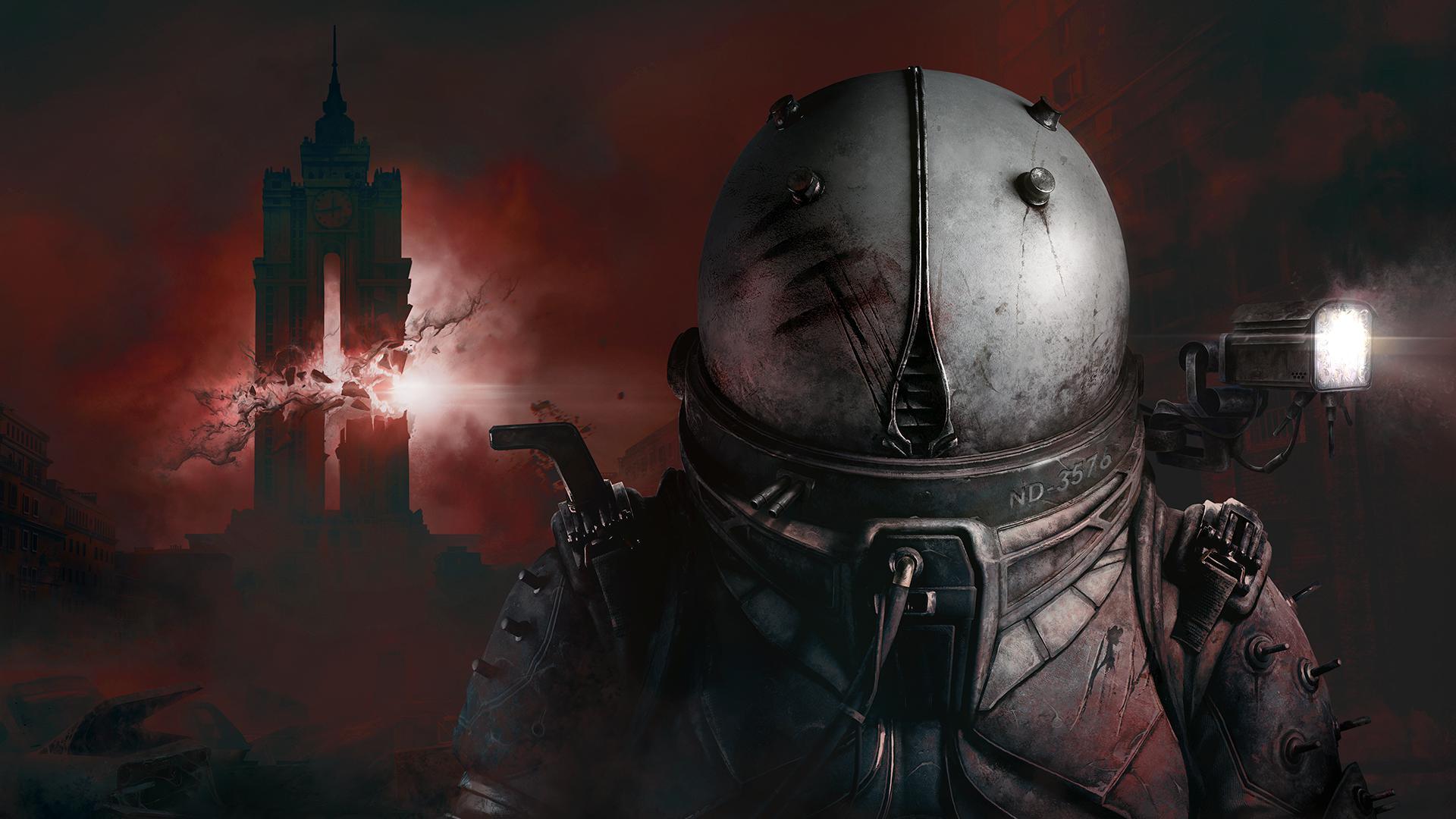
That is worth saying clearly because the game deserves better. Cronos is one of the best looking things released last year and I have spent hours photographing it with mods. The photo mode is in the game now and the list of what it needs is short and specific. Build the camera out properly and this becomes a tool people actually open.
Reviewed on PC with an Xbox controller.