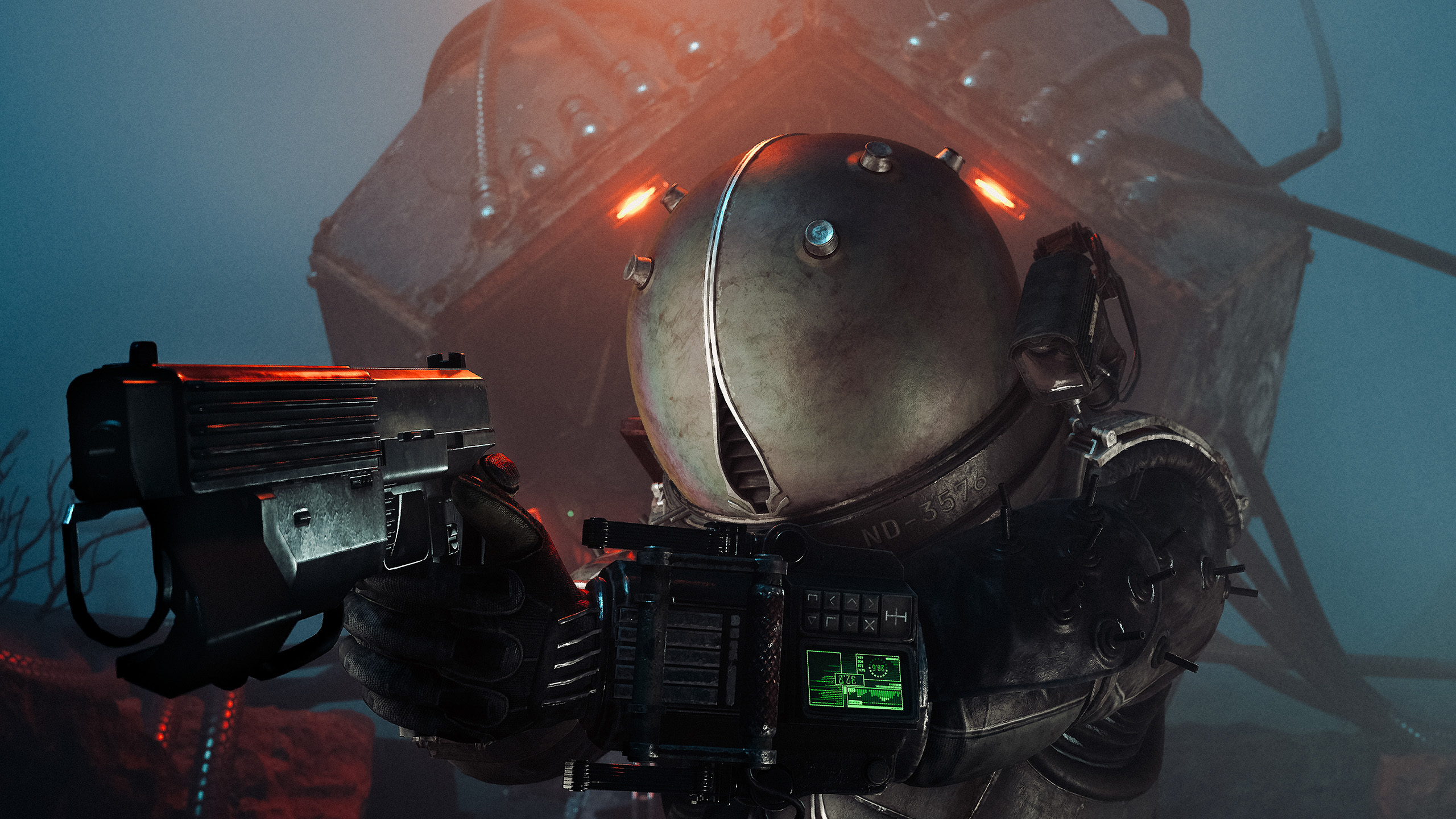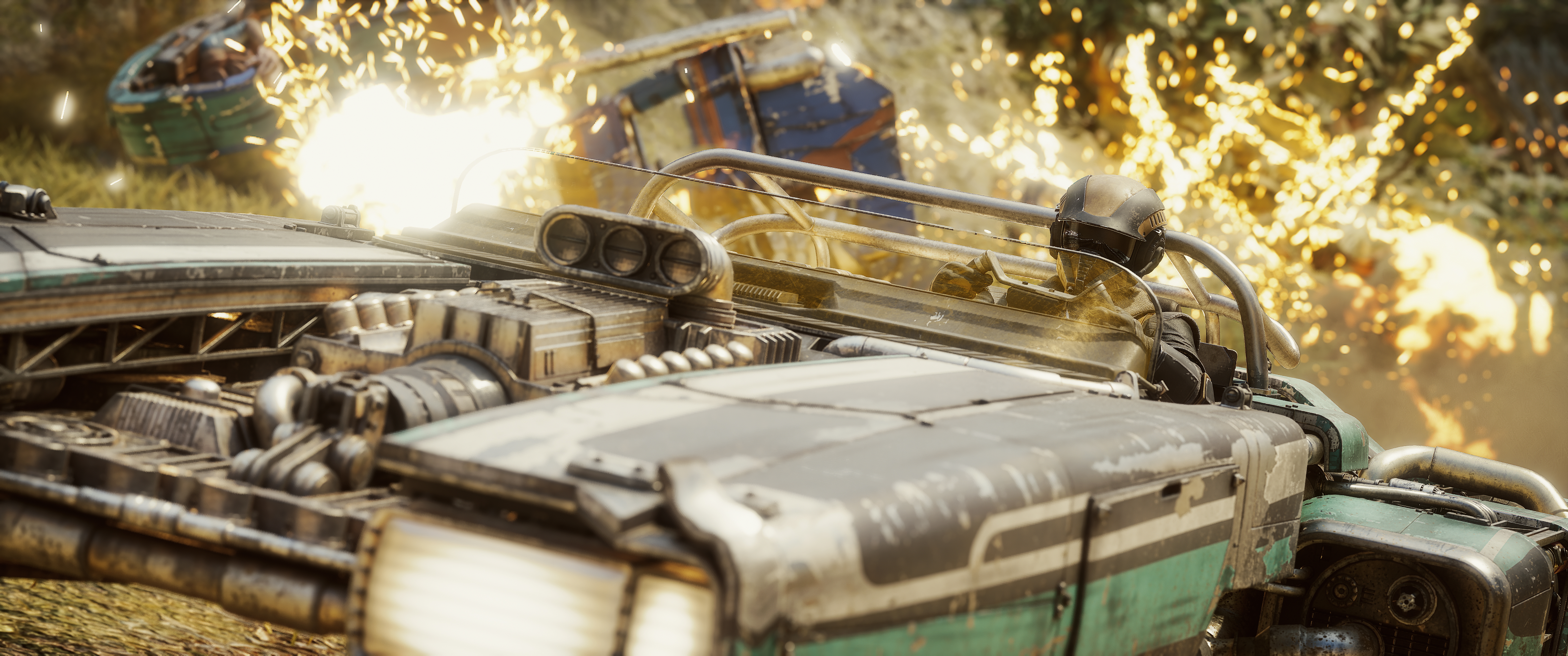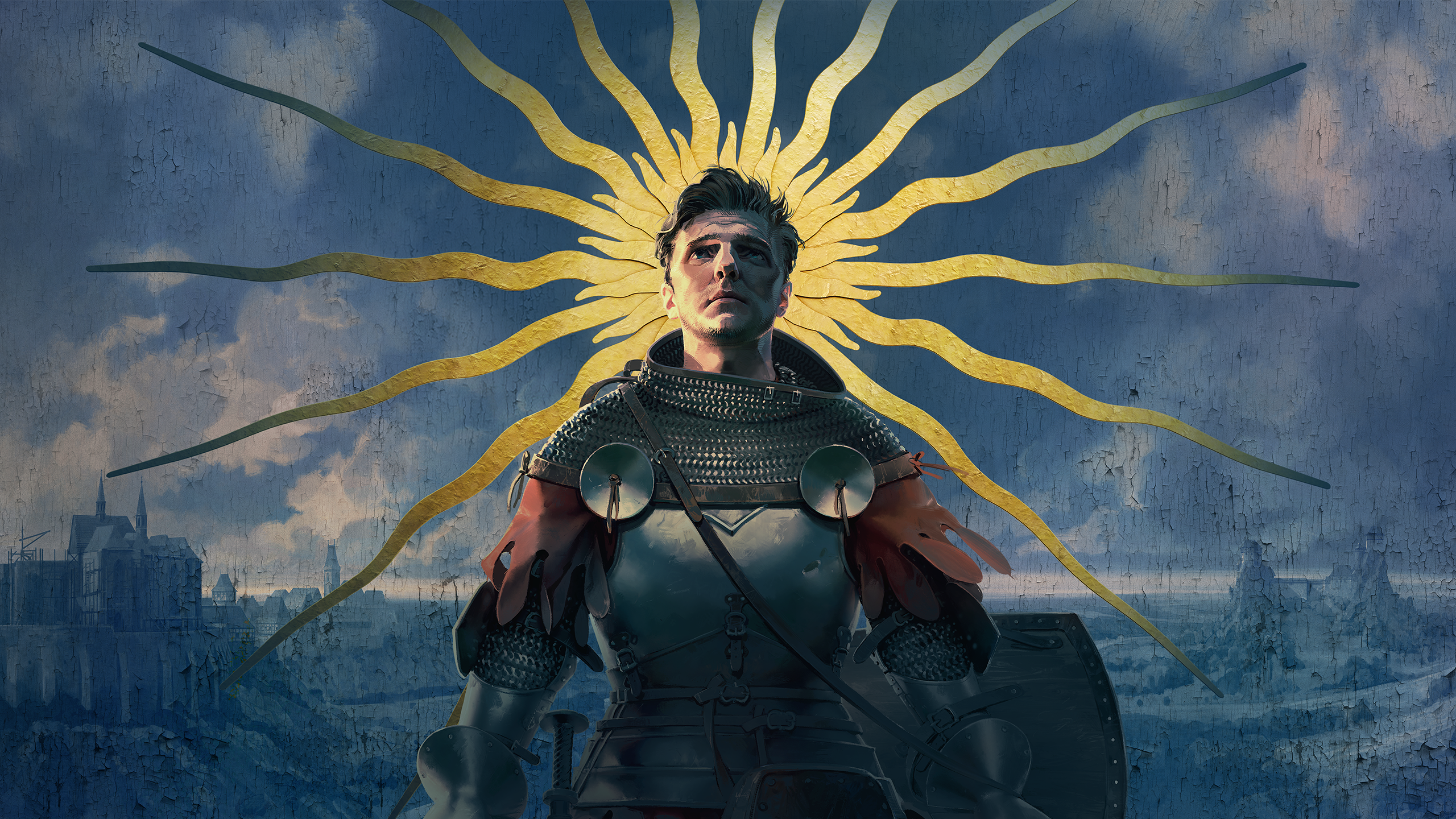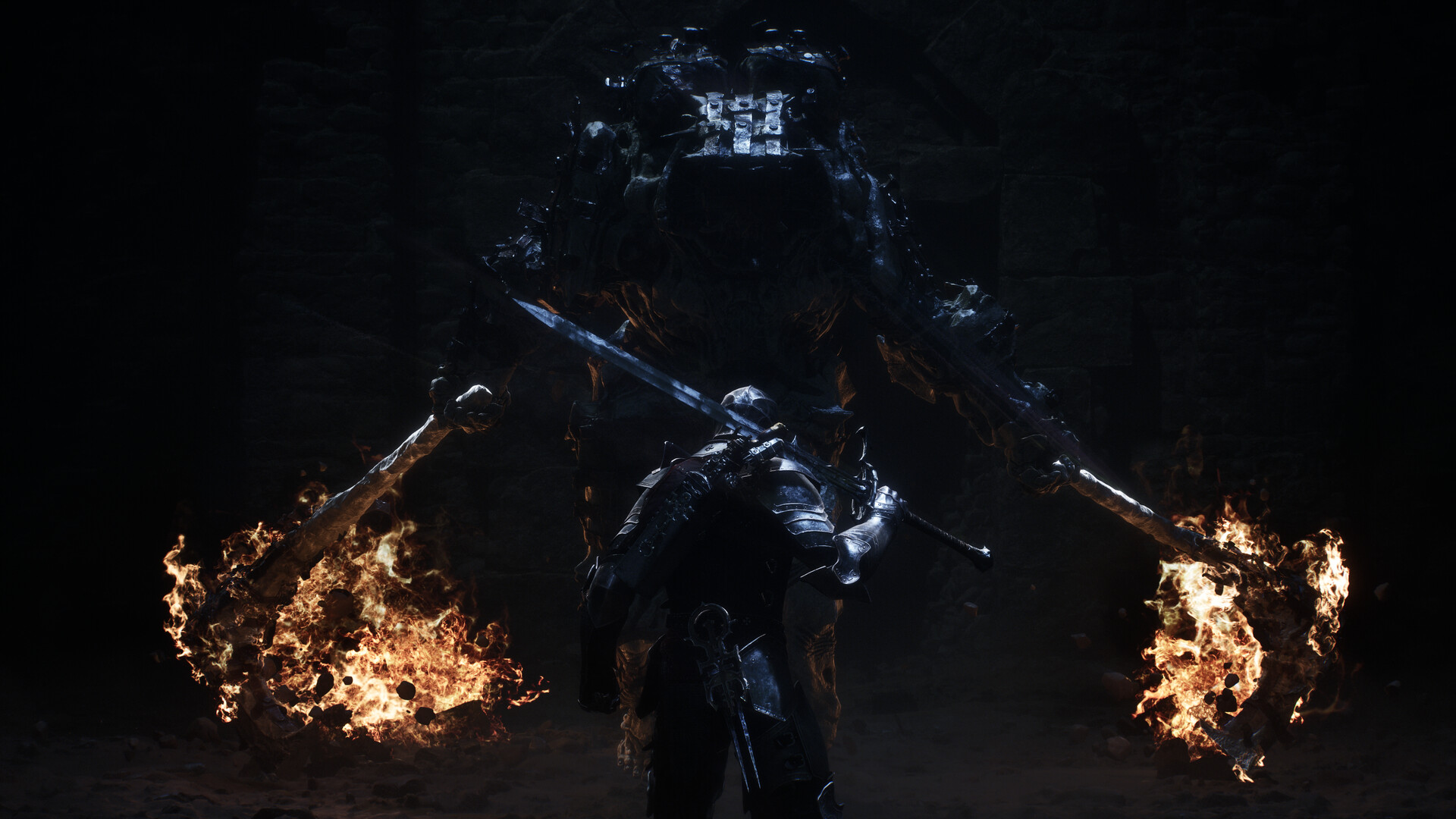
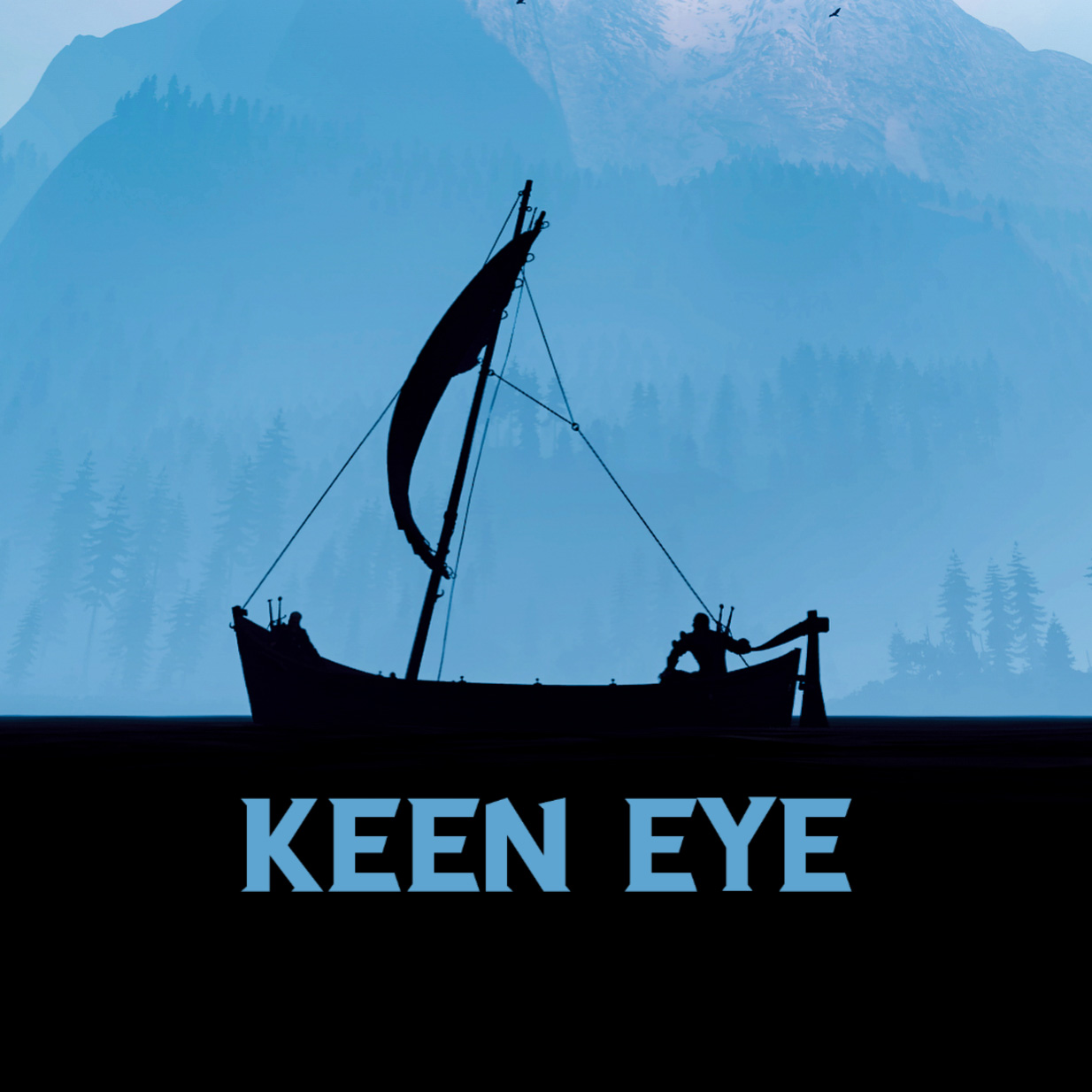
Cold Symmetry has built a photo mode deep enough to get properly lost in, and it asks plenty of you before it gives anything back. Stay with it and the fog alone will hand you the grimmest shot in the game.
In this review
The possibilities are fantastic. The fog alone can build a scene from scratch.
KeenEyeVP
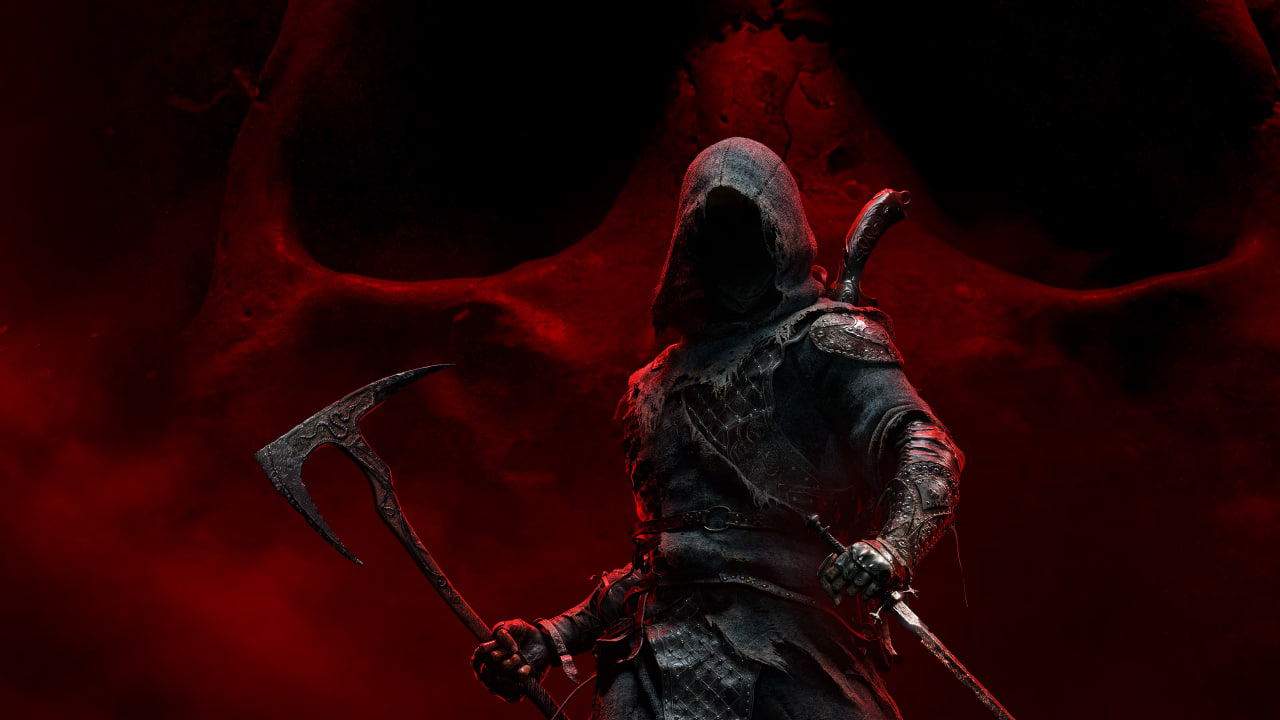
Mortal Shell II arrived in August, and Cold Symmetry has built something worth pointing a camera at. You play the Harbinger, inhabiting the bodies of fallen warriors and carrying them through a ravaged world of open landmarks and more than sixty dungeons. Each shell fights differently and looks different, which means your subject changes every time you swap one.
It is a grim, foggy, hand-built kind of beautiful, and the photo mode that shipped with it is deep enough to do the place justice. Whether you enjoy using it is a different question.
A Deep Toolset With a Steep Learning Curve
Cold Symmetry has cooked up a deep photo mode here, packed with options. You may feel lost in the early stages of your time with it. I definitely did.
Getting in is simple. Pause the game and select Photo Mode. What follows is eight tabs of sliders and settings, with a learning curve that will not sit well with everyone, and a few options you might end up ignoring altogether.
Reset Is All or Nothing
Worth knowing before you build anything you care about, because the housekeeping is where the rough edges show.
- Reset and Exit need confirmation prompts. It is too easy to wipe a carefully built scene with one stray press.
- There is no reset selected setting. You might want to reset the colour alone, but you can only reset everything.
- Your last session sticks. Every selection stays until you reset, so you have to reset each time you enter photo mode to start clean. It is one button, which helps.
A Camera With Real Range
The camera is a highlight. A full 360 degrees of movement with excellent range, seemingly unlimited. You can crane up and down, skip frames, hide the UI and toggle a 3x3 grid.
The grid is the one misstep. It is too bold, and it ends up distracting from the frame you are trying to compose.
Settings and Camera
The Settings tab is standard fare and works as expected. Game Speed runs from 0.1x to 2.0x, and you can unpause and let the scene move at the speed you chose, or step through it with skip frame. Camera Movement Speed runs from -4 to +3 and adds precision when you are fine-tuning a close-up, though I do not see a need to increase it.
Screenshot size goes up to 4x for upscaling. Aspect ratio offers five options with black bars, and there are two logo options with size and positioning controls.
The Camera tab adds a full 360 degree camera roll, an FOV slider, and weather adjustments for rain, snow and dust.
The presets are great. They are more than a filter. They change the entire scene dramatically, and the only problem is that there are not more of them.
Depth of Field Takes Tinkering
Depth of field is a tricky one. It may be trying to do too much, I am not really sure. The results are in there, but it takes plenty of tinkering to get things the way you want them, and the options are not always on the same page.
Aperture, Focus Distance and Sensor Width are all on offer. Squeeze Factor can be used to add a motion blur effect, but again, it takes time.
Light and Colour
Sun
This is where the mode earns its depth. It allows lighting adjustments in different parts of the scene, independently, through Sun Intensity, Brightness, Skylight Intensity, Volumetric Scattering, Sun Scattering Scale and Sun Directions.
The sun position settings can help create dramatic lighting, but they do not replace a good lighting system.
Colour
Colour adjustments are handled in tandem with the sun settings, through Skylight Colour RGB and Sky Luminance RGB, and together they create some unique scenes and moods.
FX and Visibility
FX
The FX options work as expected. They cover Bloom, Saturation, Contrast, Exposure, Vignette, Temperature, Film Grain and Chromatic Aberration.
The screen effect settings, film grain and the rest, are on by default in photo mode. As someone who does not use them often, I had to turn them off at the start of every session. And if you disable them in the game settings, they are not available in photo mode at all. I would like to be able to use them in photo mode, but have them default to 0.
Visibility
Visibility is what it says on the tin. You can hide the character, enemies, sidearm, weapons, seal and screen effects. The one thing missing is a hide NPCs option for the non-hostile ones.
Fog Is the Hidden Gem
Fog works quite well for the most part, and it can really create a moody, grim scene. It can even be used to build a backdrop in the colour of your choosing.
It offers Fog Density, Fog Height Falloff, and RGB controls for Inscattering, Emissive and Albedo colour. That is plenty of control to build atmosphere from scratch.
Four Things That Would Lift It
In the order I would want them.
The sun controls go a long way and the scattering options are genuinely powerful, but they are not placed lights. Being able to put two or three sources where you want them is the one real gap in an otherwise deep toolset.
One stray press should not be able to wipe twenty minutes of work. This is the cheapest fix on the list and the one that would save the most frustration.
All or nothing is too blunt. Let me throw away the colour work without losing the camera position and the fog I spent ten minutes dialling in.
Let them stay in photo mode when they are disabled in the game settings, and have them default to 0 so a clean frame is the starting point rather than the first chore.
Verdict
A deep, powerful toolset that asks for patience and pays it back.
Mortal Shell II's photo mode has ambition and depth. The fog, the lighting and the camera range are all strong, and the sun and colour options reward patience with scenes you could not build anywhere else. Give it an evening and it will do things most photo modes cannot.
One thing is genuinely missing, and that is a proper multi point lighting system. The sun settings get you a long way, and the scattering controls are more powerful than most games hand you, but none of it is a substitute for lights you can place where you want them.
The rest is housekeeping. The reset is all or nothing, there are no confirmation prompts, your settings carry over between sessions, and the screen effects default to on. The depth of field asks for more tinkering than it should. Small things on their own, and they add up across a session.
None of it stops this being a powerful photo mode right now. Smooth those edges and add the lights and it would be one of the best in the genre. Spend a session learning where everything lives, point it at the fog, and Mortal Shell II will hand you the grimmest and best looking frames you have shot all year.
Reviewed on PC.