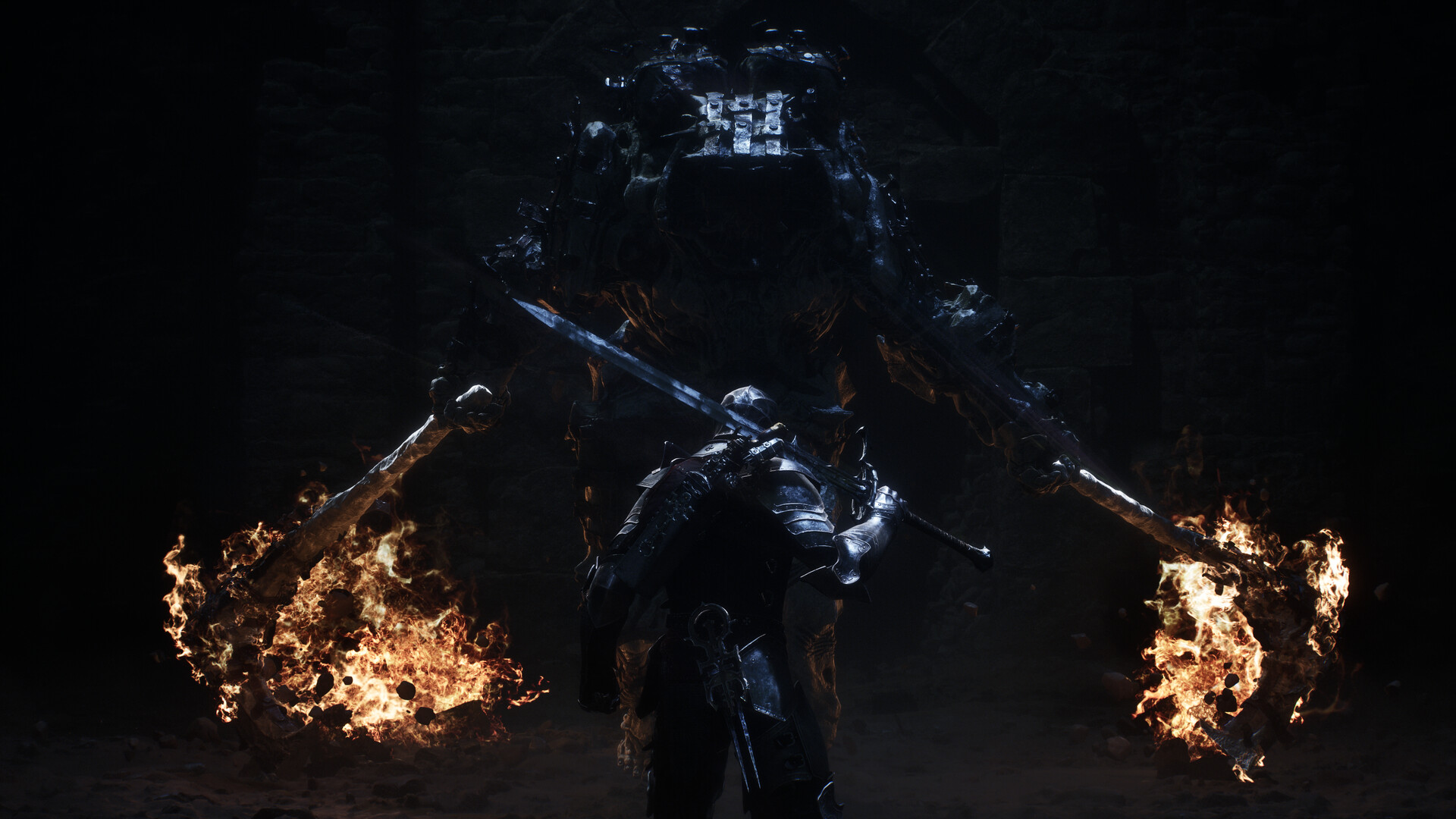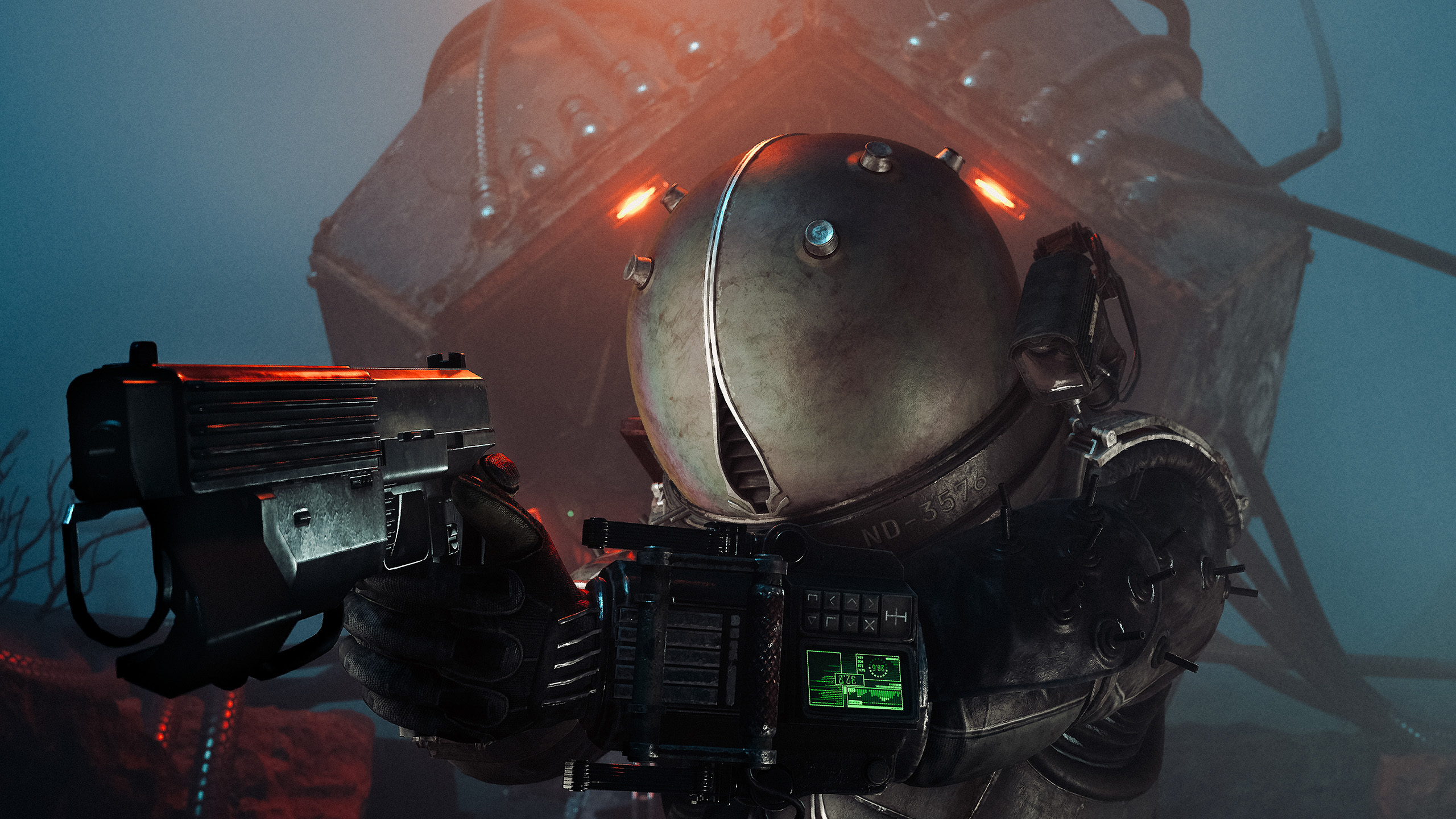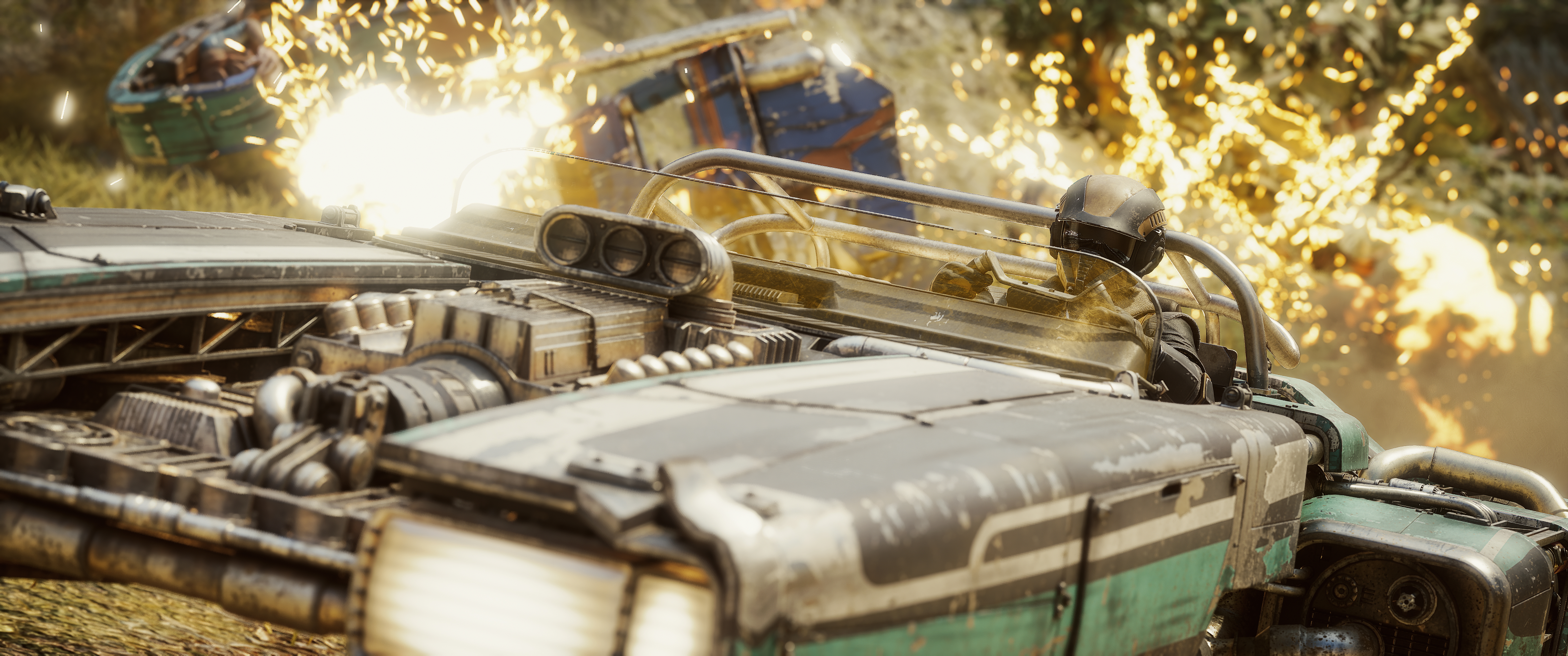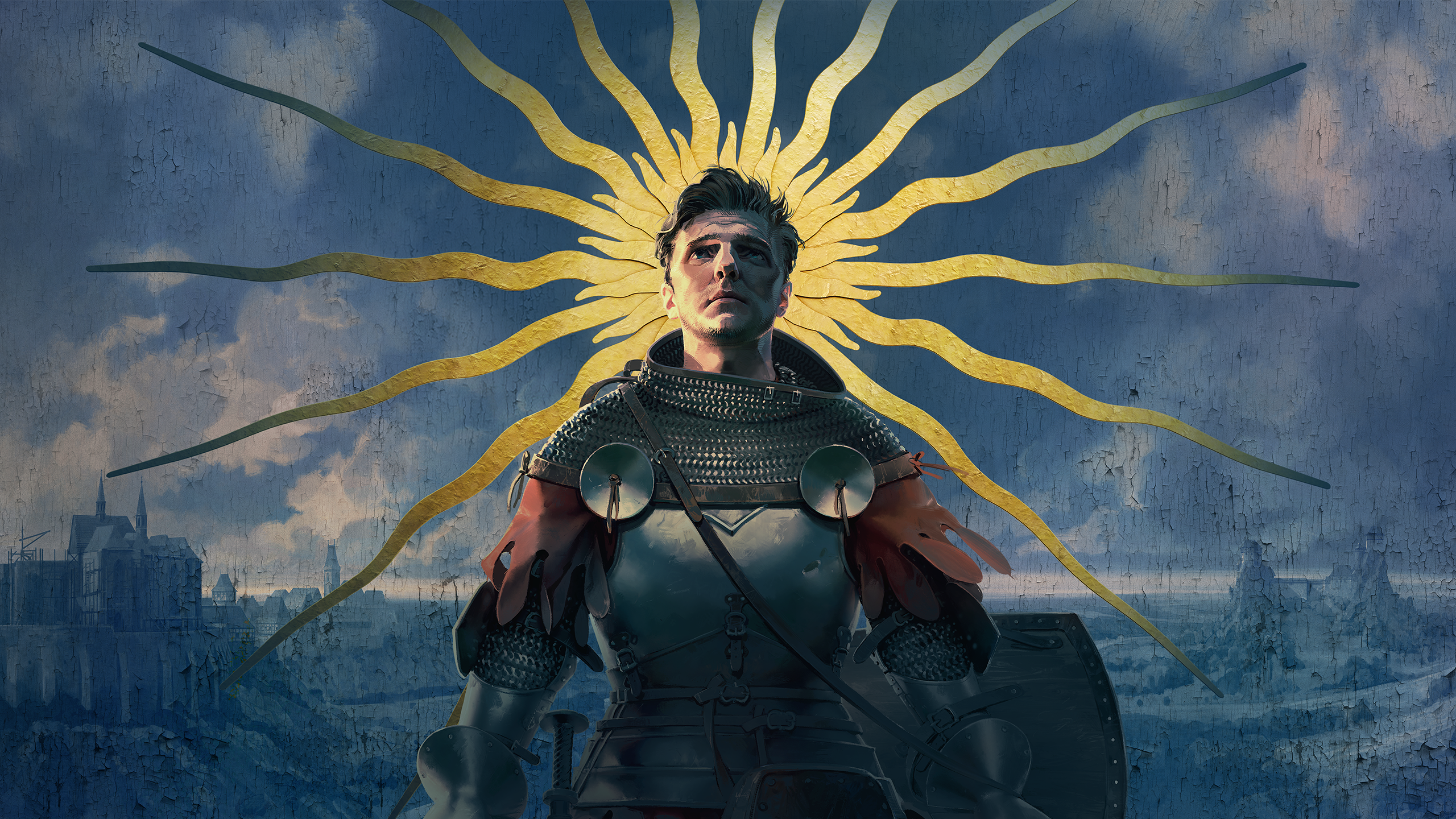
You can move the sun and light Henry like a studio portrait. You just can't take the camera more than five metres from him.
In this review
Warhorse Studios' Kingdom Come: Deliverance II is a grounded historical RPG set in medieval Bohemia, out on PS5, Xbox Series X|S and PC. Its photo mode has excellent lighting tools and one of the better depth of field systems in recent memory. It is held back by a short leash, stiff characters and sliders that move too fast.
| Access | F1 or Pause > Settings > Photo Mode on PC. Options + Touchpad on PS5. Start + Select on Xbox. |
| Camera | Full 360 degrees, roll up to 90 degrees |
| Range | About 4 to 5 metres |
| Aspect ratios | Five, with semi-transparent bars and a grid toggle |
| Lighting | Key, Fill and Rim lights, plus Time of Day and sun position |
| Logos | Over a dozen, with size and position controls |
Getting In and Getting Around
Access is simple. Go through Pause > Settings > Photo Mode, or press F1 on PC for quick access. Console players use Options + Touchpad on PS5 and Start + Select on Xbox. The camera moves a full 360 degrees, but range is very short at about 4 to 5 metres, which makes anything beyond a close or mid-range composition a struggle.
Camera and settings are split by a button toggle, and camera movement is locked while you're in the settings menu. Some players will like that separation. I found it annoying, because every time you switch from camera to settings you're sent back to the top of the settings tab. If you flick back and forth as much as I do, that gets old fast.
On an Xbox controller, A takes the screenshot, X hides the hints, LT and RT move the camera up and down, and B closes the mode. In the settings screen, Y resets everything.
Camera and Framing
Camera roll offers a 90 degree tilt, which is fantastic, but each slider tick is too drastic. I'd much prefer a smoother slider moving one degree per tick, for the sake of precision.
Field of view works wonderfully for close-ups and portraits. Push it out too far and you get a very noticeable stretch, so three or four clicks is as far as I'd go.
There are five aspect ratios, and I really appreciate that the bars aren't solid black. They're semi-transparent, so you can see what's outside the frame while you compose, which makes for a more open, less boxed-in way of working. A grid toggle is included, and it's an essential tool in any photo mode. The Crop option doesn't seem to do anything.
Depth of Field Done Right
This is one of the better depth of field implementations in recent games. It might take a few clicks to see how it's working, but once you understand what the Intensity, Distance and Range sliders are doing, you're off and racing.
Display Settings
The Display tab works as you'd expect, with Exposure, Contrast, Saturation, Sharpening and White Balance. My one complaint is that a single tick moves too far. I'd like each step to be a third to a fifth of its current size, which would allow far more precise adjustments.
Move the Sun
Time of Day is a must-have in my opinion. Little else brings a photo mode to life the way it does. The Time slider could be gentler, as it has the same overly aggressive steps as the Display settings. Sun Azimuth and Sun Height are great additions, letting you reposition the sun itself.
Time of Day is one of my favourite tools in any photo mode.
KeenEyeVP
Three-Point Lighting
KCD2 has a three-point lighting system with Key, Fill and Rim lights, each with intensity, direction, saturation and hue controls. The lights attach to the characters in the scene, animals included. That's convenient when you want the same lighting on everyone, but you won't always want that.
Picture a group of characters with wild horses in the background. The horses receive every light effect too. Depending on distance it can be faint, and you can adjust to minimise it, but it's still noticeable. An option to switch lighting off for NPCs or animals would be a great addition.
Effects, Vignette and Logos
Chromatic aberration works as expected, though I rarely use it. Grain amount and scale do what they say on the tin and can help create some lovely scenes. The vignette has intensity and radius controls. It works fine, but it sits on the sides of the screen and doesn't reach the top and bottom as much as I'd like. There are over a dozen very usable logos, with position and size adjustments.
My Wishlist for Warhorse
Four changes would make the biggest difference.
#1 Poses and Expressions
Henry will almost always be standing rigid and plain-faced when you open the mode. Pose and expression options would transform what's possible.
#2 Character Control
Add and hide characters individually, with position, pose and expression adjustments for each, plus a toggle to hide all NPCs.
#3 More Range
PC players can use a mod that unlocks the camera range completely. Console players have no such option, and shouldn't need one.
#4 A “Nice One!” Toggle
When exiting the photo mode, Henry will always say something. Loudly!
It gets a giggle almost every time, but it gives away your position if you're shooting close to enemies.
Verdict
A brilliant lighting suite, held back by a short leash and stiff characters.
Kingdom Come: Deliverance II's photo mode gets the hard things right. The depth of field is among the best I've used lately, and Time of Day, Sun Azimuth, Sun Height and the three-point lights give you real control over the mood of a shot.
What holds it back is polish and flexibility. Sliders jump too far per tick, the settings menu resets every time you leave it, and the camera range needs a mod to feel complete. All of that is fixable. The bigger gap is character control, with no poses, no expressions and no way to hide individual characters.
Let the camera off the leash and give Henry a pose menu, and the lighting tools already here will do the rest.
Reviewed on PC with an Xbox controller.