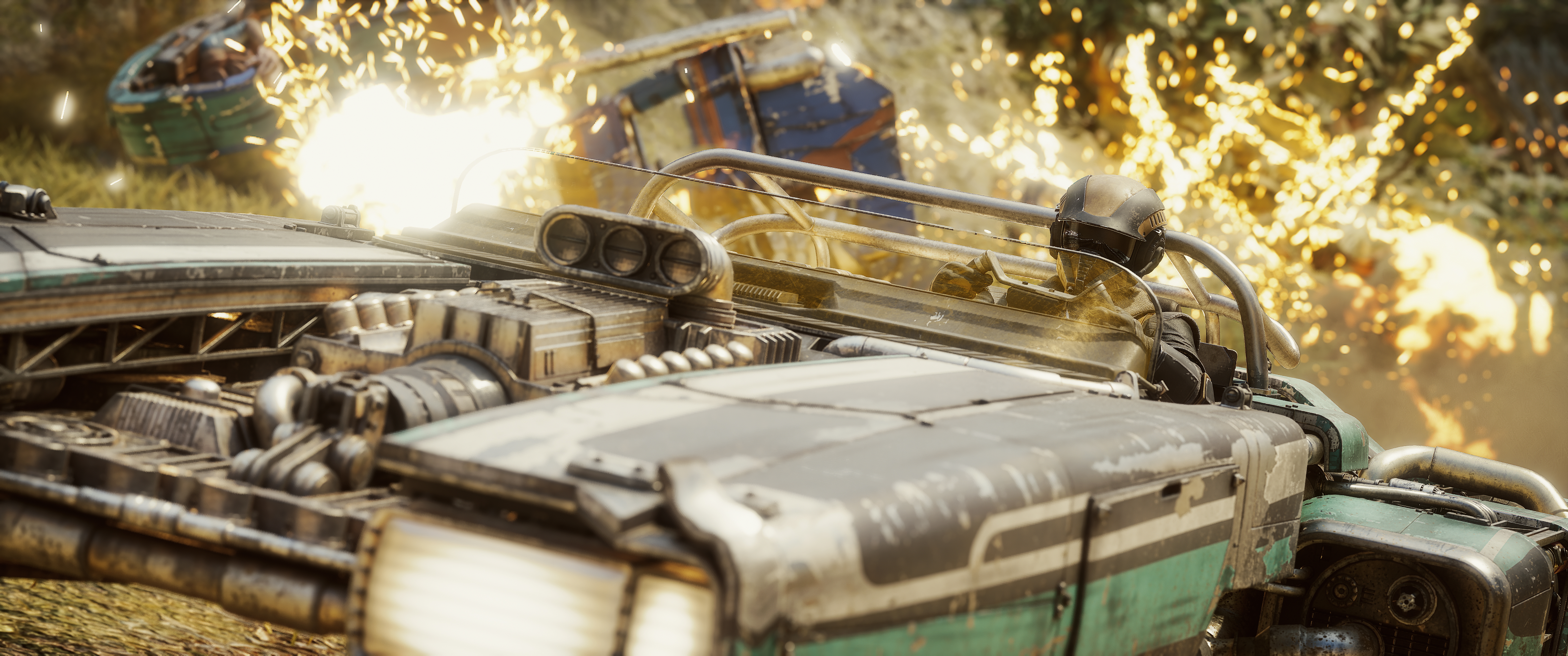

Fuse Games has built the podracer we have wanted since 1999, and the racing lives up to every second of it. The question is whether the photo mode can hold on to that feeling once everything stops moving.
In this review
This is everything I wanted from a podracing game. The hard part is getting any of that speed into a still.
CoalaTV
Star Wars: Galactic Racer is the podracer I have been waiting for since 1999, and Fuse Games has not missed a detail. The engines, the cabling, the heat coming off the turbines, the way a machine sits in its own shadow on the Mos Espa start line. It looks and sounds like the thing we all watched in the cinema.
The campaign is run based, so each tour sends you through a different chain of races across seven worlds. Jakku, Tatooine, Crait, Ando Prime, Lantaana, Sentinel One and the Derven Acos arena. Each one changes how your machine behaves as well as how it looks. Desert heat brings your Ramjet to the boil faster, Ando Prime's ice stiffens your steering, and the acid on Sentinel One eats at the bodywork while you drive. You race podracers, landspeeders, speeder bikes and skim speeders, and they all handle differently.
The Garage Is a Photographer's Tool
This is the part I did not expect to care about as much as I do.
Customisation is deeper than it needs to be. You pick a model first, and some classes carry more than ten body variants. Then you swap individual parts: front cowling, wings, left and right engines, rear thruster, side panels. Then the livery, where you choose a pattern, push the paint hue wherever you want it, and set a surface finish anywhere between polished and weathered.
That last slider is the one. Deciding how beaten up your machine looks is choosing your subject's character before you ever open the camera. A polished skim speeder on Crait's red salt and a rust-worn podracer on Tatooine are two completely different photographs, and both of them are yours to set up in advance. Very few racing games hand you that.
One catch worth knowing. The garage only opens on the vehicle selection screen at the start of a new Campaign Tour. You cannot change anything mid-run, so if you are building a machine to shoot, build it before you set off.
Getting Into Photo Mode
The game ships with a photo mode, which I was not expecting. It covers the basics and it lets you capture the racing, which is the main thing.
Getting in means pausing, and that is more of a problem than it sounds. Afterburner runs on the excess heat your machine has already built up. Ramjet is quicker but actively cooks the engine, and lean on it too long and your vehicle is gone. You switch between them with a click of the right stick while you are also steering and watching your heat.
Reaching for pause in the middle of that is not a natural movement, and the moment you wanted has usually passed by the time you are in. A dedicated photo mode button, the way most racers do it, would make a real difference here.
Set These Up Before You Shoot
Two bits of housekeeping, and the first one applies to everybody.
Turn Off Full Screen Effects
In Settings, Visuals there is a toggle called Full Screen Effects, switched on by default. It draws your status effects onto the edges of the frame. Frozen, Concussed, and the rest of them.
Race on Ando Prime and your machine ices over, and so do the borders of your screen. That frost can take up something like 40 percent of the picture, and it lands in every shot you take there.
This should not be something you have to go hunting for. Either photo mode strips gameplay overlays on its own when it opens, or the toggle lives inside photo mode where a photographer will find it. Sending people into the graphics menu before they can take a clean picture is a step that should not exist.
ReShade and the Depth Buffer, on PC
If you shoot with ReShade, set the depth buffer up before anything else, because nothing depth-aware will behave until you do. These are the global values I am running:
| Game name | Star Wars: Galactic Racer |
| Reversed depth buffer | 1 |
| Upside-down depth buffer | 0 |
| Logarithmic depth buffer | 0 |
| Depth linearization far plane | 1000.0 |
With those in, the buffer reads correctly. Check it on the normals view before you start layering shaders over the top.
Triangle Opens It, Circle Closes It
Worth knowing before you go any further, because it cost me a lot of work.
On the camera screen the buttons make sense. Triangle for Settings, Cross to hide the UI, Square to take the photo, Circle to leave.
Go into Settings and they move. There is a per-setting reset in there, which is genuinely useful and lets you undo one slider without losing everything else, and it is mapped to Triangle. Triangle is the button that opened Settings in the first place.
So you go in with Triangle, you finish, and you press Triangle to come back out. Except closing is Circle, and Triangle is now reset. I wiped a lot of carefully set values before that stuck.
A button that opens a screen should close it, and a destructive action should not inherit that button one level down. This is the cheapest fix on the whole list.
The Camera
Photo mode opens on the camera itself, with Fine Controls Enabled showing in the corner. Leave it on for close work. Switch it off and the camera moves at a proper travelling speed. Having both without going into a menu is a good call.
Moving the camera is straightforward and nothing fights you. Range is tighter than I would like, and there were compositions I could see and could not reach.
Collision is on and there is no way to turn it off. If a machine or a rock sits between you and the shot, you are going around it. For a game where the subject is a vehicle you want to get close to, a no-clip toggle would open up a lot.
Square takes the picture without leaving the camera. The files come out clean, with no watermark or logo in the corner, and on PC they land in %localappdata% under Star Wars Galactic Racer > Saved > Screenshots > Windows.
Here is the real problem with this screen: you cannot finish a composition on it. Field of view and camera roll are not here. They sit in the Settings menu behind Triangle. So you place the camera, go into another screen to pick your focal length and your angle, then come back and find your framing has shifted. Composing turns into a loop between two screens instead of one continuous decision, and the rule of thirds grid is a third screen away in the Overlay tab.
Lens and Depth of Field
This is the part I would most like the team to revisit.
Focal length comes as four fixed lenses rather than a slider:
| 12mm | f/2.8, the wide one |
| 30mm | f/1.4, the fast one |
| 50mm | f/1.8, the natural one |
| 105mm | f/2, the long one |
Each lens sets its own widest aperture and the Aperture slider moves within that. With only four to choose from and nothing in between, you end up picking the nearest one and walking the camera to make up the difference.
The bigger issue is that you cannot place your focus. The sharp plane sits near the centre of the frame and there is no way to move it. If your subject is off to one side, which it usually is in a decent composition, your only option is to point the camera at it, and now you are not shooting the picture you came for.
The Aperture slider changes how much blur you get. It cannot change where the sharp plane sits. Those are two different controls and only one of them is here, which is why aperture on its own does not rescue the situation.
A focus distance slider, or a focus point you can push around the frame, would change this photo mode more than any other single addition.
Camera roll works and it reads in degrees, so you can dial an exact angle or go to 90 degrees for a portrait. It is just slow. Holding the button winds it round at a fixed crawl. Let it accelerate while held, or give us a 90 degree preset.
One more, and I have only seen this on my own setup: on a PS5 controller I could not navigate the settings with the D-pad, only upward. The left stick worked fine throughout. Worth checking on other hardware before anyone calls it a bug.
The Editing Tabs
Three more tabs behind the settings menu. None of them are deep, and all of them do what they say.
Colour
Gain, Saturation, Contrast and Gamma. Gain reads as brightness in practice. The four together will get a flat capture into decent shape, though there is no temperature or tint, so a cold Ando Prime shot and a warm Tatooine one get the same set of levers.
Effects
Sharpen is the best thing on this tab, and it is worth being specific about why. Plenty of photo modes ship a sharpening slider that goes to crunchy halos the moment you touch it, and you end up never using it. This one holds together. Podracers are covered in cabling, panel seams and vents, and you can push it far enough to bring all of that forward without the image falling apart.
Vignette is standard and does the job.
Bloom Intensity earns its place in this game specifically. Engine glow, the twin suns, a fireball going off behind the pack. Pushing bloom is how you get that hot, hazy look without touching anything else.
Bloom Scattering I could not get a visible result from, even maxed out. It may be doing something subtle my eye is missing, but from a still I could not see it earning its slider.
Overlay
Rule of Thirds on or off, and as above, this wants to live on the camera screen.
Game Logo drops the Galactic Racer mark into the frame, fixed to one corner. A position option would make it usable in more compositions.
Cinematic Bars on or off.
Centre Focal marks the middle of the frame. Past that I have not worked out what it is for.
Four Things That Would Transform This
In the order I would want them.
A focus distance slider, or a point you can move around the frame. Everything else on this list is an improvement. This one is the difference between a photo mode you work around and one you compose with.
Galactic Racer is a game about speed and the photo mode has no way to show it. A machine at full Ramjet looks identical to one sitting on the grid. Racing photography lives on motion: a panned shot with the background streaking, a thruster smeared while the body stays sharp. A per-object or directional blur would put the speed back in the frame, and for a racer this is the feature, not a nice to have.
It is workable but tight. PC players have a stopgap, since this mod on Nexus extends it. Console players are on the stock camera with no way around it, which is exactly why it belongs on this list.
Let it accelerate while the button is held, or add a 90 degree preset. Small fix, and it comes up on every portrait.
Verdict
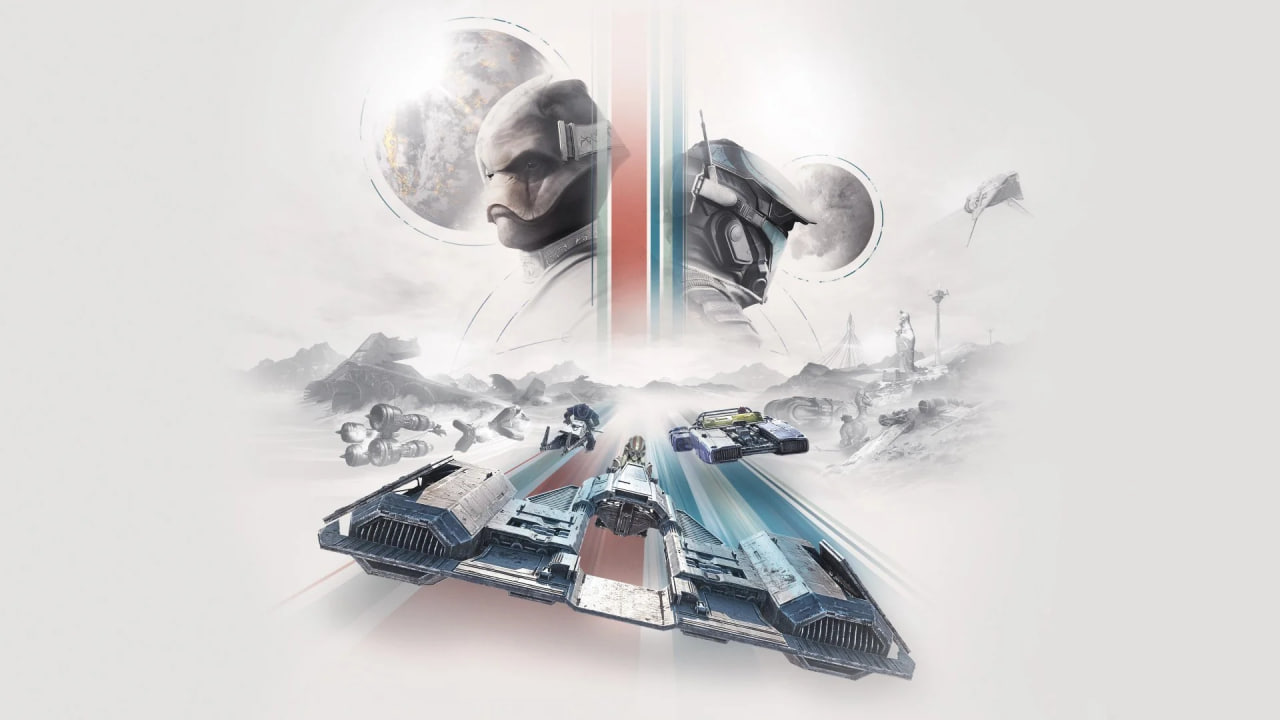
A superb podracer with a basic photo mode, and a short list of fixes standing between the two.
Let me be clear about the game, because the score is for the camera and not the racing. Galactic Racer is superb. Fuse Games has built the podracing experience Star Wars fans have been asking about for a quarter of a century, the customisation is deep enough to let you build the subject you want to shoot, and the craft in it holds up to the kind of staring photographers do. Play it.
The photo mode is basic. The bones are good: a free camera, four lenses with real apertures behind them, a sharpening slider that genuinely works, and clean uncompressed captures with nothing stamped on them. But a focus point you cannot move, four focal lengths with nothing in between, a composition split across three screens and no motion blur in a racing game add up to a toolset you work around rather than build with.
None of that is hard to fix, and a team that modelled these machines this carefully is not going to struggle with any of it. What I want is to take a weathered podracer back to Mos Espa at golden hour, put the twin suns behind it, and choose for myself what is sharp. Right now I can get most of the way there. The last stretch is up to Fuse Games.
Reviewed on PC with a PS5 controller. Key provided by PLAION ANZ.