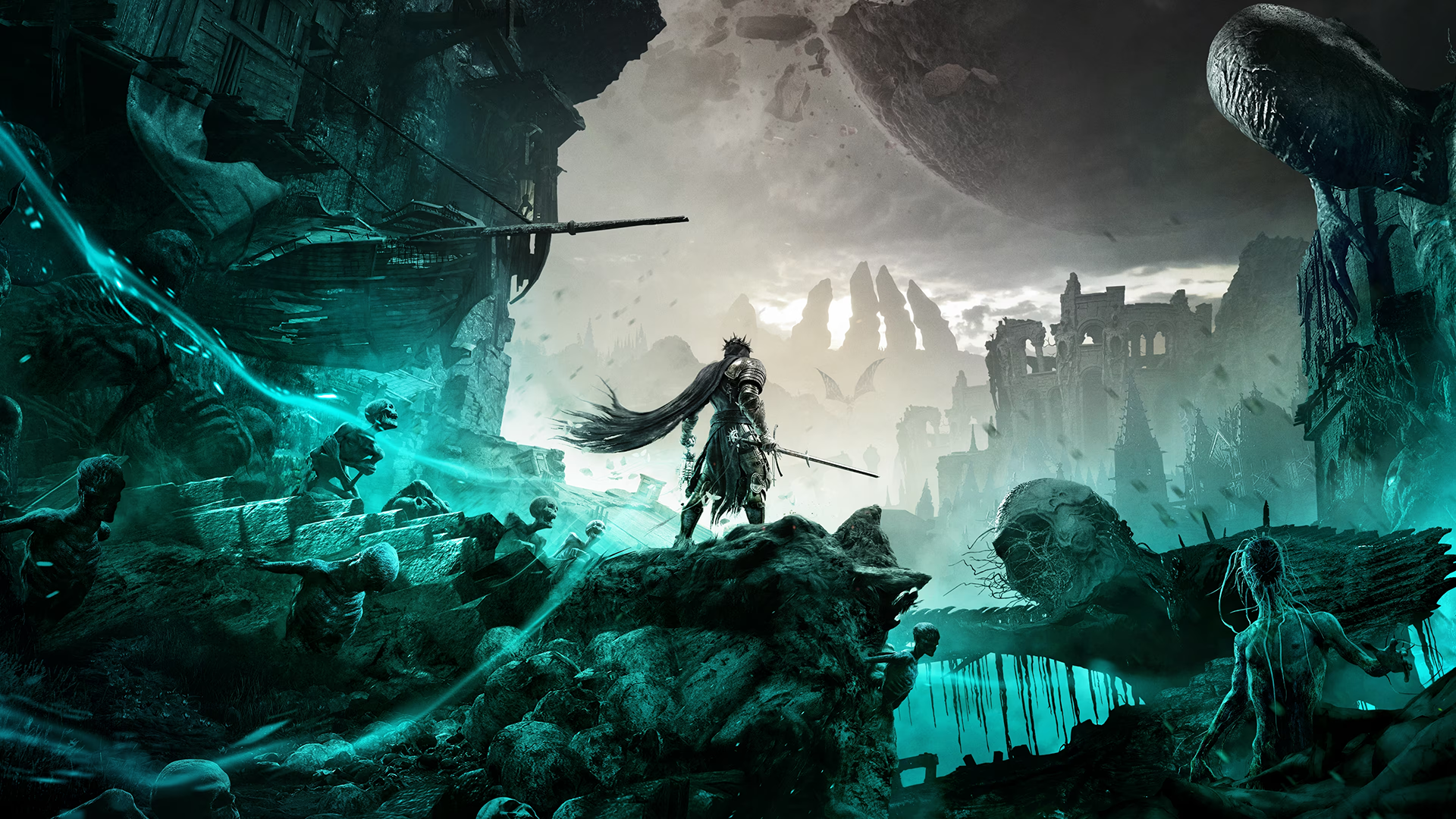
A brutal, gothic Soulslike hides a thoughtful camera behind an access menu that seems determined to keep you away from it. The 3D scene save is the reason to persist.
In this review
The 3D save is an amazing feature, and I really do hope it makes a return in the sequel, along with some fine-tuning of what we already have.
KeenEyeVP
Getting In Is the First Problem
Typical of games in the Soulslike genre, you either don't get a photo mode at all, or you get one that's cumbersome to reach, and the game keeps running the whole time you're trying to find it. Lords of the Fallen falls squarely into the second camp. Getting into the camera means opening the menu, tabbing across, and pressing the left stick, all while combat, patrols and hazards continue in real time around you. It's a small sequence of inputs on paper, but in practice it all but eliminates any chance of catching a split-second moment mid-fight.
A clunky path to the camera is forgivable if the game at least pauses once you're there. Lords of the Fallen doesn't offer that safety net, and it's a decision that shapes almost everything else about how the mode feels to use. If a game is willing to pause for its photo mode, there's no good reason not to pause the instant the menu opens. The usual counterargument is that pausing mid-boss-fight hands the player an advantage, but that's never rung true in practice. Freezing the action breaks the flow and momentum you have in the fight you're in, and the longer you spend framing it, the more likely you are to forget which attack you paused in the middle of.
A Capable Camera, Once You're In
Once you're actually inside the mode, the tools on offer are reasonably complete. The camera moves freely through a full 360 degrees, with field of view and camera roll both mapped to the D-pad, and a dedicated raise-and-drop control on the bumpers. It's a setup that feels natural to work with almost immediately, even if the effective range is on the tighter side. Around 10 metres, or 32 feet, which is enough for close and mid-range compositions but starts to feel restrictive the moment you want to pull back for anything wider.
The standout addition, and the one thing here that sets this photo mode apart, is the ability to save an entire 3D scene instead of a flat image. Pressing the left stick from the camera settings screen locks in the whole moment, geometry, lighting, character poses and all, and stores it in the main menu, where it can be reopened at any time with every camera and settings option still fully live.
It's the kind of feature that makes you wonder why it hasn't become standard. Static screenshots are useful, but the ability to walk back into a scene days later and re-shoot it from scratch is something no other photo mode has matched since.
The Grading Suite Does the Basics Well
The settings tabs cover familiar ground competently. Fourteen preset filters, each with its own intensity slider, sit alongside an image-grading tab for brightness, temperature and hue, and a separate colour-balance tab for saturation, contrast and gamma. None of it reinvents the format, but all of it works cleanly, and there's enough range here to land a consistent look across a set of shots without much fuss.
Screen effects are a mixed bag. Chromatic aberration and film grain don't appear to do anything at all, even after toggling their corresponding graphics settings on and off. As someone who rarely reaches for either effect anyway, that's a shrug from me. The vignette, at least, behaves exactly as expected.
Depth of Field Is the Weak Link
Depth of field is the one system here that needs another pass. Autofocus is a toggle, and switching it on locks out Focus Distance entirely, leaving the focus pinned to the centre of the frame. That limits how useful it is in anything but the simplest composition.
Turn Autofocus off and the manual sliders are all there. Focus distance, aperture in real f-stops, sensor width in millimetres. They're still difficult to use for anything other than tight close-ups, and even in those the result reads less like a camera blur and more like a hazy overlay sitting on top of the image. It's messy enough that it's the one tool in the entire mode I found myself avoiding outright. If there's a single system worth rebuilding for the sequel, this is it.
Character and Framing Controls
The character tools are simple but well covered, with separate toggles to hide NPCs and the player character independently, plus a player rotation slider paired with a look-at-camera option for anyone wanting a more posed, portrait-style shot.
Framing options round things out with black bar overlays for a cinematic aspect ratio, complete with independent size and RGB colour sliders for the bars themselves, and a single game-logo watermark with its own size, angle, and position controls.
Verdict
A strong toolset let down by how hard it is to reach.
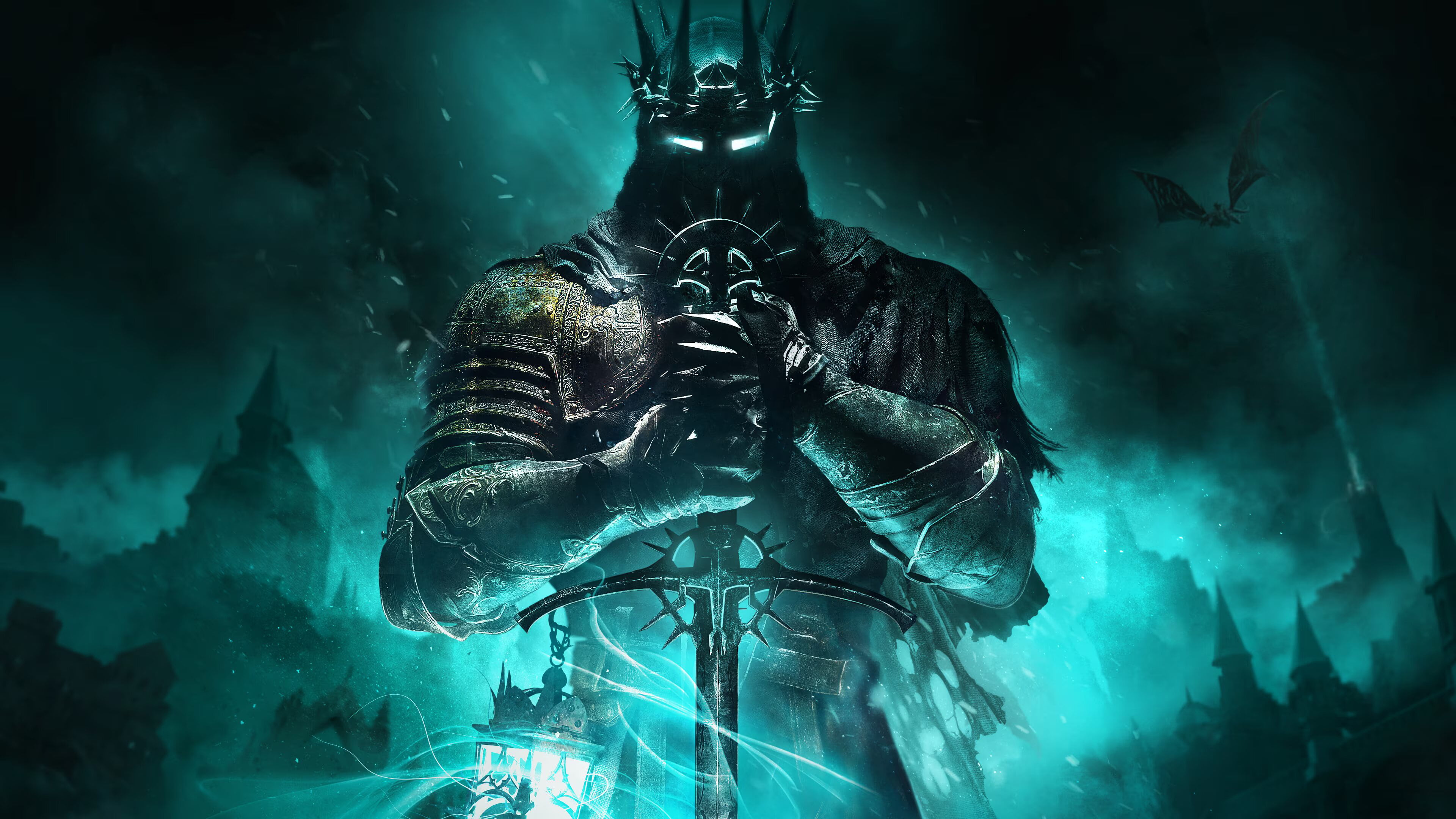
Taken as a whole, Lords of the Fallen's photo mode has most of what you'd want from the format. It's just short on polish in a couple of specific places. The depth of field system and the lack of an immediate pause are the two that stand out, and both feel like fixable problems instead of fundamental design flaws.
The 3D scene save is an excellent idea executed well, and it's the feature I most hope survives and gets built on in a sequel. Dynamic lighting tools have become a fixture of strong photo modes lately, and their absence here is the clearest opportunity for Lords of the Fallen II to close the gap.
What holds this one back is everything surrounding its strengths. A menu path slow enough to cost you the shot you wanted, and a depth-of-field system that can't be trusted outside close-ups. None of it undoes the good ideas here, but it's exactly the kind of friction a sequel should be built to remove.
Reviewed on PC.